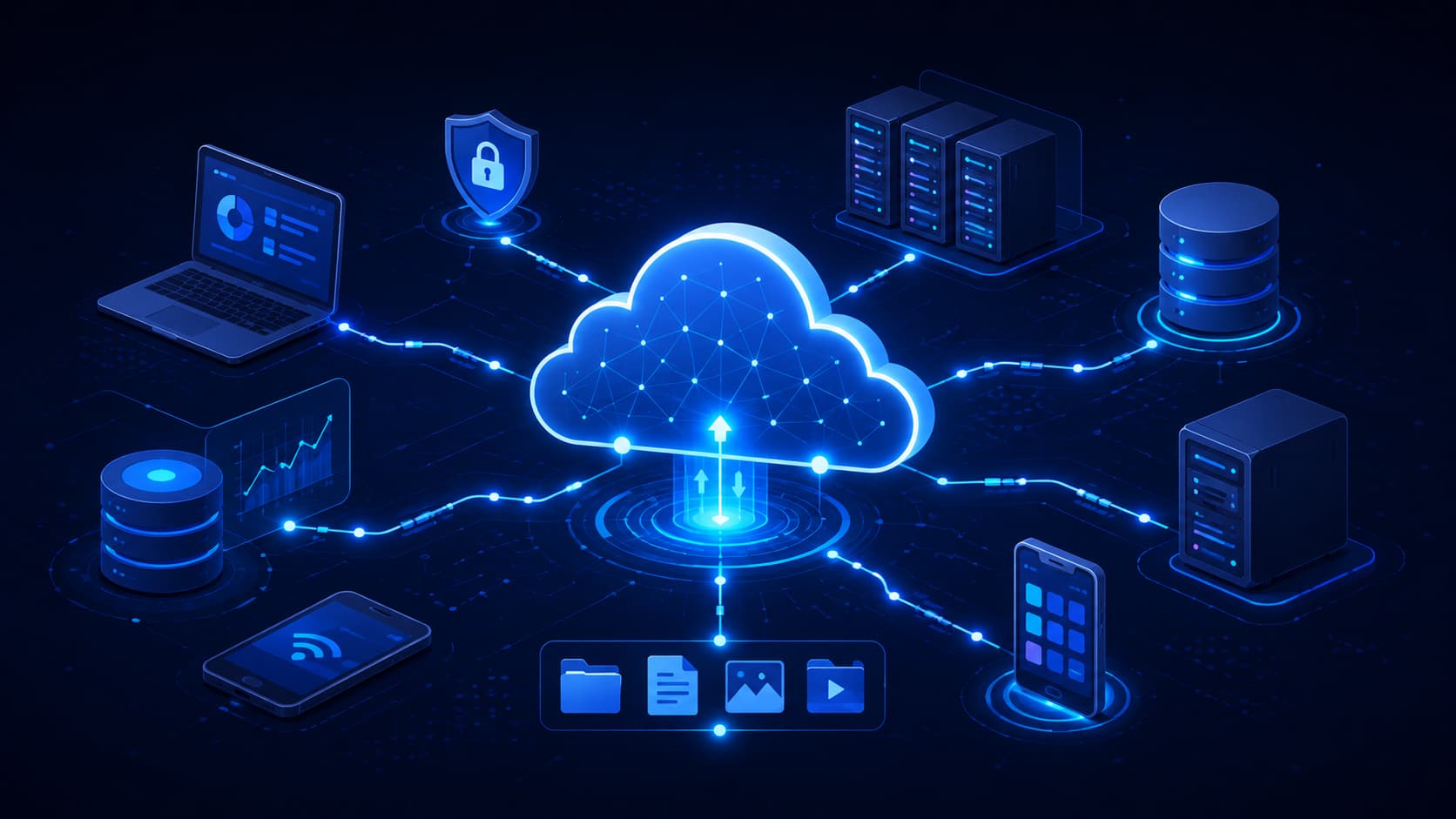
Cloud computing is one of those technologies that millions of people rely on every day without thinking about it.
You check your email before work.
Your phone automatically backs up photos while you sleep.
You stream music on your commute.
You join a video meeting from your laptop.
Behind each of these everyday activities is cloud computing.
Despite being such a common part of modern life, the term "cloud computing" often sounds more complicated than it really is. Many people assume the cloud is an advanced technology used only by IT professionals or large corporations.
In reality, the concept is surprisingly straightforward.
Cloud computing simply allows you to access computing resources over the internet instead of relying entirely on your own device. Those resources may include storage, software, databases, networking services, or computing power, all managed by specialized providers operating secure data centers.
Instead of installing every application on your computer or storing every file on your local hard drive, you can access what you need whenever you have an internet connection.
This shift has fundamentally changed how people work, learn, communicate, and run businesses.
Today, understanding cloud computing isn't just useful for IT professionals—it's becoming an essential part of digital literacy, much like understanding how the internet or email works.
What Is Cloud Computing?
Cloud computing is the delivery of computing services over the internet.
These services include a wide range of digital resources, such as:
- File storage
- Virtual servers
- Databases
- Networking
- Software applications
- Analytics tools
- Computing power
Rather than purchasing expensive hardware and maintaining everything yourself, you simply use resources that are provided and managed by a cloud service provider.
You access only what you need, whenever you need it.
This approach offers far greater flexibility because your data and applications are no longer tied to a single computer or physical location.
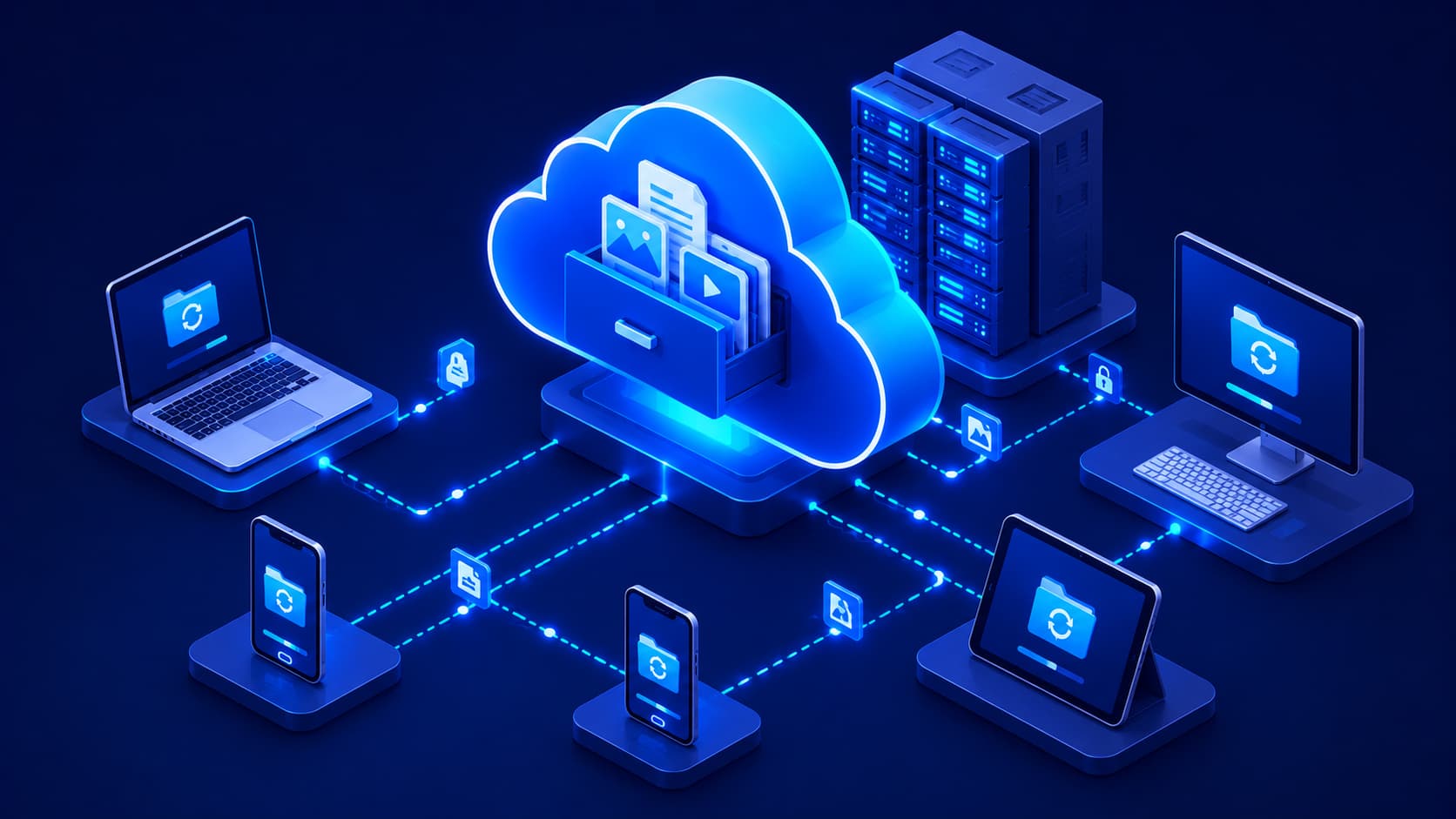
Whether you're using a smartphone, tablet, laptop, or desktop computer, your files and services can remain synchronized across multiple devices.
Why Cloud Computing Changed Everything
Before cloud computing became widely available, software and files usually lived on a single computer.
If that computer failed, was lost, or wasn't nearby, accessing your information could become difficult—or even impossible.
Cloud computing solved many of these limitations.
By storing resources on remote infrastructure connected to the internet, users can securely access their information from virtually anywhere.
This flexibility has made cloud computing one of the most important technologies supporting today's digital economy.
Editorial Insight
Cloud computing isn't a single product or application. Instead, it's a method of delivering technology as an on-demand service. Whether you're saving a document online or running an enterprise application, you're benefiting from the same fundamental concept: accessing computing resources over the internet instead of relying entirely on local hardware.
Why Is It Called "The Cloud"?
One of the biggest sources of confusion is the name itself.
Your files aren't floating somewhere in the sky.
The word "cloud" is simply a convenient way to represent the internet.
For many years, network engineers used a cloud-shaped symbol in technical diagrams whenever they wanted to represent systems located outside a local network.
Over time, that symbol became part of everyday language.
Today, when someone says a document is stored "in the cloud," they simply mean it's stored on remote servers connected to the internet.
Those servers are housed inside highly secure data centers distributed around the world. Most users never need to know their exact location.
The important point is that the information is available whenever it's needed.
What Actually Happens When You Save a File?
Imagine you upload a vacation photo to a cloud storage service.
Instead of remaining only on your phone, the file is securely transferred across the internet to remote servers managed by the cloud provider.
Later, when you open the same photo on your laptop or tablet, your device retrieves it from those servers almost instantly.
From your perspective, it feels like the file simply follows you wherever you go.
Behind the scenes, however, sophisticated cloud infrastructure is handling storage, synchronization, redundancy, and security.
Best Practice
It's helpful to think of the cloud as someone else's professionally managed computer infrastructure that you can securely access over the internet whenever you need it.
How Does Cloud Computing Work?
Although cloud computing powers many of the world's largest digital services, the basic process is surprisingly easy to understand.
Imagine opening an online document from your laptop.
Instead of loading the file from your computer's internal storage, your device sends a request through the internet.
That request reaches a remote server where the document is stored.
The server processes your request and sends the information back to your screen within moments.
From your perspective, everything appears almost instantaneous.
Behind the scenes, however, powerful servers are handling tasks such as:
- Data storage.
- Processing.
- Security.
- Automatic backups.
- Network management.
This allows your own device to focus primarily on displaying the information rather than managing the entire computing infrastructure.
Why Your Device Doesn't Have to Do Everything
One of the biggest advantages of cloud computing is that many demanding tasks are performed remotely.
For example:
- Your laptop doesn't have to store every document locally.
- Your phone doesn't need enough storage for every photo you've ever taken.
- Your computer doesn't always need powerful hardware to access cloud-based applications.
Instead, much of the heavy work happens inside professionally managed data centers.
This makes modern digital services more accessible across a wide range of devices, including smartphones, tablets, and lightweight laptops.
Everyday Examples of Cloud Computing
One of the easiest ways to understand cloud computing is to look at the services many people already use every day.
You may be using cloud computing dozens of times without even realizing it.
Cloud Storage
When you save photos to services like Google Photos or Apple iCloud, your images aren't stored only on your phone.
Instead, they're securely synchronized to remote servers connected to the internet.
This provides several advantages:
- Your photos remain available if you switch devices.
- Files can often be recovered if your phone is lost or damaged.
- Storage can be expanded without replacing your device.
Streaming Services
When you watch a movie on Netflix or listen to music through a streaming platform, the content isn't permanently stored on your device.
Instead, it's delivered from cloud infrastructure whenever you press play.
This allows users to access massive libraries of content without downloading everything in advance.
Online Collaboration
Cloud computing also makes teamwork much easier.
When several people edit the same online document simultaneously, everyone is working with the same file stored in the cloud rather than emailing multiple versions back and forth.
This real-time collaboration has become essential for:
- Remote work.
- Online education.
- International teams.
- Business projects.
Other Everyday Cloud Services
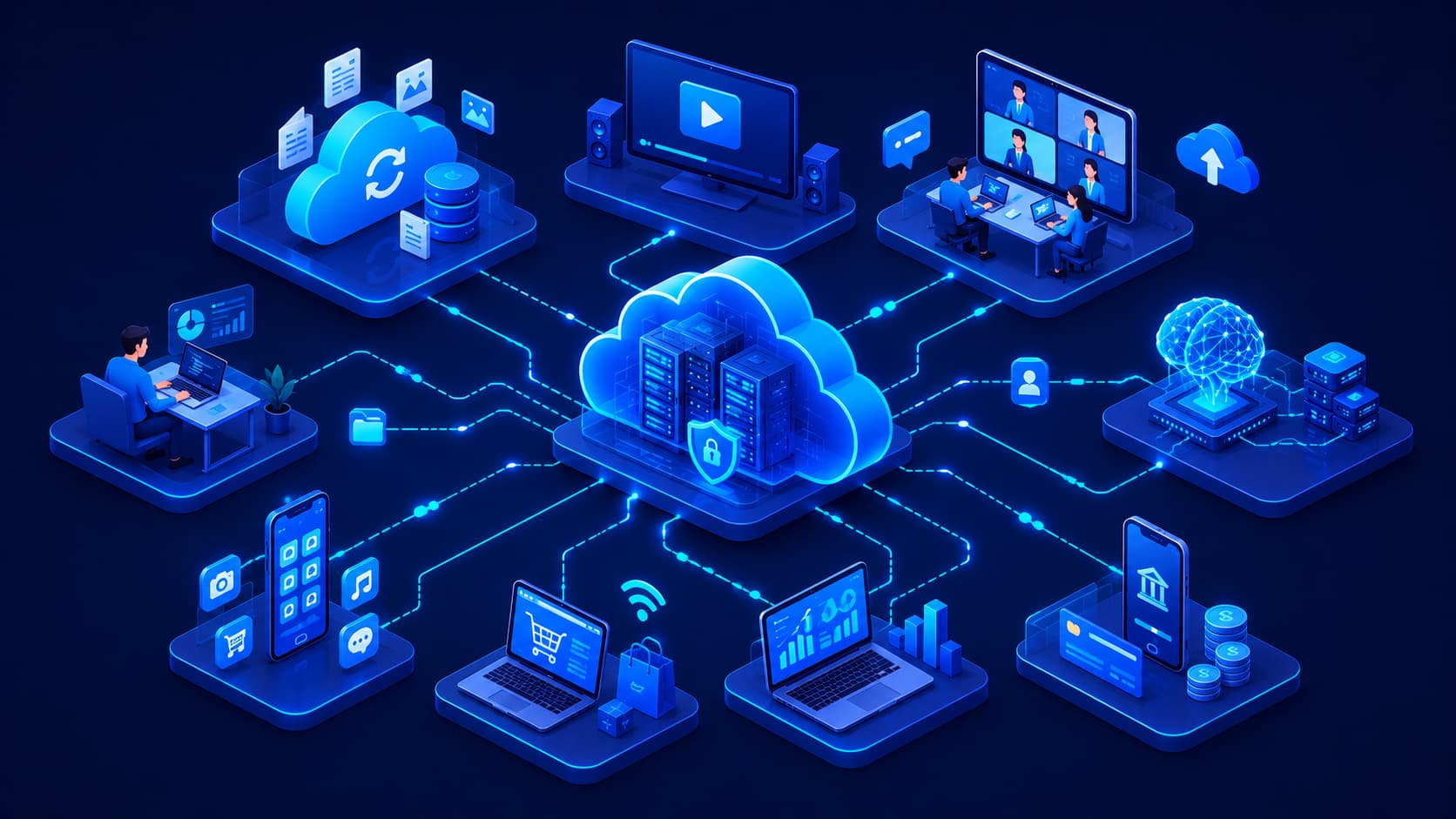
Many familiar digital services also depend on cloud computing, including:
- Online email.
- File-sharing platforms.
- Backup services.
- Video conferencing tools.
- Online productivity software.
Although users rarely see the underlying infrastructure, cloud technology quietly powers much of today's digital experience.
Editorial Insight
One reason cloud computing feels almost invisible is that it works behind the scenes. Users simply open an app or website, while complex networks of servers handle storage, synchronization, processing, and availability without requiring any technical knowledge.
Benefits of Cloud Computing
Cloud computing has become the preferred choice for individuals, startups, and large organizations because it provides flexibility that traditional computing often struggles to match.
Easy Scalability
One of the biggest advantages is scalability.
Instead of purchasing expensive hardware before knowing how much capacity you'll need, cloud services allow you to increase or decrease resources as your requirements change.
For individuals, this means storing more files without buying larger hard drives.
For businesses, it means launching new applications or supporting additional users without constantly purchasing new physical servers.
Access From Anywhere
Because your data is stored online rather than only on one device, you can often access it from almost anywhere with an internet connection.
Whether you're using:
- A laptop at work.
- A tablet while traveling.
- Your smartphone at home.
your files and applications can remain synchronized across multiple devices.
This flexibility has become especially valuable for remote work and hybrid workplaces.
Greater Reliability
Another major advantage is reliability.
Most cloud providers operate multiple data centers in different geographic regions.
If one location experiences a technical issue, traffic can often be redirected to another facility, allowing services to remain available with minimal disruption.
This level of redundancy would be difficult and expensive for many organizations to build on their own.
Automatic Backups
Cloud services also simplify data protection.
Instead of manually copying files to external drives, many cloud platforms automatically synchronize and back up important information.
If a device is lost, stolen, or damaged, recovering important files is often much easier than relying solely on local storage.
Best Practice
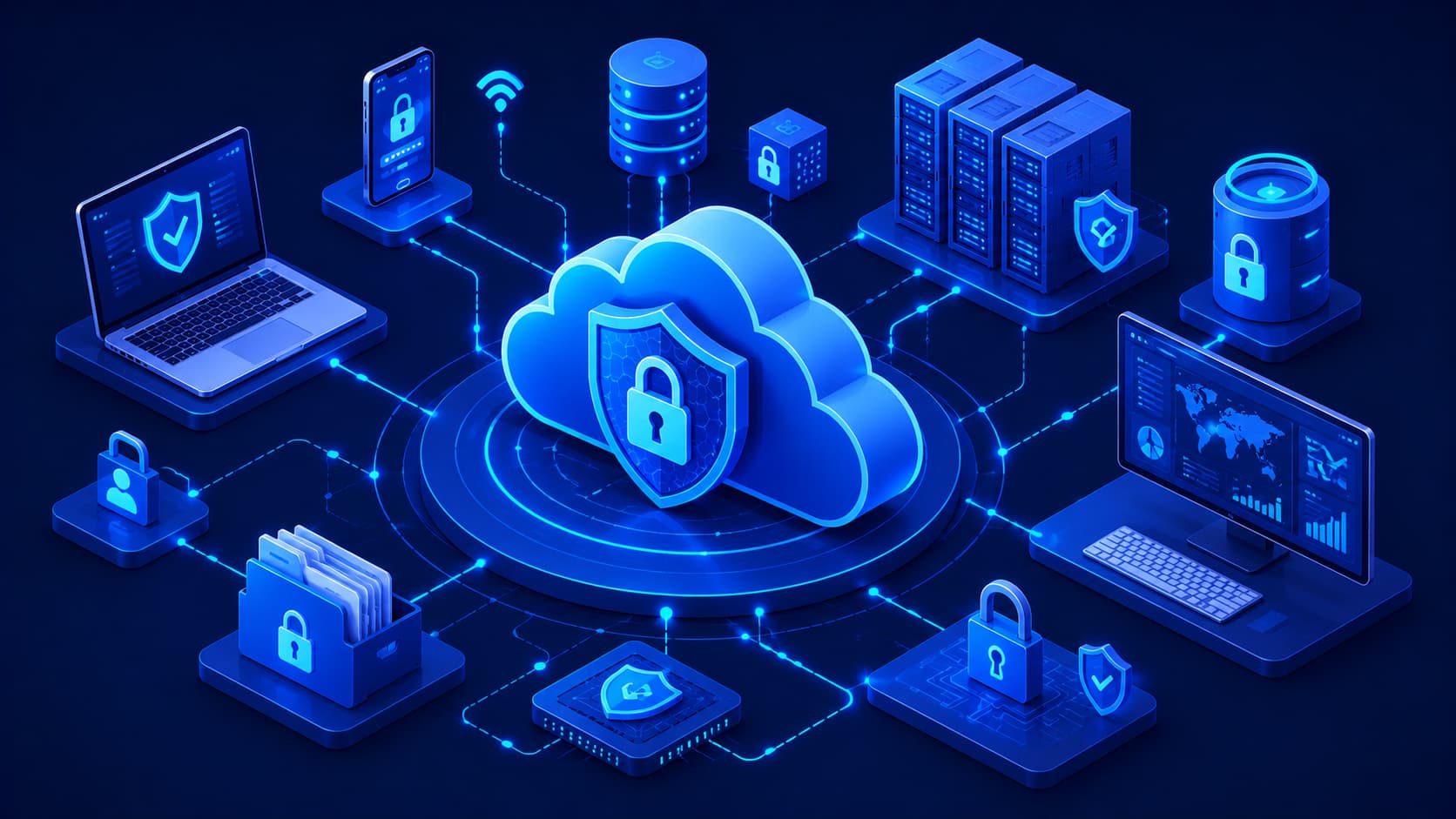
Cloud services provide excellent convenience, but they're most effective when combined with good security habits. Regularly reviewing your backups, protecting your account with strong passwords, and enabling multi-factor authentication all help keep your data secure.
Are There Any Disadvantages?
Although cloud computing offers many benefits, it isn't perfect.
Like every technology, it has limitations that users should understand before relying on it completely.
Internet Dependence
One of the biggest limitations is the need for a reliable internet connection.
Without internet access, many cloud-based applications become slower—or may not work at all.
For users in areas with unstable connectivity, this can affect productivity and access to important files.
Privacy and Security Concerns
Another common concern involves privacy.
When files are stored on remote servers, users naturally want to know:
- Who can access their information?
- How is it protected?
- What happens if a security incident occurs?
According to the source material, reputable cloud providers invest heavily in security, encryption, and regulatory compliance. However, users also play an essential role in protecting their own accounts.
Simple practices such as using strong passwords, enabling multi-factor authentication (MFA), and carefully managing account permissions significantly improve account security.
Costs Can Grow Over Time
Many cloud services begin with affordable pricing or even free plans.
However, costs can increase as your storage, bandwidth, or computing requirements expand.
For businesses in particular, understanding pricing models is an important part of managing cloud resources efficiently.
Editorial Insight
Cloud computing often reduces upfront hardware costs, but it's important to monitor ongoing subscription and usage expenses. Organizations that actively manage their cloud resources typically achieve better long-term value than those that simply add more services over time.
Who Uses Cloud Computing?
One of the biggest reasons cloud computing has grown so rapidly is its versatility.
It isn't designed for just one type of user—it supports people and organizations across nearly every industry.
For example:
- Students synchronize assignments across multiple devices.
- Professionals collaborate on shared documents.
- Small businesses host websites and manage customer data.
- Large enterprises operate applications used by millions of customers worldwide.
- Governments, hospitals, universities, and research organizations rely on cloud services to deliver secure and scalable digital solutions.
Regardless of the industry, the goal is often the same:
To reduce the complexity of managing technology while improving accessibility, flexibility, and reliability.
Why Businesses Are Moving to the Cloud
Over the past decade, organizations of every size have increasingly moved away from maintaining large amounts of on-premises hardware.
This shift isn't simply about following a technology trend.
For many businesses, cloud computing provides practical advantages that improve efficiency, reduce complexity, and support long-term growth.
Faster Deployment
Traditional IT infrastructure often requires organizations to purchase, install, and configure new servers before expanding their services.
This process can take days or even weeks.
Cloud computing dramatically shortens that timeline.
Instead of waiting for new hardware, businesses can often deploy additional computing resources within minutes.
This flexibility allows companies to respond much more quickly to changing customer demands and business opportunities.
Better Collaboration
Modern businesses rarely operate from a single office.
Employees may work from different cities—or even different countries.
Cloud platforms make collaboration much easier by allowing teams to access the same applications and shared data regardless of their physical location.
This supports:
- Remote work.
- Hybrid workplaces.
- Global teams.
- Real-time collaboration.
Instead of sending multiple versions of the same file through email, everyone can work from a single shared version stored in the cloud.
Reduced Infrastructure Management
Cloud platforms also simplify many technical responsibilities that once required dedicated IT teams.
For example, cloud providers often help organizations manage:
- Software updates.
- Disaster recovery planning.
- Infrastructure maintenance.
- System availability.
By reducing the amount of time spent maintaining hardware, businesses can focus more on:
- Developing new products.
- Improving customer experiences.
- Growing their operations.
Editorial Insight
For many organizations, moving to the cloud isn't about eliminating servers—it's about reducing the effort required to manage them. By outsourcing much of the underlying infrastructure, businesses can devote more time and resources to innovation rather than routine maintenance.
Common Misconceptions About Cloud Computing
Because cloud computing has become such a familiar term, several misunderstandings continue to circulate.
Understanding these misconceptions helps people make more informed decisions about when and how to use cloud services.
"Cloud Storage Isn't Secure"
One of the most common myths is that files stored in the cloud are automatically less secure than files stored on a personal computer.
In reality, security depends on many different factors, including:
- How the cloud service is managed.
- The provider's security practices.
- How well users protect their own accounts.
Reputable cloud providers invest heavily in technologies such as encryption, security monitoring, and access controls.
However, users also share responsibility by following good security practices.
"Only Large Companies Use the Cloud"
Another misconception is that cloud computing is designed only for large enterprises.
Today, cloud services are used every day by:
- Individuals.
- Students.
- Freelancers.
- Small businesses.
- Large organizations.
Whether you're backing up personal photos or operating a global e-commerce platform, cloud computing can provide valuable services.
"Everything Moves to the Cloud"
Some people assume that moving to the cloud means their computer no longer stores any information locally.
In practice, many modern applications combine local storage with cloud synchronization.
This hybrid approach provides both speed and convenience.
Frequently used files may remain available on your device while automatically synchronizing with cloud storage in the background.
Best Practice
Cloud computing works best when users understand both its capabilities and its limitations. Rather than replacing every aspect of local computing, cloud services often complement traditional devices by providing greater flexibility, synchronization, and accessibility.
Frequently Asked Questions
What Is Cloud Computing in Simple Terms?
Cloud computing is the delivery of computing services—such as storage, software, and processing power—over the internet instead of relying entirely on your own computer.
Do I Use Cloud Computing Every Day?
Most likely, yes.
Services such as:
- Online email.
- Cloud storage.
- Streaming platforms.
- Video conferencing.
- Collaborative document editing.
all rely on cloud computing in some way.
Is Cloud Computing Safe?
Cloud computing can be highly secure when provided by reputable companies that invest in encryption, continuous security monitoring, and regular system updates.
Users also play an important role by using strong passwords and enabling multi-factor authentication.
What's the Difference Between Cloud Storage and Cloud Computing?
Cloud storage is just one service offered through cloud computing.
Cloud computing is the broader concept that includes:
- Storage.
- Virtual servers.
- Databases.
- Networking.
- Software applications.
- Many other internet-based computing services.
Why Is Cloud Computing Important?
Cloud computing makes technology more flexible, scalable, and accessible.
It enables individuals and organizations to use powerful computing resources without purchasing and maintaining their own hardware infrastructure.
Conclusion
Cloud computing has transformed how people use technology, often without them even noticing.
From storing photos and streaming entertainment to supporting business applications and enabling global collaboration, cloud services have become an essential part of everyday digital life.
At its core, cloud computing is based on a simple idea:
Instead of relying entirely on your own device, you access computing resources over the internet whenever you need them.
That simple shift has made technology:
- More flexible.
- More scalable.
- More accessible.
As digital services continue to evolve, cloud computing will remain one of the key technologies driving innovation across industries.
Whether you're an everyday internet user, a student beginning your technology journey, or someone considering a career in IT, understanding the fundamentals of cloud computing provides a strong foundation for exploring many of today's most important digital technologies.
Final Takeaway
Cloud computing isn't just about storing files online.
It's a modern approach to delivering technology that gives people and organizations access to powerful computing resources without the complexity of managing everything themselves.
As more applications and services move to the cloud, understanding how cloud computing works will become an increasingly valuable skill in both everyday life and the modern workplace.