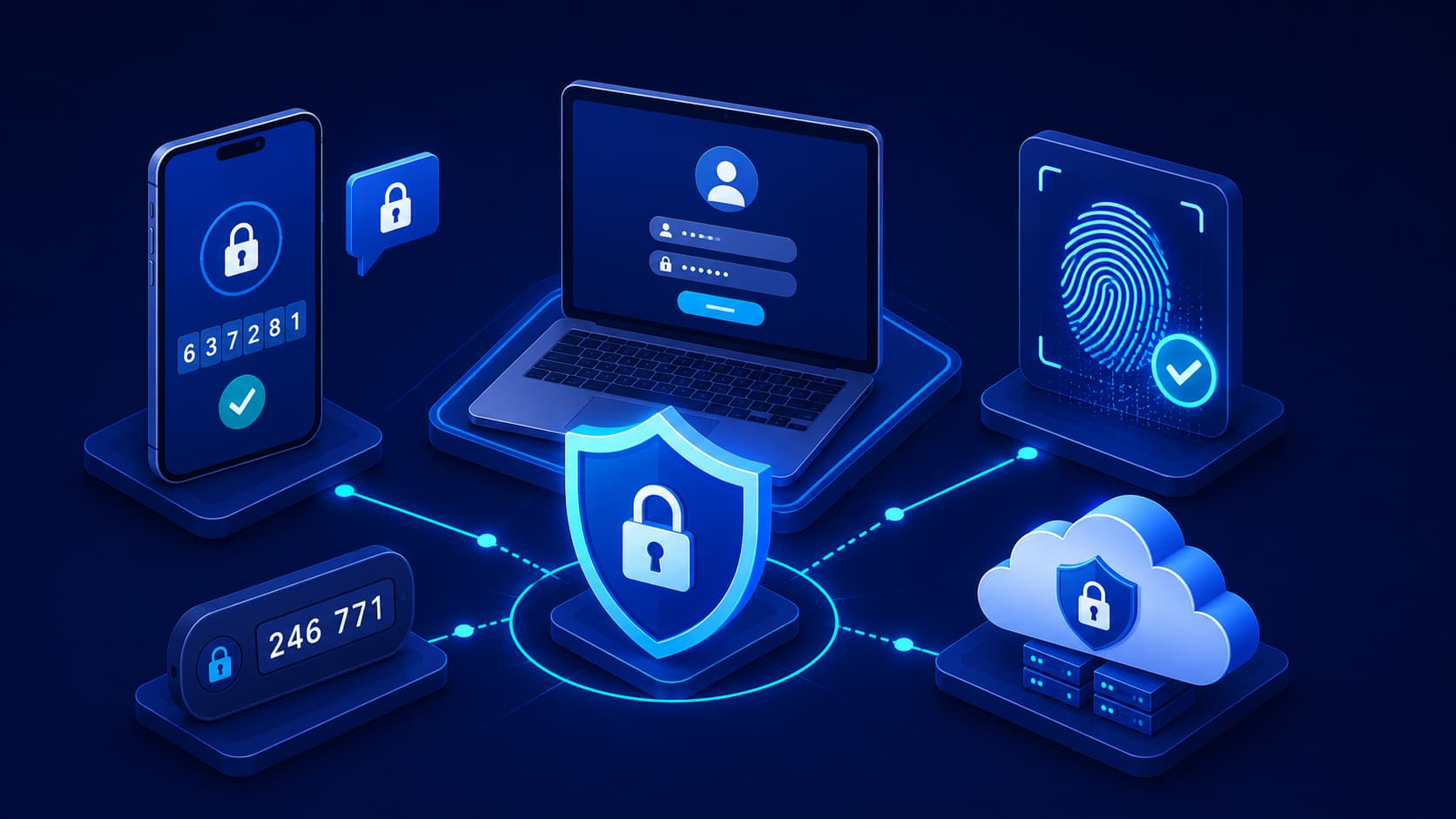
For many years, passwords were considered the first and most important line of defense for online accounts.
If your password was strong and difficult to guess, you were generally considered well protected.
Today, that's no longer enough.
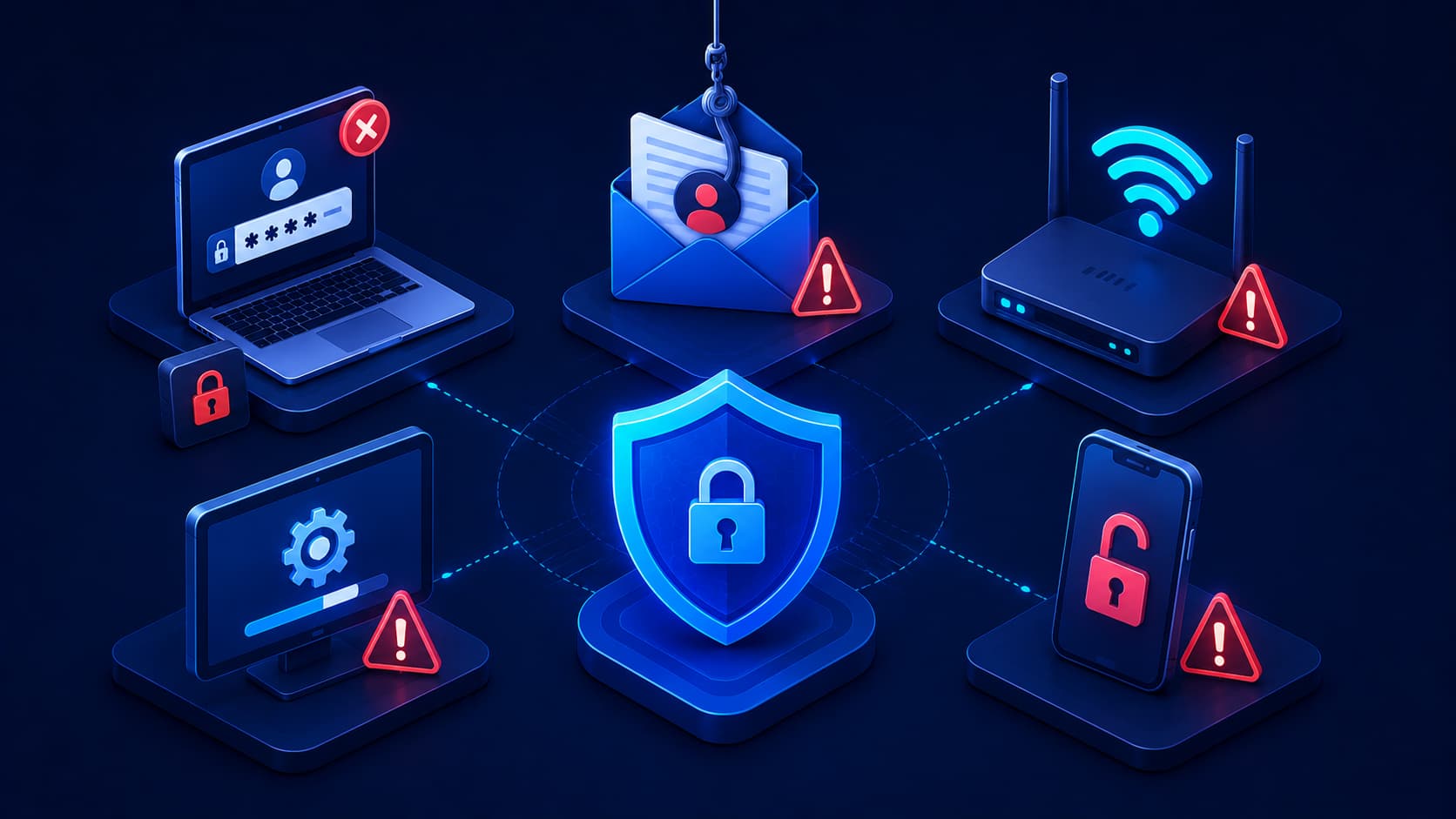
Cybercriminals have developed numerous ways to steal passwords, including phishing attacks, data breaches, and automated credential-stuffing attacks that test stolen passwords across hundreds of websites within minutes.
The problem isn't always that passwords are weak.
Sometimes they're simply no longer secret.
This is why cybersecurity experts recommend adding another layer of protection.
Instead of relying only on something you know—your password—you also verify your identity using something you have or something you are. This security approach is known as Multi-Factor Authentication (MFA).
Even if an attacker discovers your password, they still need the additional verification factor before they can access your account.
For this reason, MFA has become one of the simplest and most effective ways to strengthen online security.
What Is Multi-Factor Authentication?
Multi-Factor Authentication (MFA) is a security process that requires users to verify their identity using two or more independent authentication factors before gaining access to an account or system.
Instead of asking only for a password, MFA combines multiple forms of verification.
The concept is straightforward.
If one authentication factor is compromised, the remaining factor—or factors—continue protecting the account.
This significantly reduces the likelihood of unauthorized access.
Today, MFA is widely used across:
- Email services.
- Online banking.
- Cloud platforms.
- Social media accounts.
- Online shopping websites.
- Workplace systems.
Why MFA Matters
Traditional password-based security assumes that only you know your password.
Unfortunately, that assumption is becoming increasingly unrealistic.
Passwords can be exposed through:
- Phishing attacks.
- Data breaches.
- Malware infections.
- Password reuse across multiple websites.
- Weak password management practices.
MFA addresses this weakness by requiring additional proof of identity before granting access.
Editorial Insight
Think of your password as the front door to your house. If someone manages to copy your key, they can enter freely. MFA adds a second lock that requires a completely different key, making unauthorized entry far more difficult even if the first layer of security has already been compromised.
The Three Authentication Factors
Most authentication methods fall into one of three categories.
Understanding these categories helps explain why MFA is significantly more secure than relying on passwords alone.
1. Something You Know
This is the authentication factor most people use every day.
Examples include:
- Passwords.
- PINs.
- Answers to security questions.
Although this factor remains important, it can sometimes be:
- Guessed.
- Stolen.
- Leaked during data breaches.
For this reason, passwords should rarely be the only protection for important accounts.
2. Something You Have
The second authentication factor relies on a physical device that only you should possess.
Examples include:
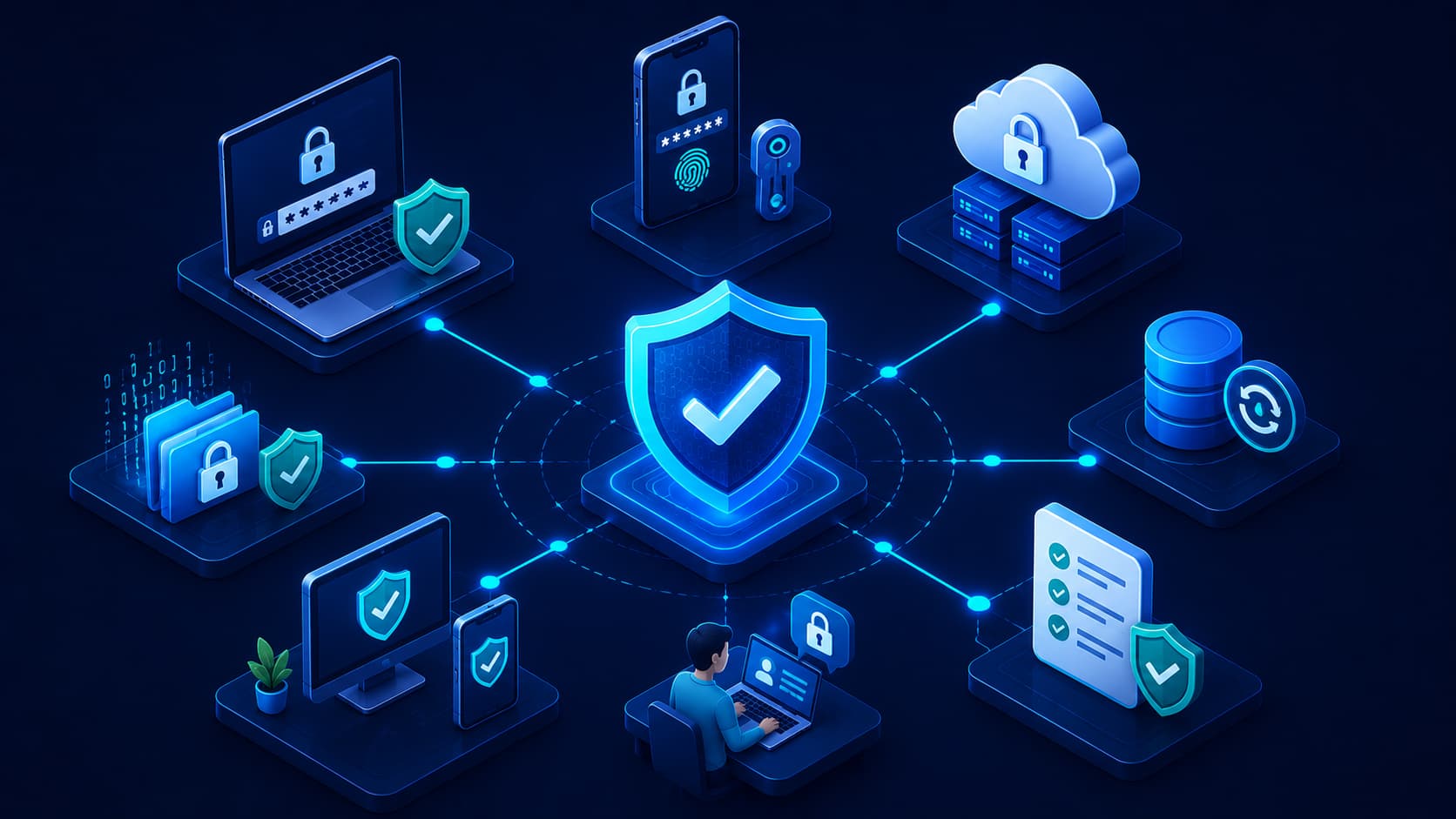
- A smartphone receiving verification codes.
- A hardware security key.
- An authentication application that generates one-time passwords.
Even if someone learns your password, they generally cannot complete the login process without access to this second factor.
3. Something You Are
The third authentication factor uses your unique biological characteristics.
Common examples include:
- Fingerprint recognition.
- Facial recognition.
- Iris scanning.
Because biometric characteristics are unique to each individual, they provide an additional layer of identity verification that is difficult to duplicate.
How MFA Works
Imagine you're signing in to your email account.
First, you enter your username and password.
Normally, that would be enough.
With MFA enabled, however, the login process doesn't end there.
Depending on the service, you may then be asked to:
- Enter a verification code sent to your smartphone.
- Approve a notification in an authentication app.
- Verify your identity using your fingerprint.
Only after completing this second verification step will access be granted.
Although this additional step usually takes only a few seconds, it creates a significant barrier for attackers who possess only your password.
Real-World Example
Suppose a phishing attack successfully steals your email password.
Without MFA, an attacker may be able to log in immediately.
With MFA enabled, however, they would still need access to your smartphone, authentication app, or biometric verification.
In most cases, that second requirement prevents the attacker from accessing your account—even though they already know your password.
Why Is MFA More Secure Than Passwords Alone?
Passwords remain an important part of account security, but they have one significant weakness—they can be stolen.
Cybercriminals may obtain passwords through:
- Phishing attacks.
- Data breaches.
- Malware infections.
- Password reuse across multiple websites.
If an account is protected only by a password, an attacker who acquires it may be able to sign in immediately.
MFA changes this situation.
Even if your password has been compromised, the attacker must also provide the second authentication factor before access is granted. Without your phone, hardware security key, or biometric verification, the login attempt is likely to fail.
This additional verification dramatically reduces the risk of unauthorized access.
A Practical Example
Imagine that your password appears in a data breach.
If you only use password-based authentication, anyone with those credentials could potentially access your account.
With MFA enabled, however, the stolen password alone is no longer sufficient.
The attacker must also prove possession of your trusted device or successfully complete biometric verification—something they typically cannot do.
Editorial Insight
MFA doesn't replace strong passwords—it strengthens them. Think of it as adding another checkpoint after your password. Even if the first checkpoint fails, the second one continues protecting your account.
Common Types of MFA
Not all multi-factor authentication methods work in the same way.
Some provide stronger protection than others, but every method offers better security than relying on a password alone.
Authentication Apps
Applications such as Google Authenticator, Microsoft Authenticator, and similar tools generate temporary verification codes that change every few seconds.
Because these codes are generated directly on your device, they are generally considered more secure than codes sent through text messages.
Authentication apps are widely recommended for both personal and business accounts.
SMS Verification Codes
Many online services send a one-time verification code by text message after you enter your password.
This method is:
- Easy to use.
- Widely supported.
- Familiar to most users.
Although SMS-based MFA provides valuable additional protection, security experts generally consider authentication apps or hardware security keys to be more secure because sophisticated attacks may sometimes intercept text messages.
Push Notifications
Some services send a notification directly to your smartphone asking you to approve or deny a login attempt.
Instead of manually entering a code, you simply confirm whether the login request is legitimate.
This approach combines convenience with strong security and is becoming increasingly common among major online services.
Hardware Security Keys
Hardware security keys are small physical devices that connect to a computer or communicate wirelessly during login.
Because authentication depends on possessing the physical key, this method is considered one of the strongest forms of MFA currently available.
Many organizations use hardware security keys to protect:
- Administrator accounts.
- Corporate systems.
- High-value business accounts.
Does MFA Make Accounts Impossible to Hack?
No.
No security measure can guarantee complete protection.
However, MFA significantly increases the difficulty of compromising an account.
An attacker may successfully steal your password, but obtaining the second authentication factor is usually much more challenging.
Cybercriminals have developed advanced techniques that attempt to bypass MFA, such as phishing attacks designed to capture authentication codes in real time.
Fortunately, these attacks are:
- Far less common than ordinary password theft.
- More technically complex.
- More difficult for attackers to execute successfully.
For most users, enabling MFA remains one of the most effective cybersecurity improvements available.
Which Accounts Should Use MFA?
Ideally, every important online account should have MFA enabled whenever the option is available.
Some accounts deserve especially high priority, including:
- Email accounts.
- Online banking and financial services.
- Cloud storage services.
- Password managers.
- Social media accounts.
- Business applications.
- Developer platforms.
- Government services.
Among these, your email account is particularly important because it often serves as the recovery method for many other online accounts.
If someone gains access to your email, they may also be able to reset passwords for numerous connected services.
Best Practices for Using MFA
Enabling MFA is an excellent first step, but following a few additional best practices can further improve your account security.
Consider the following recommendations:
- Choose an authentication app instead of SMS whenever possible.
- Store backup recovery codes in a secure location.
- Review your trusted devices regularly.
- Remove devices you no longer use.
- Be cautious when approving authentication requests.
If you receive an unexpected authentication prompt, deny the request immediately and change your password.
Unexpected verification requests may indicate that someone is attempting to access your account.
Best Practice
Treat authentication notifications with the same caution as password requests. Never approve a login prompt unless you personally initiated the sign-in. Rejecting unexpected verification requests can stop an attacker even if they already know your password.
Frequently Asked Questions
What Is the Difference Between MFA and 2FA?
Two-Factor Authentication (2FA) is a specific type of Multi-Factor Authentication (MFA) that uses exactly two authentication factors.
MFA is a broader concept that includes any authentication process requiring two or more independent verification factors.
In everyday conversation, however, the terms are often used interchangeably because most consumer services use two authentication factors.
Is MFA Difficult to Use?
Not at all.
Most MFA methods add only a few seconds to the login process while providing a significant improvement in account security.
Once users become familiar with the process, approving a login notification or entering a verification code quickly becomes part of their normal routine.
The small amount of extra time is usually insignificant compared to the protection MFA provides.
Which MFA Method Is the Most Secure?
Hardware security keys are generally considered the strongest MFA option available.
Authentication apps are also highly recommended and typically provide stronger protection than SMS verification codes in many situations.
Each method has its advantages:
- Hardware security keys offer the highest level of protection against many phishing attacks.
- Authentication apps balance strong security with convenience.
- Push notifications make authentication fast and user-friendly.
- SMS verification codes remain a valuable improvement over password-only protection, particularly when stronger options are unavailable.
The best MFA method is often the one that combines strong security with consistent everyday use.
Should I Enable MFA on Personal Accounts?
Yes.
Personal accounts frequently contain valuable information that cybercriminals want to access.
This includes:
- Email accounts.
- Online banking.
- Cloud storage.
- Social media platforms.
Even if an account doesn't seem particularly important, it may contain information that attackers can exploit or use to access other connected services.
What Happens If I Lose My Phone?
Most online services provide recovery methods such as:
- Backup recovery codes.
- Alternative authentication options.
For this reason, it's important to save your recovery codes in a secure location when setting up MFA.
Doing so ensures you can regain access to your account even if your authentication device is lost, stolen, or replaced.
Editorial Insight
One of the biggest misconceptions about MFA is that it's inconvenient. In reality, most people spend only a few extra seconds during login while gaining protection that can prevent account takeovers, financial loss, and identity theft. The security benefits far outweigh the minor inconvenience.
Conclusion
Passwords remain an essential part of online security, but they are no longer sufficient on their own. Data breaches, phishing attacks, and credential theft have demonstrated that even strong passwords can eventually be compromised.
Multi-Factor Authentication adds an additional layer of verification that makes unauthorized access significantly more difficult.
By combining something you know with something you have or something you are, MFA provides stronger protection for both personal and business accounts.
Whether you're protecting:
- Your email.
- Online banking.
- Cloud storage.
- Workplace systems.
enabling MFA is one of the simplest cybersecurity improvements you can make.
Final Takeaway
No security measure can eliminate every cyber threat, but Multi-Factor Authentication dramatically reduces the chances of unauthorized access by requiring additional proof of identity beyond a password.
When combined with strong passwords, awareness of phishing attacks, regular software updates, and responsible account management, MFA forms an important part of a layered cybersecurity strategy.
Taking a few minutes to enable MFA today can help protect your personal information, financial accounts, and digital identity from many of the most common cyber threats you'll encounter online.