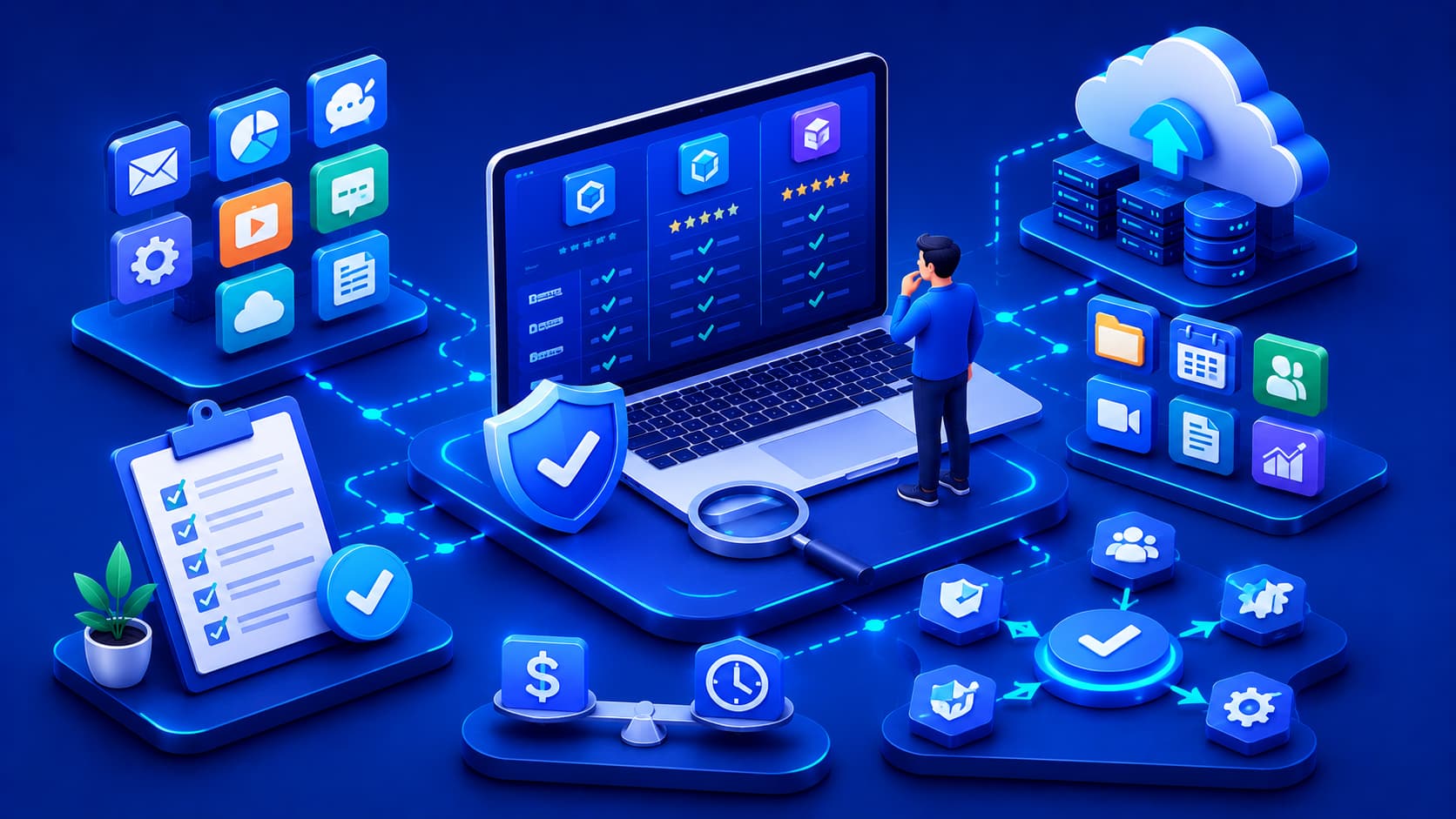
Choosing software has become more challenging than ever. For almost every task, there are dozens—or even hundreds—of applications claiming to offer the best solution. Whether you're looking for productivity tools, creative software, communication platforms, security applications, or business solutions, the sheer number of available options can quickly become overwhelming.
At first glance, selecting software may seem like a simple matter of comparing features or choosing the lowest price. In reality, the best software depends on many different factors, including your goals, devices, budget, security requirements, and long-term expectations. A solution that works perfectly for one person or organization may not be the right choice for another.
Learning how to evaluate software carefully helps you make informed decisions while avoiding unnecessary costs, compatibility problems, and future frustration. Rather than focusing on specific products, this guide introduces practical principles that can be applied whenever you're selecting software.
1. Define Your Needs First
Before comparing software, take time to clearly identify the problem you're trying to solve. Understanding your requirements helps narrow your options and prevents paying for features that you may never use.
Useful questions to ask include:
- What tasks will the software perform?
- Who will use it?
- How often will it be used?
- Which devices will it run on?
- Will it be used by an individual or an entire team?
Clearly defining these requirements allows you to focus on software that genuinely fits your workflow instead of being distracted by unnecessary features or marketing claims.
Practical Example
Imagine you're looking for project management software. If you only need to organize personal tasks, a simple application may be sufficient. However, if you're managing a large team with shared calendars, reporting tools, and collaboration features, you'll likely need a much more capable solution. Defining your needs first makes choosing between these options much easier.
2. Consider Compatibility
Not every application works on every device or operating system. Before selecting software, verify that it supports your existing hardware, operating system, and the other tools you already rely on. Compatibility becomes even more important when multiple users work across different devices and platforms.
Checking compatibility helps ensure that the software:
- Runs correctly on your devices.
- Integrates with your current workflow.
- Supports existing hardware.
- Works alongside other essential applications.
Choosing compatible software minimizes future technical issues and reduces the need for costly upgrades or workarounds.
Editorial Insight
Compatibility isn't limited to operating systems alone. Consider whether the software integrates with cloud storage services, business tools, web browsers, file formats, or third-party applications that you already use. Better integration often leads to greater productivity and a smoother overall experience.
3. Evaluate Security
Security should always be part of the software selection process. Reliable software developers regularly release updates, address security vulnerabilities, and provide transparent documentation explaining how user data is protected.
When evaluating software, consider questions such as:
- Does the software receive regular updates?
- Does it include account protection features?
- How is user data stored and protected?
- Does it follow recognized security practices?
Even software with an impressive feature set loses much of its value if it introduces unnecessary security risks or fails to protect sensitive information.
Best Practice
Before installing new software, review the developer's update history, privacy policy, and security documentation. Applications that are actively maintained are generally safer choices than software that receives few or no updates.
4. Focus on Usability
Powerful software isn't always the best choice. If an application is difficult to learn or unnecessarily complicated, it may actually reduce productivity instead of improving it. Good software should help users complete tasks efficiently without requiring extensive training.
Characteristics of highly usable software often include:
- An intuitive interface.
- Clear navigation.
- Consistent design.
- Helpful documentation.
- Easy-to-understand workflows.
In many situations, software with a clean, user-friendly design provides greater long-term value than a feature-rich application that is difficult to master.
5. Think Beyond Today's Needs
Software is rarely a short-term investment. As your personal or business requirements grow, the software you choose should be capable of growing with you. Selecting software that can adapt to future needs reduces the likelihood of replacing it after only a short period of use.
When evaluating long-term suitability, consider whether the software can support:
- Additional users.
- Larger workloads.
- New devices.
- Future integrations with other tools.
Planning ahead helps avoid costly migrations, unnecessary retraining, and disruptions that may occur when software can no longer meet your evolving requirements.
Practical Example
A small business may initially require accounting software for a single user. As the business expands, it may need features such as multi-user access, inventory management, payroll integration, and cloud synchronization. Choosing software that supports future growth can save significant time and money later.
6. Compare Long-Term Value
The purchase price is only one part of the overall investment. While inexpensive software may seem attractive initially, long-term value often depends on factors such as reliability, ongoing support, regular updates, available training resources, and maintenance costs.
For organizations, the Total Cost of Ownership (TCO) may include:
- Subscription fees.
- Implementation costs.
- Employee training.
- Technical support.
- Future upgrades.
- Ongoing maintenance.
Evaluating these long-term costs provides a more accurate picture of the software's overall value than focusing solely on the initial purchase price.
Editorial Insight
Choosing the lowest-priced solution isn't always the most economical decision. Reliable software with excellent support and regular updates often delivers greater value over several years by reducing downtime, maintenance costs, and productivity losses.
7. Evaluate Support and Documentation
Even well-designed software occasionally requires assistance. Before selecting a solution, consider the quality of the support resources available to users. Good documentation can significantly reduce the learning curve and help resolve problems more quickly.
Helpful support resources may include:
- Comprehensive documentation.
- User guides and tutorials.
- Frequently Asked Questions (FAQs).
- Active community forums.
- Professional technical support.
- Regular product updates.
Strong documentation benefits both beginners and experienced users by making it easier to learn new features, solve common problems, and use the software more effectively.
8. Consider Reliability and Reputation
Because software often becomes part of your daily workflow, reliability is just as important as functionality. An application that performs consistently and receives regular maintenance is generally a safer long-term investment than software that is rarely updated.
Signs of reliable software include:
- Stable performance.
- Consistent updates.
- Transparent communication from the developer.
- Positive long-term user feedback.
- A clear product roadmap.
Evaluating a developer's commitment to maintaining their product helps you choose software that is more likely to remain useful and secure in the future.
Best Practice
Look beyond marketing materials when researching software. Reading release notes, checking update frequency, and reviewing user experiences can provide valuable insight into how actively the software is maintained and how responsive the developer is to user feedback.
9. Avoid Choosing Software Based Only on Popularity
Popular software is not automatically the best solution for every situation. Some applications become widely used because they serve a particular audience or industry exceptionally well, but that doesn't necessarily mean they're the right fit for your specific needs.
Instead of following trends, ask yourself:
- Does this software solve my actual problem?
- Does it fit my workflow?
- Is it compatible with my devices?
- Does it include features I will genuinely use?
The best software is the one that helps you complete your tasks efficiently—not simply the one with the largest user base.
10. Review Your Choice Periodically
Technology changes rapidly. Software that perfectly met your needs several years ago may no longer be the most effective solution today. Regularly reviewing the applications you use helps ensure they continue supporting your current workflow and expectations.
You don't need to replace software frequently, but it is wise to reassess your tools when:
- Your requirements change.
- New features become available.
- Your workflow evolves.
- Better integration options appear.
Periodic evaluations help you take advantage of technological improvements while avoiding unnecessary software changes that offer little real benefit.
A Simple Software Evaluation Checklist
Before adopting new software, ask yourself the following questions:
- Does it solve the problem I'm trying to address?
- Is it compatible with my devices and operating system?
- Is the software actively maintained?
- Does it receive regular security updates?
- Is it easy to learn and use?
- Can it grow with my future needs?
- Are documentation and support available?
- Does it offer good long-term value?
Answering these questions encourages objective decision-making based on your actual requirements instead of marketing claims, feature lists, or popularity alone.
Frequently Asked Questions
What Is the Most Important Factor When Choosing Software?
There isn't a single factor that matters most. The right software depends on your specific goals, compatibility requirements, security expectations, usability, and long-term needs. Rather than focusing on one characteristic, it's better to evaluate how well the software meets your overall requirements.
Should I Always Choose Free Software?
Not necessarily.
Free software can be an excellent choice, but it should still be evaluated for quality, security, available support, and how well it fits your intended use. Cost alone should never be the deciding factor when selecting software.
Why Is Compatibility Important?
Software that doesn't work well with your hardware, operating system, or existing workflow can create unnecessary technical problems and reduce productivity. Ensuring compatibility before installation helps avoid frustration and minimizes future maintenance issues.
Is the Software with the Most Features Always the Best?
No.
Additional features are valuable only if they support your actual needs. In many cases, software with a simpler interface allows users to complete tasks more efficiently because it is easier to learn and use.
How Often Should I Review My Software Choices?
There is no fixed schedule.
Reviewing your software periodically—especially when your needs change or when major updates become available—helps ensure your applications continue providing value and supporting your current workflow.
Conclusion
Choosing the right software involves much more than comparing prices or feature lists. The best decisions come from understanding your own needs, evaluating compatibility, considering security, assessing usability, and thinking about long-term value.
Taking a structured approach to software selection helps avoid unnecessary costs, improves productivity, and creates a more reliable technology environment. Whether you're selecting software for personal use, education, or business, thoughtful evaluation consistently produces better results than choosing based solely on popularity or advertising.
As technology continues to evolve, new applications and services will continue to emerge. Developing the ability to evaluate software critically ensures that you can adapt confidently while selecting tools that genuinely improve your workflow instead of adding unnecessary complexity.
Final Takeaway
Selecting software is not about finding the application with the most features or the lowest price—it's about choosing the solution that best aligns with your goals, devices, security requirements, and future plans.
Before making a decision, remember to:
- Clearly define your requirements.
- Verify compatibility with your existing environment.
- Evaluate security and developer support.
- Prioritize usability and reliability.
- Consider long-term value instead of initial cost alone.
- Review your software choices periodically as your needs evolve.
By following these principles, you'll make more informed software decisions, reduce future technical challenges, and build a digital environment that remains efficient, secure, and adaptable for years to come.