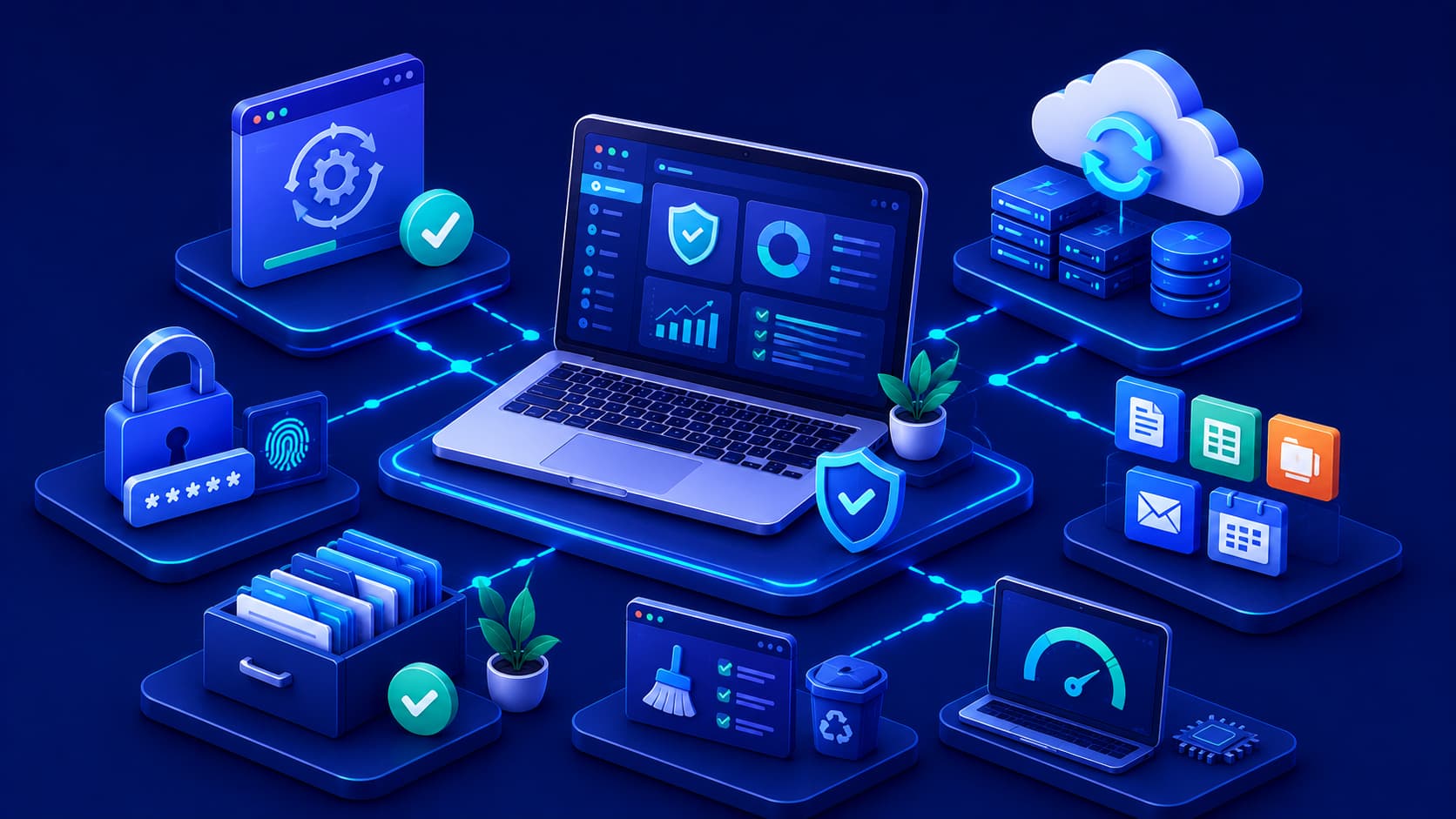
Software plays an essential role in modern life. From personal communication and education to business operations and creative work, people rely on software every day to complete important tasks. However, using software effectively involves much more than simply installing applications.
The way software is managed, updated, and maintained has a significant impact on its performance, security, and long-term reliability. Many common software problems can be prevented through simple habits practiced consistently over time. Developing these habits not only improves productivity but also helps devices remain stable and secure as technology continues to evolve.
Whether you're using a personal laptop, smartphone, or business workstation, following software best practices creates a safer, more efficient, and more reliable digital environment.
1. Keep Software Up to Date
Regular software updates are one of the easiest and most effective ways to improve both security and reliability. Software developers continuously release updates that fix bugs, improve performance, strengthen security, and ensure compatibility with newer hardware and operating systems.
Installing updates promptly helps:
- Close known security vulnerabilities.
- Improve application stability.
- Enhance performance.
- Maintain compatibility with modern devices and services.
Whenever practical, enabling automatic updates for trusted software can simplify this process and reduce the likelihood of missing important security patches.
Practical Example
Imagine your operating system releases a security update that fixes a newly discovered vulnerability. Delaying the installation for several weeks may leave your device exposed to attacks that have already been addressed by the developer. Installing updates promptly helps keep your system protected with minimal effort.
2. Download Software from Trusted Sources
The safest way to obtain software is through official developer websites, recognized application stores, or trusted software repositories. Downloading applications from unofficial websites increases the risk of installing modified, outdated, or malicious software.
Trusted sources provide several important benefits:
- Authentic software releases.
- Reliable security updates.
- Accurate documentation.
- Reduced risk of malware or unwanted programs.
Editorial Insight
Even if two websites appear to offer the same application, unofficial versions may contain modified installation files or bundled software that you did not intend to install. Verifying the publisher before downloading software is a simple habit that significantly improves overall security.
3. Remove Software You No Longer Use
Unused applications occupy valuable storage space and may continue consuming system resources through background services, scheduled tasks, or automatic updates. Over time, this unnecessary software can make devices more difficult to maintain.
Regularly reviewing installed applications offers several advantages:
- Frees storage space.
- Reduces unnecessary background activity.
- Simplifies software management.
- Improves overall system organization.
- Reduces potential security risks from outdated software.
Keeping only the applications you actively use makes your device cleaner, faster, and easier to maintain over the long term.
4. Organize Your Digital Workspace
An organized digital workspace saves time and improves productivity. Simple organizational habits—such as using meaningful folder names, maintaining logical file structures, and performing regular cleanup—make it much easier to locate important information when needed.
Benefits of maintaining an organized workspace include:
- Faster access to files.
- Reduced clutter.
- Improved workflow efficiency.
- Lower risk of accidentally deleting important documents.
Whether you're managing personal documents or business projects, a well-organized file system reduces frustration and supports long-term productivity.
5. Back Up Important Data
No software or hardware is completely immune to unexpected failures. Accidental deletion, hardware problems, software bugs, or security incidents can all result in data loss if important files are not backed up.
Maintaining a consistent backup routine is one of the most effective ways to protect valuable information. Backup options may include:
- Cloud storage services.
- External hard drives.
- Network-attached storage (NAS).
- A combination of local and cloud backups.
Best Practice
Follow the principle that important data should exist in more than one location. Regular backups ensure that even if a device fails unexpectedly, your documents, photos, and other valuable files can be recovered with minimal disruption.
6. Review App Permissions Regularly
Many applications request access to features such as your camera, microphone, location, contacts, storage, or notifications. While some permissions are necessary for an application's core functionality, others may not be essential. Reviewing these permissions regularly helps protect your privacy and ensures applications only access the information they genuinely need.
Examples of permissions you should periodically review include:
- Camera access.
- Microphone access.
- Location services.
- Contacts.
- File storage.
- Notification permissions.
Major software updates can sometimes introduce new features that require additional permissions. Revisiting your privacy settings after significant updates helps you stay in control of what information each application can access.
Editorial Insight
Granting only the permissions an application truly requires follows the principle of least privilege, a widely accepted security practice that reduces unnecessary exposure of personal information while allowing software to function as intended.
7. Protect Your Accounts
Many software services store valuable personal, financial, or business information. Protecting your online accounts is therefore one of the most important aspects of maintaining digital security.
Strong account protection includes:
- Using strong, unique passwords.
- Avoiding password reuse across multiple services.
- Enabling Multi-Factor Authentication (MFA) whenever available.
Multi-Factor Authentication adds an additional verification step during sign-in, making unauthorized account access significantly more difficult even if a password is compromised.
Best Practice
Consider using a trusted password manager to generate and securely store unique passwords for every account. Combined with MFA, this provides one of the strongest defenses against account compromise.
8. Learn Basic Troubleshooting
Not every software issue requires professional technical support. Understanding a few basic troubleshooting techniques can help resolve many common problems quickly while improving your understanding of how software behaves.
Some simple troubleshooting steps include:
- Restart the application.
- Check for available updates.
- Verify your internet connection.
- Read error messages carefully.
- Review the official documentation.
- Restart the device if necessary.
These straightforward actions often resolve issues without requiring advanced technical knowledge or specialized tools.
Practical Example
If a web application suddenly stops working, checking your internet connection, refreshing the browser, or installing the latest application update may solve the problem within minutes. These basic steps are often recommended before contacting technical support because they address many of the most common causes of software issues.
9. Keep Learning About the Software You Use
Most applications include features that many users never discover. Exploring built-in documentation, tutorials, release notes, and help resources can significantly improve productivity and help you use software more efficiently.
Benefits of continuing to learn include:
- Discovering time-saving features.
- Improving workflow efficiency.
- Understanding advanced capabilities.
- Making better use of available tools.
Spending a small amount of time learning new features often saves far more time during everyday use, making software significantly more valuable over the long term.
10. Balance Convenience with Security
Convenience is important, but it should never come at the expense of security. Practices such as automatically saving passwords on shared computers, disabling security features to avoid prompts, or granting unnecessary permissions may seem helpful in the short term, but they can introduce avoidable risks.
Examples of risky shortcuts include:
- Saving passwords on public or shared devices.
- Disabling built-in security protections.
- Granting permissions without reviewing them.
- Ignoring security warnings simply for convenience.
Finding a healthy balance between usability and security helps protect both your devices and your personal information without making everyday software use unnecessarily complicated.
Good Software Habits Build Long-Term Reliability
Using software responsibly isn't about following complicated rules. Instead, it's about developing consistent habits that improve your digital experience over time.
Some of the most valuable long-term habits include:
- Installing updates regularly.
- Downloading software only from trusted sources.
- Reviewing application permissions.
- Backing up important files.
- Removing unnecessary applications.
- Organizing digital files.
- Protecting user accounts.
- Continuing to learn new software features.
Small improvements practiced consistently often have a much greater impact than occasional major changes. By making these habits part of your routine, you create a safer, faster, and more reliable computing environment for years to come.
Frequently Asked Questions
Why Are Software Best Practices Important?
Software best practices help improve security, increase reliability, protect personal data, and ensure applications continue performing efficiently over time. Following these practices reduces the likelihood of common problems while helping users get the most from their software.
How Often Should Software Be Updated?
Software should be updated whenever trusted updates become available. Many updates contain important security fixes, performance improvements, and compatibility enhancements that keep applications stable and secure.
Enabling automatic updates for trusted software can help ensure these improvements are installed promptly without requiring constant manual intervention.
Is Deleting Unused Software Beneficial?
Yes.
Removing unnecessary applications frees storage space, reduces background resource usage, and simplifies device maintenance. It also makes it easier to manage installed software and decreases the number of applications that require future updates.
Why Should I Review Application Permissions?
Reviewing application permissions helps protect your privacy by ensuring software only accesses the information and hardware features it genuinely requires to function.
Regularly checking permissions is especially useful after installing updates or adding new features to an application.
Do Software Best Practices Apply to Smartphones as Well as Computers?
Yes.
The same core principles apply across most digital devices, including smartphones, tablets, laptops, and desktop computers. Keeping software updated, protecting accounts, backing up important data, and downloading software only from trusted sources all contribute to a safer and more reliable computing experience regardless of the device being used.
Conclusion
Good software habits contribute to a safer, faster, and more reliable computing experience. Keeping software updated, downloading applications from trusted sources, organizing your digital workspace, protecting your accounts, and maintaining regular backups all help reduce common problems before they occur.
Technology will continue to evolve, but the principles of responsible software use remain remarkably consistent. By practicing these habits consistently, users can improve software performance today while preparing themselves to adapt confidently to future applications and emerging technologies.
Rather than viewing software maintenance as an occasional task, it is more effective to think of it as an ongoing routine. Small, consistent actions—such as installing updates, organizing files, reviewing security settings, and learning new features—can significantly improve productivity while reducing long-term risks.
Final Takeaway
Using software responsibly doesn't require advanced technical expertise. Instead, it relies on a collection of simple, consistent habits that work together to improve security, reliability, and efficiency.
Some of the most valuable long-term practices include:
- Keeping all trusted software up to date.
- Downloading applications only from official or trusted sources.
- Organizing files and removing unused software.
- Backing up important data regularly.
- Protecting online accounts with strong passwords and Multi-Factor Authentication (MFA).
- Reviewing application permissions periodically.
- Continuing to learn new features and basic troubleshooting techniques.
By adopting these best practices, users can create a safer digital environment, reduce unnecessary technical problems, and make better use of the software they rely on every day.