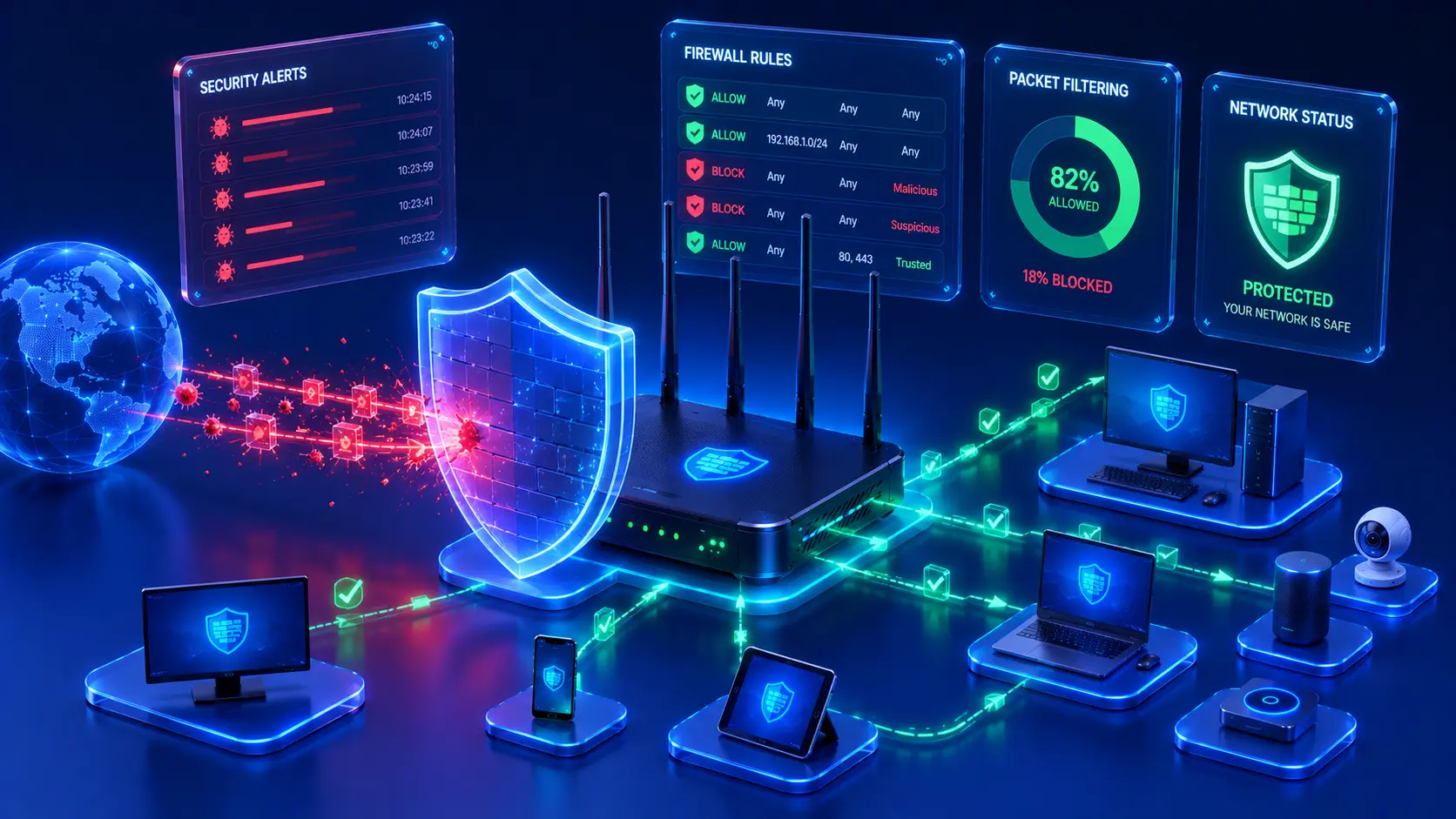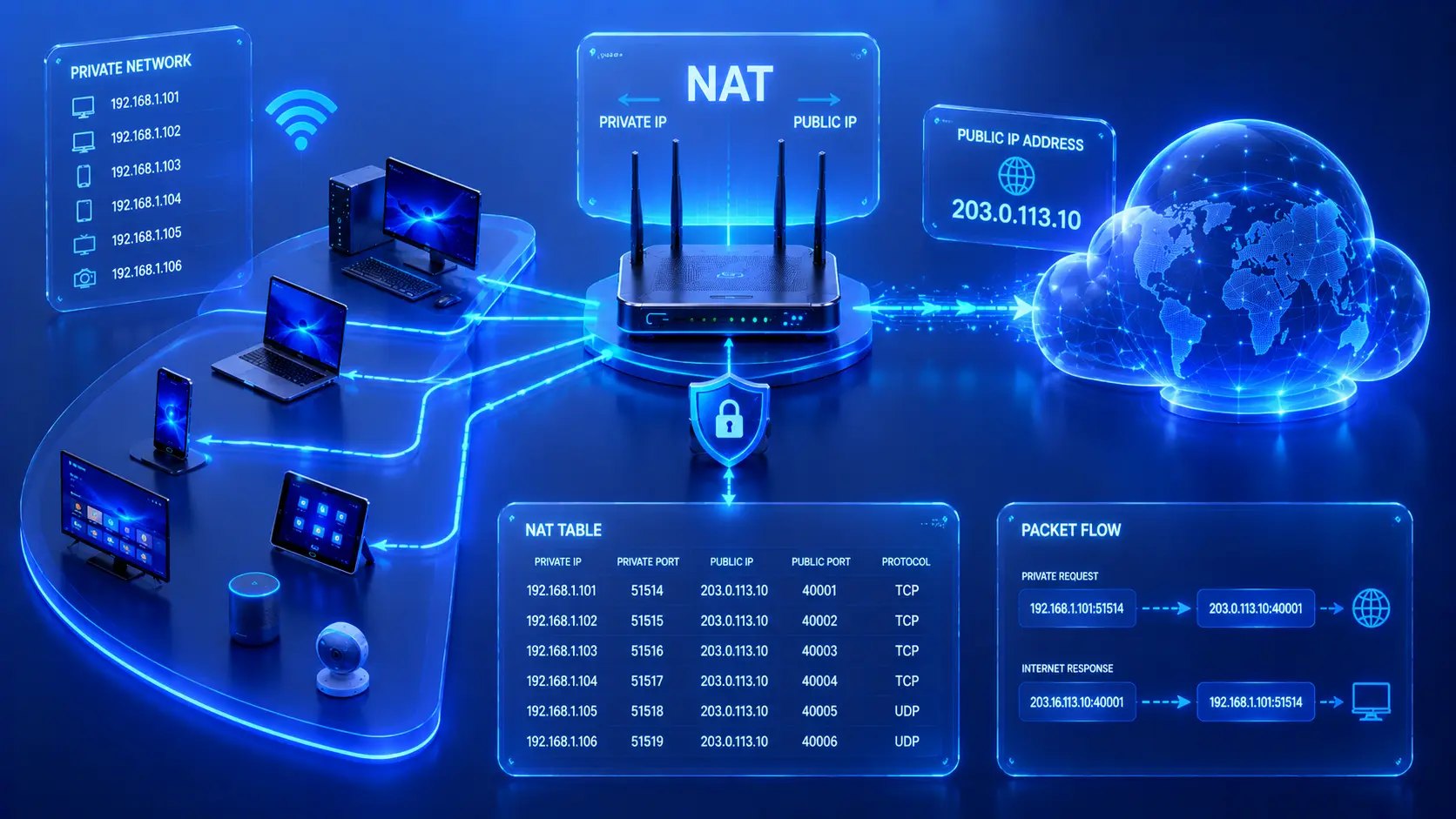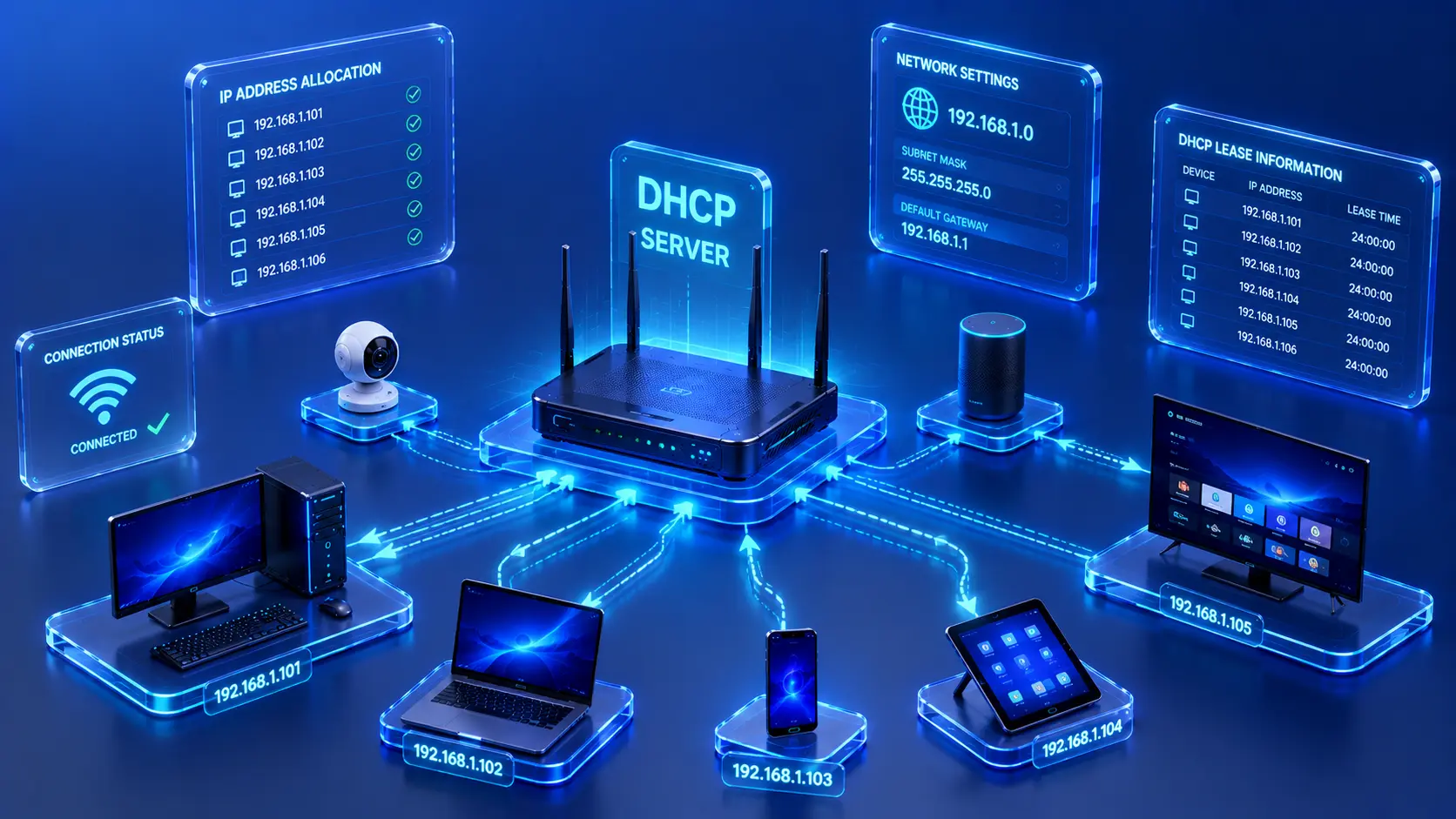
Modern computer networks allow people and organizations to communicate, share information, and access online services from almost anywhere. While this connectivity provides tremendous convenience, it also introduces security risks. Every network connected to the internet can become a target for unauthorized access, malware, phishing attacks, or other cyber threats. Fortunately, many of these risks can be reduced by understanding a few fundamental network security principles. Whether you manage a home Wi-Fi network or a business environment, learning these basics helps protect both your devices and your personal information.
What Is Network Security?
Network security refers to the practices, technologies, and policies used to protect computer networks from unauthorized access, misuse, data loss, and cyberattacks. Rather than relying on a single security tool, effective network security combines multiple layers of protection that work together to defend devices, users, and sensitive information.
The primary goals of network security include:
- Protecting sensitive information.
- Preventing unauthorized access.
- Maintaining network availability.
- Ensuring reliable communication.
- Reducing security risks.
Modern networks face a constantly evolving threat landscape. New vulnerabilities and attack techniques emerge regularly, making continuous security practices just as important as the initial network setup.
Practical Example
Consider a small business that stores customer records on its office network.
Without proper network security:
- Unauthorized users could access confidential files.
- Malware might encrypt important business data.
- Employees could unknowingly expose passwords through phishing emails.
- Business operations could be interrupted by cyberattacks.
By implementing basic security measures such as strong passwords, software updates, and secure Wi-Fi encryption, the organization dramatically reduces these risks.
Editorial Insight
Many people think network security is only relevant for large corporations. In reality, every internet-connected device—including home computers, smartphones, smart TVs, and IoT devices—can become a target. Good security habits are valuable regardless of the size of your network.
Why Is Network Security Important?
Every connected device represents a potential entry point for attackers. Without appropriate security measures, cyber threats may result in:
- Data theft.
- Financial loss.
- Identity theft.
- Service disruptions.
- Privacy violations.
- Unauthorized access to connected devices.
Even home networks benefit from basic security practices because they often contain personal documents, banking information, family photos, smart home devices, and other valuable digital assets.
Best Practice
Think of network security as an ongoing process rather than a one-time task. Regular maintenance, software updates, and user awareness are just as important as installing security tools.
Common Network Security Threats
Understanding common threats is the first step toward improving network security. When users recognize how attacks typically occur, they are better prepared to prevent them before damage is done.
Malware
Malicious software, commonly known as malware, can infect computers and spread across networks. Depending on the type of malware, it may:
- Damage or delete files.
- Steal sensitive information.
- Monitor user activity.
- Disrupt normal system operations.
Keeping operating systems, antivirus software, and applications updated helps reduce the risk of malware infections.
Phishing
Phishing attacks attempt to trick users into revealing passwords, financial information, or other confidential data through deceptive emails, text messages, or fake websites. These attacks rely on social engineering rather than technical vulnerabilities.
Practical Example
An attacker sends an email that appears to come from your bank, asking you to verify your account details by clicking a link.
The email looks convincing, but the website is fake. If you enter your username and password, your credentials may be stolen.
Always verify the sender and website address before entering sensitive information.
Unauthorized Access
Weak passwords or poor security settings may allow unauthorized individuals to access your network or connected devices. Once attackers gain access, they may monitor traffic, steal data, or install malicious software.
Unsecured Wi-Fi Networks
Open or poorly protected wireless networks significantly increase the risk of unauthorized access because nearby users may be able to connect without proper authentication.
Outdated Software
Older software and firmware often contain known security vulnerabilities that attackers can exploit. Installing updates promptly helps close these security gaps before they are abused.
Basic Network Security Practices
Fortunately, many security risks can be greatly reduced through simple preventive measures. Recommended practices include:
- Using strong, unique passwords.
- Enabling modern Wi-Fi encryption.
- Keeping networking equipment updated.
- Installing security updates promptly.
- Limiting unnecessary network access.
- Monitoring connected devices regularly.
These straightforward habits form the foundation of a secure network and significantly reduce the likelihood of successful cyberattacks.
How to Secure Your Wi-Fi Network
Wireless networks are often the first target for unauthorized access because they can be reached without a physical connection. Fortunately, a few simple security measures can dramatically improve the protection of your Wi-Fi network.
Use Strong Passwords
Your Wi-Fi password is the first line of defense against unauthorized access. A weak password can often be guessed or cracked using automated tools, making your entire network vulnerable.
Choose a password that:
- Is long and unique.
- Combines uppercase and lowercase letters.
- Includes numbers and special characters.
- Avoids easily guessed information such as birthdays, names, or simple number sequences.
Best Practice
Consider using a password manager to generate and store strong passwords. This allows you to create complex credentials without needing to memorize each one.
Enable Modern Wi-Fi Encryption
Most modern routers support advanced encryption standards that protect wireless communications between devices and the router. Always enable the strongest encryption method supported by your networking equipment.
Encryption ensures that even if someone intercepts wireless traffic, the transmitted information remains unreadable without the proper encryption key.
Editorial Insight
Avoid using outdated security protocols if stronger alternatives are available. Modern encryption standards provide significantly better protection against unauthorized access and eavesdropping.
Change Default Router Credentials
Many routers are shipped with default administrator usernames and passwords that are widely known or easily found online. Attackers often try these default credentials first when attempting to gain access to a network.
Changing these administrator credentials immediately after installing a router is one of the simplest and most effective security improvements you can make.
Practical Example
Suppose you purchase a new Wi-Fi router and install it without changing the default administrator password.
If someone gains access to your network—or already knows the manufacturer's default credentials—they may be able to:
- Modify your router settings.
- Disable security features.
- Change your DNS configuration.
- Lock you out of your own network.
Replacing the default login information greatly reduces this risk.
Keep Router Firmware Updated
Router manufacturers regularly release firmware updates to fix security vulnerabilities, improve stability, and enhance performance. Checking for updates periodically is an essential part of maintaining a secure network.
Firmware updates often include security patches that address newly discovered vulnerabilities before attackers can exploit them.
Best Practice
If your router supports automatic firmware updates, enable this feature whenever appropriate. Otherwise, make it a habit to check for updates every few months.
Protecting Devices on the Network
Network security extends beyond the router itself. Every connected device also plays an important role in maintaining the overall security of the network. A single vulnerable device can provide attackers with an entry point into an otherwise secure environment.
Helpful recommendations include:
- Install operating system updates regularly.
- Keep antivirus or endpoint security software up to date.
- Remove software you no longer use.
- Lock devices when unattended.
- Avoid installing applications from untrusted sources.
Editorial Insight
Many cyberattacks begin by compromising an individual device rather than the network infrastructure. Maintaining secure endpoints is therefore just as important as securing the router itself.
Security for Home Networks
Modern home networks often contain far more connected devices than they did just a few years ago. In addition to computers and smartphones, many households now rely on smart home technology that also requires protection.
Examples of connected devices include:
- Smartphones.
- Laptops.
- Desktop computers.
- Smart TVs.
- Security cameras.
- Voice assistants.
- Smart lighting systems.
- Internet of Things (IoT) devices.
To improve home network security:
- Review the list of connected devices regularly.
- Disconnect devices that are no longer used.
- Change Wi-Fi passwords when necessary.
- Place networking equipment in a secure location.
- Keep software and firmware updated.
Practical Example
Imagine replacing an old smartphone but forgetting that it still has permission to access your home Wi-Fi network.
Regularly reviewing connected devices allows you to:
- Remove outdated or unused devices.
- Detect unfamiliar devices.
- Reduce unnecessary security risks.
- Keep your network easier to manage.
These small maintenance tasks help improve both security and overall network organization.
Security for Business Networks
Business environments typically require stronger security measures than home networks because they support more users, store larger amounts of sensitive information, and often provide access to critical business systems. A single security incident can disrupt operations, expose confidential data, and result in significant financial losses.
Common business security practices include:
- Restricting network access based on user roles.
- Monitoring network activity.
- Segmenting networks where appropriate.
- Maintaining regular data backups.
- Training employees to recognize phishing attempts.
- Developing an incident response plan.
Combining technical security controls with employee awareness creates a much stronger overall security posture than relying on technology alone.
Practical Example
Consider a company where every employee has unrestricted access to all network resources.
If one employee's account is compromised, an attacker could potentially access confidential company files across multiple departments.
By assigning permissions based on job roles, the organization limits what each user can access, reducing the potential impact of compromised accounts.
Common Misconceptions About Network Security
Strong Passwords Alone Are Enough
Strong passwords are an essential security measure, but they represent only one layer of protection. Regular software updates, secure network configurations, device protection, and user awareness are equally important components of an effective security strategy.
Home Networks Don't Need Security
Many people assume cybercriminals only target businesses. In reality, home users also store valuable personal information, financial accounts, and smart home devices that benefit from proper network security.
Security Is a One-Time Setup
Network security requires continuous attention rather than a one-time configuration. New software updates, newly discovered vulnerabilities, and additional connected devices mean your security settings should be reviewed regularly.
Editorial Insight
Cybersecurity is constantly evolving. As new threats emerge, maintaining a secure network requires ongoing maintenance, periodic reviews, and a willingness to adapt security practices over time.
Frequently Asked Questions
What Is Network Security in Simple Terms?
Network security refers to the methods used to protect networks, connected devices, and data from unauthorized access and cyber threats.
Why Is Wi-Fi Security Important?
An unsecured wireless network may allow unauthorized users to access your network, intercept communications, or misuse your internet connection.
Should I Update My Router?
Yes.
Router firmware updates often include important security patches, bug fixes, compatibility improvements, and performance enhancements that help keep your network secure and reliable.
Do Home Networks Need Antivirus Software?
Yes.
Although antivirus software primarily protects individual devices rather than the network itself, it helps prevent malware from spreading across connected systems.
How Often Should I Review My Network Security?
Review your network security whenever you:
- Add new devices.
- Replace networking equipment.
- Install firmware updates.
- Receive major software updates.
Regular security reviews also help identify outdated settings and unnecessary connected devices.
Conclusion
Network security is an essential part of modern computing. Whether you're protecting a home Wi-Fi network or managing a business infrastructure, applying basic security practices can significantly reduce the risk of unauthorized access, malware, phishing attacks, and other cyber threats.
Simple actions—such as using strong passwords, enabling modern Wi-Fi encryption, updating router firmware, securing connected devices, and remaining alert to phishing attempts—provide a solid foundation for maintaining a safer network.
Network security is not about eliminating every possible risk. Instead, it focuses on reducing vulnerabilities through consistent maintenance, informed decision-making, and good security habits. As technology continues to evolve, maintaining these practices helps ensure your network remains reliable, secure, and prepared for future challenges.
Final Takeaway
Remember these essential network security principles:
- Protect your network with strong, unique passwords.
- Keep routers, operating systems, and software up to date.
- Enable the strongest Wi-Fi encryption available.
- Monitor connected devices regularly.
- Educate users about phishing and other common cyber threats.
- Review your security settings periodically instead of treating security as a one-time task.
By combining secure technology with good security habits, you can greatly reduce common cyber risks and build a safer, more resilient network for both home and business environments.