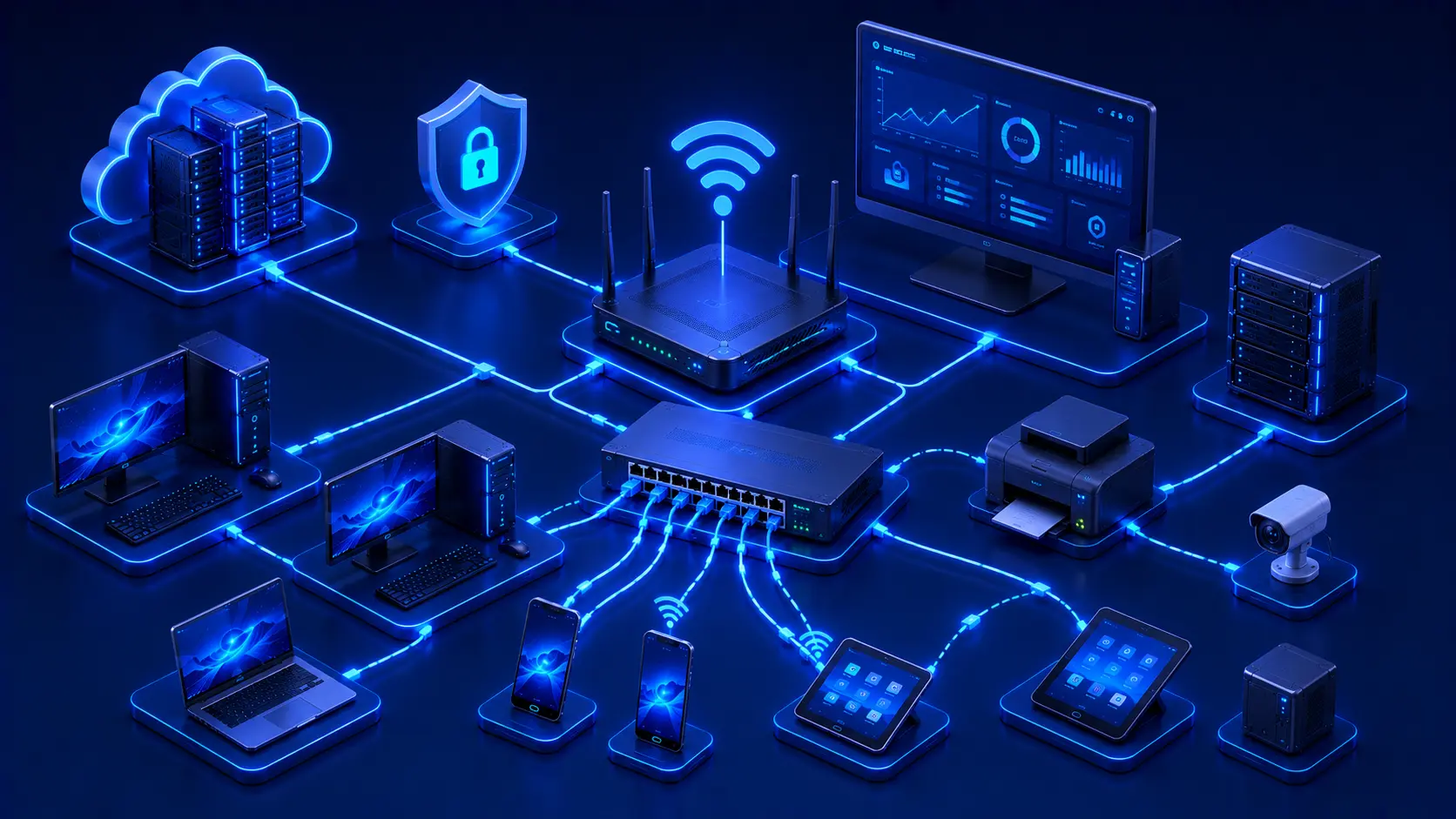
A reliable computer network doesn't happen by accident. Whether it's a simple home Wi-Fi setup or a growing business infrastructure, every network performs better when it is carefully planned, properly maintained, and consistently monitored. Many common networking problems—such as slow connections, unstable Wi-Fi, or unexpected outages—can often be prevented by following a few practical best practices. These recommendations don't require advanced technical knowledge. Instead, they focus on building good habits that improve performance, strengthen security, and simplify long-term network management.
Why Networking Best Practices Matter
Computer networks support nearly every aspect of modern digital life. From remote work and cloud applications to streaming entertainment and smart home devices, a stable and reliable network has become an essential part of everyday computing. Applying networking best practices helps ensure that your network continues to perform efficiently as your needs evolve.
Following proven networking practices can help you:
- Improve network reliability.
- Reduce downtime.
- Enhance security.
- Simplify troubleshooting.
- Extend the lifespan of networking equipment.
- Support future growth.
Even small improvements—such as repositioning a router or updating firmware—can have a noticeable impact on daily network performance.
Editorial Insight
Many users only think about their network when something stops working. In reality, preventive maintenance is far more effective than reactive troubleshooting. Spending a few minutes each month maintaining your network can help prevent hours of downtime later.
1. Keep Networking Equipment Updated
Networking devices regularly receive firmware updates that fix software bugs, improve compatibility, enhance performance, and address newly discovered security vulnerabilities. Keeping routers, switches, and wireless access points up to date helps ensure they continue operating efficiently and securely.
Whenever possible:
- Enable firmware update notifications.
- Check for updates periodically.
- Install updates provided by trusted manufacturers.
Practical Example
Suppose your Wi-Fi router manufacturer releases a firmware update that fixes a security vulnerability and improves wireless stability.
Installing the update may provide benefits such as:
- Better Wi-Fi performance.
- Improved device compatibility.
- Enhanced network security.
- Greater overall reliability.
Ignoring firmware updates may leave your network exposed to known security issues that have already been fixed by the manufacturer.
Best Practice
Before updating firmware, back up your router's configuration if the device supports it. This allows you to restore your settings quickly if something unexpected occurs during the update process.
2. Use Strong Security Settings
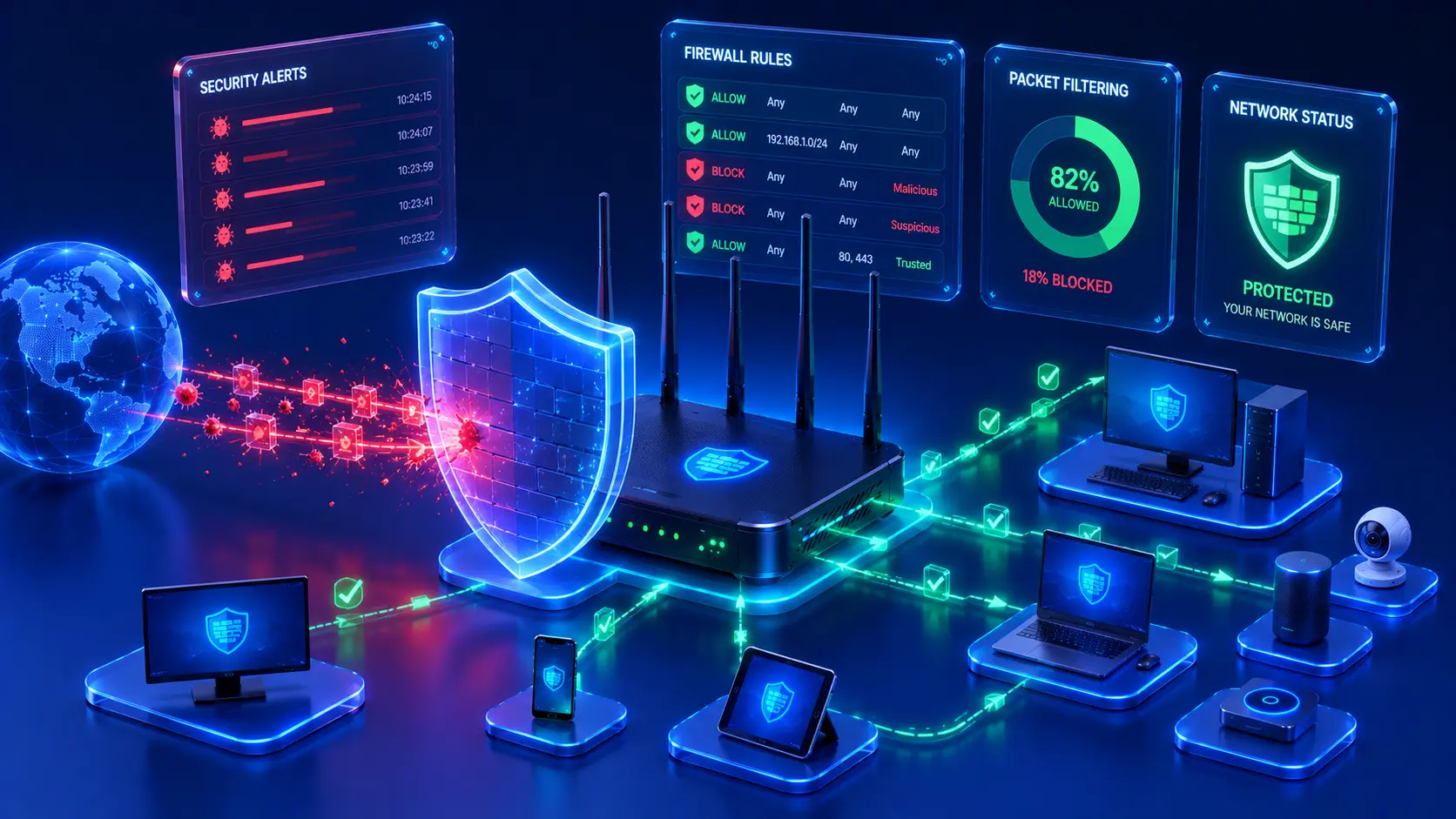
Network security begins with proper configuration rather than expensive security equipment. A few simple configuration changes can dramatically reduce the risk of unauthorized access.
Recommended security practices include:
- Using strong administrator passwords.
- Securing Wi-Fi with modern encryption.
- Changing default login credentials.
- Disabling unnecessary services.
- Reviewing connected devices regularly.
These straightforward improvements form the foundation of a secure home or business network.
Editorial Insight
Attackers often target networks with weak passwords or factory-default settings because they require little effort to exploit. Simple security improvements are among the most effective ways to protect your network.
3. Place Networking Equipment Properly
The physical location of networking equipment has a direct impact on wireless performance. Even a high-quality router cannot provide optimal coverage if it is installed in a poor location.
For better Wi-Fi coverage:
- Place the router near the center of the building.
- Keep it elevated above the floor.
- Avoid placing it inside cabinets.
- Reduce interference from large metal objects.
- Keep it away from microwave ovens and other sources of radio interference.
Practical Example
Imagine placing your Wi-Fi router inside a closed cabinet in one corner of your house.
Although the router functions normally, you may notice:
- Weak signals in distant rooms.
- Slower download speeds.
- Frequent video buffering.
- Unstable video calls.
Moving the router to a more central, open location often improves coverage without requiring any additional hardware.
4. Organize Network Cables
Cable management may seem like a minor detail, but it becomes increasingly important as networks grow. Well-organized cables make maintenance easier and reduce the likelihood of accidental disconnections or troubleshooting mistakes.
Proper cable organization helps:
- Simplify maintenance.
- Improve airflow around equipment.
- Reduce accidental disconnections.
- Make troubleshooting easier.
- Keep networking equipment tidy.
Using cable labels, cable ties, and organizers can save significant time when adding, replacing, or diagnosing network equipment.
5. Monitor Connected Devices
Most modern routers allow administrators to view a list of all devices currently connected to the network. Reviewing this list on a regular basis is a simple yet effective habit that helps maintain both performance and security.
Checking connected devices helps you identify:
- Unknown devices.
- Inactive devices.
- Unauthorized access.
- Devices consuming excessive bandwidth.
By monitoring your network regularly, you can quickly detect unusual activity before it becomes a larger problem.
Practical Example
Imagine your internet suddenly becomes much slower than usual.
After logging into your router's management page, you discover several unfamiliar devices connected to your Wi-Fi network. Removing those devices and changing your wireless password immediately restores normal performance while improving network security.
Editorial Insight
Get into the habit of reviewing your connected devices every few weeks. If you notice a device you don't recognize, investigate it before assuming it's harmless.
6. Use Wired Connections for High-Performance Devices
Although Wi-Fi offers excellent convenience and mobility, some devices benefit significantly from the stability and performance of a wired Ethernet connection. Ethernet provides more consistent speeds, lower latency, and fewer interruptions than wireless networking.
Consider using Ethernet for:
- Desktop computers.
- File servers.
- Network Attached Storage (NAS).
- Gaming consoles.
- Video conferencing workstations.
- Smart TVs used for high-resolution streaming.
Wired connections are especially valuable for applications that require stable, uninterrupted communication.
Best Practice
Reserve Wi-Fi primarily for portable devices such as laptops, smartphones, and tablets. Connecting stationary devices via Ethernet reduces wireless congestion and improves the overall performance of your network.
7. Restart Networking Equipment When Necessary
Networking devices often operate continuously for weeks or even months without interruption. Occasionally restarting routers, switches, and modems can resolve temporary software issues and restore optimal performance.
Restarting networking equipment may help:
- Clear temporary software issues.
- Restore normal performance.
- Refresh network connections.
- Resolve minor connectivity problems.
However, frequent restarts should not replace proper troubleshooting. If problems occur repeatedly, the underlying cause should be investigated rather than simply rebooting the equipment each time.
Practical Example
Suppose your Wi-Fi suddenly becomes unstable after operating continuously for several weeks.
Restarting the router may:
- Clear temporary memory issues.
- Re-establish internet connections.
- Restore wireless performance.
If the problem returns regularly, it's worth checking for firmware updates or investigating possible hardware issues.
8. Separate Guest Devices
Many modern routers include a Guest Network feature that allows visitors to access the internet without connecting directly to your primary local network. This simple feature significantly improves both privacy and security.
Benefits of using a guest network include:
- Improved security.
- Better privacy.
- Reduced risk of unauthorized access.
- Protection for personal devices and shared files.
Guest networks are especially useful in homes that frequently receive visitors and in business environments where customers or contractors require temporary internet access.
Editorial Insight
Providing guests with a separate wireless network is much safer than sharing your primary Wi-Fi credentials. Even trusted visitors don't need direct access to your personal computers, printers, or network storage devices.
9. Perform Regular Backups
Network settings can occasionally be lost due to hardware failures, factory resets, or accidental configuration changes. If your networking equipment supports configuration backups, creating them periodically can save considerable time during recovery.
Backing up your router configuration allows you to:
- Restore settings quickly after replacing hardware.
- Recover from accidental configuration mistakes.
- Reduce downtime after equipment failures.
Best Practice
Whenever you make significant changes to your router's configuration—such as updating Wi-Fi settings, creating guest networks, or changing firewall rules—create a new backup so you always have an up-to-date recovery point.
10. Plan for Future Growth
Most computer networks expand over time as new devices and technologies are introduced. Planning for future growth helps ensure your network continues to perform well without requiring frequent upgrades or complete redesigns.
When purchasing new networking equipment, consider:
- The expected number of connected devices.
- Future internet speed upgrades.
- Coverage requirements.
- Expansion capabilities.
- Built-in security features.
- Long-term manufacturer support and firmware updates.
Practical Example
A family that currently owns five connected devices may eventually add:
- Smart TVs.
- Security cameras.
- Smart speakers.
- Tablets.
- Gaming consoles.
- Smart home appliances.
Choosing networking equipment with room for expansion today can help avoid costly upgrades in the near future while maintaining consistent performance.
Real-World Examples
Home Network
A family improves the performance and security of its home network by placing the Wi-Fi router in a central location, connecting desktop computers with Ethernet cables, enabling a guest network for visitors, and regularly updating the router's firmware. These simple habits provide better wireless coverage while reducing security risks.
Small Business
An office labels all network cables, regularly monitors connected devices, performs scheduled configuration backups, and replaces aging networking hardware before failures occur. As a result, employees experience fewer interruptions, and troubleshooting becomes much faster when problems arise.
Growing Organization
A growing company plans its network with future expansion in mind by selecting scalable networking equipment capable of supporting additional users and devices without requiring a complete redesign. This forward-thinking approach reduces future upgrade costs and minimizes disruption as the organization grows.
Editorial Insight
Successful networks aren't built only for today's needs—they're designed to accommodate tomorrow's growth. Planning for expansion early often results in lower long-term costs and fewer performance bottlenecks.
Common Misconceptions
Faster Internet Solves Every Network Problem
Increasing internet speed can improve certain situations, but many networking issues are unrelated to your internet subscription. Poor Wi-Fi coverage, outdated hardware, incorrect configurations, and network congestion can all limit performance regardless of internet speed.
Network Maintenance Is Only for Businesses
Home networks also benefit from regular maintenance. Simple tasks such as updating firmware, reviewing connected devices, and checking router placement can noticeably improve both performance and security.
Once a Network Works, It Never Needs Attention
Networks continually evolve as new devices are added, software changes, and security threats emerge. Regular maintenance helps ensure that a network remains reliable, efficient, and secure over time.
Best Practice
Treat your network like any other important piece of technology. Schedule periodic maintenance to review firmware updates, security settings, connected devices, and hardware condition before problems develop.
Frequently Asked Questions
How Often Should I Update My Router?
Check for firmware updates periodically or enable automatic notifications if your router supports them. Installing updates promptly improves security, stability, and compatibility with newer devices.
Should I Use Ethernet or Wi-Fi?
It depends on your needs.
Ethernet is the better choice when maximum speed, stability, and low latency are required, while Wi-Fi offers greater flexibility and mobility. Many users benefit from combining both technologies within the same network.
Is a Guest Wi-Fi Network Necessary?
If visitors regularly use your internet connection, enabling a guest network is a simple way to improve security by separating guest devices from your primary network and reducing unnecessary access to personal devices.
How Many Devices Can a Home Network Support?
The number of supported devices depends on your router, internet connection, and network usage. Modern routers can typically support dozens of connected devices, although overall performance may decrease under heavy workloads.
What Is the Most Important Networking Best Practice?
There is no single best practice.
The most reliable networks result from combining multiple good habits, including regular updates, strong security settings, proper equipment placement, ongoing monitoring, and careful planning for future growth.
Conclusion
A fast, secure, and reliable network is built through consistent maintenance and thoughtful planning rather than expensive hardware alone. Following networking best practices—such as keeping equipment updated, securing wireless access, organizing cables, monitoring connected devices, using wired connections where appropriate, and planning for future growth—can significantly improve both network performance and reliability.
Whether you're managing a simple home Wi-Fi network or supporting a growing business infrastructure, these habits help reduce downtime, simplify troubleshooting, and create a network that remains dependable as your needs evolve. By making these practices part of your regular routine, you'll be better prepared to support today's connected devices while accommodating tomorrow's technologies.
Final Takeaway
Remember these networking best practices to keep your network performing at its best:
- Keep routers, switches, and other networking equipment updated.
- Protect your network with strong security settings.
- Place networking equipment where it provides optimal coverage.
- Organize network cables for easier maintenance and troubleshooting.
- Monitor connected devices regularly.
- Use Ethernet for devices that require maximum stability and performance.
- Create a guest network for visitors whenever possible.
- Back up important router configurations.
- Plan your network with future growth in mind.
- Perform routine maintenance instead of waiting for problems to occur.
By consistently following these recommendations, you'll build a network that is faster, more secure, easier to manage, and better prepared to support both current and future networking needs.