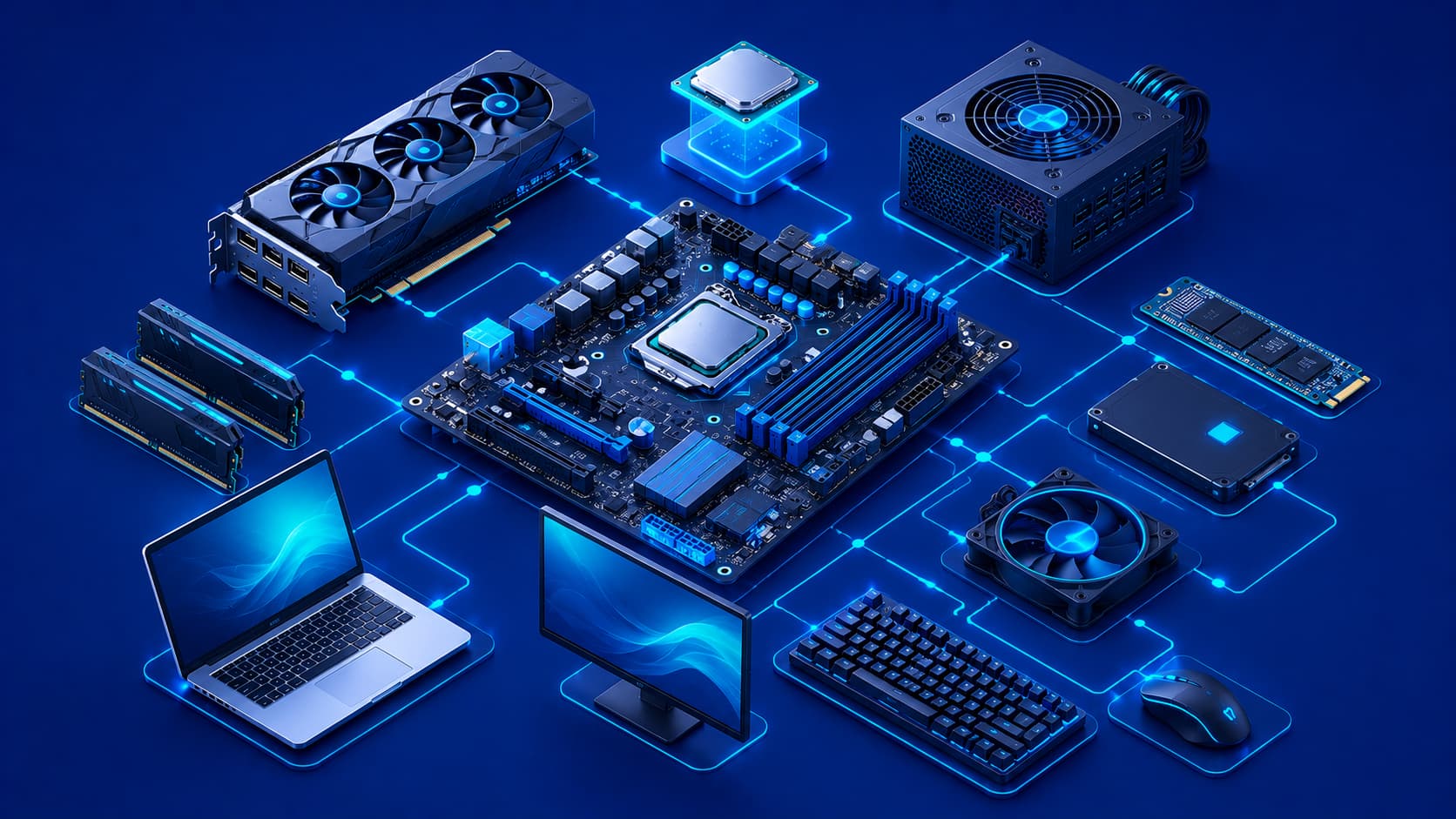
Every digital device you use has two essential parts.
The first is software, which provides the instructions that tell a device what to do.
The second is hardware, the physical components responsible for carrying out those instructions. Without hardware, software would have nowhere to run, and without software, hardware would have no meaningful tasks to perform. Together, they form the foundation of modern computing.
Whether you're using a desktop computer, laptop, smartphone, gaming console, or server, hardware is responsible for processing information, storing data, displaying images, receiving user input, and connecting to other devices.
Although millions of people use computers every day, relatively few understand what hardware actually includes or how the different components work together. Learning the basics of computer hardware makes it much easier to understand software, operating systems, networking, cybersecurity, and many other areas of technology.
What Is Computer Hardware?
Computer hardware refers to the physical components of a computer or digital device.
Unlike software, which exists as digital instructions, hardware consists of tangible parts that you can see and touch.
These physical components work together to:
- Process data.
- Store information.
- Communicate with other devices.
- Allow users to interact with technology.
Every computer contains many hardware components, each designed for a specific purpose.
Some components perform calculations, while others store files, display information, receive user input, or establish network connections. Although each part has its own role, they all contribute to the overall operation of the system.
Real-World Example
Think about what happens when you open a document on your laptop.
- The processor performs the necessary calculations.
- Memory temporarily stores the document while it's open.
- Storage retrieves the file from the drive.
- The graphics hardware sends the image to your monitor.
- Your keyboard and mouse allow you to edit the document.
Even a simple task requires multiple hardware components working together seamlessly.
Why Is Hardware Important?
Hardware provides the physical resources required for computing.
Without processors, memory, storage devices, and input/output hardware, software would be unable to execute instructions or produce useful results.
Computer performance also depends heavily on its hardware.
For example:
- Faster processors can complete calculations more quickly.
- Additional memory allows more applications to run simultaneously.
- Modern storage devices reduce loading times and improve responsiveness.
Reliable hardware also contributes directly to system stability. Even well-designed software cannot function correctly if essential hardware components fail.
Editorial Insight
Many people assume that installing new software automatically makes a computer faster. While software optimization can improve efficiency, hardware often determines the system's overall capabilities. A computer with insufficient memory or an outdated processor may struggle to run modern applications regardless of how well the software is designed.
The Relationship Between Hardware and Software
Hardware and software depend entirely on one another.
Hardware provides the physical platform, while software supplies the instructions that tell the hardware what to do.
Neither can perform meaningful work independently.
For example, when you launch a web browser:
- The software requests processing power.
- Memory stores active data.
- Storage retrieves application files.
- Network hardware communicates with websites.
Meanwhile, the operating system coordinates communication between both layers, allowing users to interact with complex technology through simple interfaces.
Why This Relationship Matters
Understanding the relationship between hardware and software helps explain why upgrading one component can affect overall system performance.
For instance:
- Installing additional RAM may improve multitasking.
- Replacing an HDD with an SSD can dramatically reduce loading times.
- A faster processor can shorten rendering or compilation tasks.
Hardware provides the capability, while software determines how that capability is used.
Major Categories of Computer Hardware
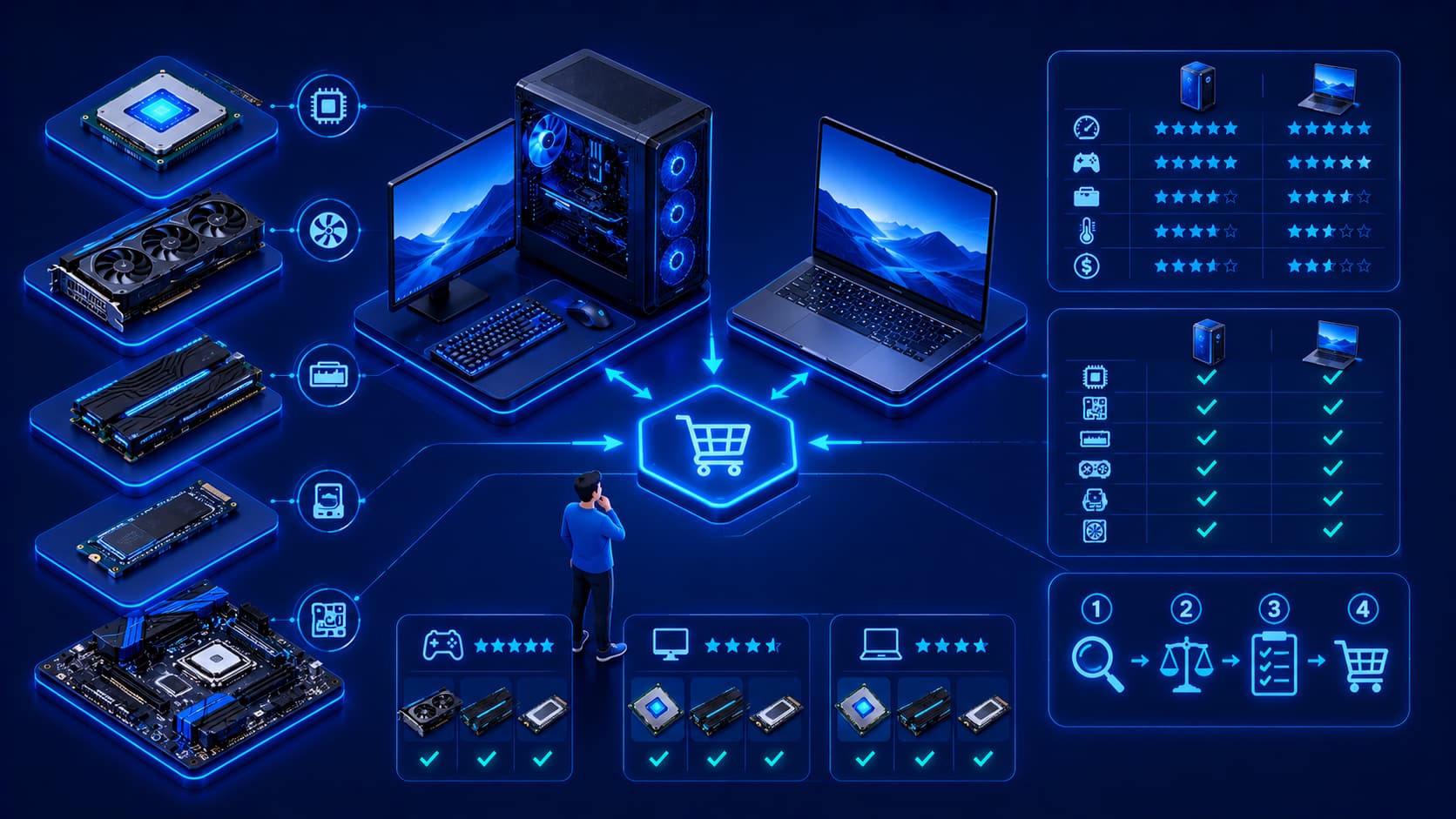
Computer hardware is commonly grouped into several categories based on its primary function.
Processing Hardware
Processing hardware performs calculations and executes program instructions.
The processor (CPU) is the primary example of this category and is responsible for carrying out the tasks requested by software.
Memory Hardware
Memory temporarily stores information that the processor needs while applications are running.
Because memory is extremely fast, it enables applications to access active data with minimal delay.
Storage Hardware
Storage devices keep operating systems, applications, documents, photos, videos, and other files even after the computer is powered off.
Unlike memory, storage is designed for long-term data retention.
Input and Output Hardware
Input devices allow users to communicate with computers, while output devices present information back to users.
Together, these components create the interactive experience people expect from modern computing devices.
Common Types of Computer Hardware
Although every computer is built differently, most systems include several essential hardware components that work together to perform everyday computing tasks.
Processor (CPU)
The Central Processing Unit (CPU) is responsible for executing instructions and performing calculations. It is often referred to as the "brain" of the computer because it coordinates many of the system's operations.
Whenever you:
- Open an application.
- Browse the web.
- Edit documents.
- Play games.
- Run professional software.
the processor handles millions—or even billions—of calculations every second.
A faster processor generally improves performance, particularly when multitasking or running demanding applications.
Editorial Insight
While the CPU is often called the brain of the computer, it cannot work alone. It constantly communicates with memory, storage, and other hardware components to complete every task efficiently.
Memory (RAM)
Memory temporarily stores the information currently needed by the processor.
Because memory is much faster than long-term storage, applications can quickly access the data they require while running.
However, this storage is temporary.
When the computer is turned off or restarted, the data stored in memory is usually cleared.
Practical Example
Imagine you're editing multiple documents while streaming music and keeping several browser tabs open.
RAM temporarily stores the data for all these active applications, allowing you to switch between them quickly without constantly reloading information from storage.
Storage
Storage devices preserve data even after the computer is powered off.
They store:
- Operating systems.
- Software applications.
- Documents.
- Photos.
- Videos.
- Games.
- Other personal files.
Modern storage technologies offer different balances between:
- Capacity.
- Speed.
- Durability.
This allows users to choose storage solutions that best match their workloads.
Best Practice
Choose storage based on your needs rather than capacity alone.
For example:
- Faster storage improves application loading times.
- Larger storage provides more space for documents, media, and backups.
Finding the right balance often delivers the best overall experience.
Motherboard
The motherboard acts as the central circuit board that connects all of a computer's major hardware components.
It enables communication between:
- The processor.
- Memory.
- Storage devices.
- Expansion cards.
- Peripheral devices.
Without the motherboard, these individual components would not be able to function together as a complete computer system.
Why the Motherboard Matters
Although users rarely interact with the motherboard directly, it serves as the communication hub for the entire computer.
Every piece of hardware depends on it to exchange information reliably.
Input Devices
Input hardware allows users to send information and commands to the computer.
Common examples include:
- Keyboards.
- Mice.
- Touchscreens.
- Microphones.
- Scanners.
- Webcams.
These devices make it possible to control software, enter data, communicate online, and interact with digital content.
Output Devices
Output hardware presents information generated by the computer.
Examples include:
- Monitors.
- Speakers.
- Printers.
- Projectors.
Without output devices, users would have no practical way to see or hear the results of computer processing.
Together, input and output devices create the interactive experience that people expect from modern computers.
Internal Hardware vs External Hardware
Computer hardware is commonly divided into two broad categories.
Internal Hardware
Internal hardware consists of the components located inside the computer.
Examples include:
- Processor (CPU).
- Motherboard.
- Memory (RAM).
- Storage devices.
- Power supply.
- Expansion cards.
These components perform the core functions required for the computer to operate.
External Hardware
External hardware, often called peripherals, connects to the computer from the outside.
Common examples include:
- Monitors.
- Keyboards.
- Mice.
- Printers.
- External storage devices.
- Webcams.
- Speakers.
Although many peripherals are optional, they greatly improve how users interact with the computer and expand its capabilities.
How Hardware Components Work Together
No single hardware component can operate independently. Every part performs a specialized function while cooperating with the others to complete computing tasks.
For example:
- The processor (CPU) executes instructions.
- Memory (RAM) stores active data.
- Storage retains files permanently.
- The motherboard connects all major components.
- Input devices receive commands from users.
- Output devices present the results.
The operating system coordinates communication between these hardware components while software provides the instructions they execute.
This cooperation enables computers to perform everything from writing documents and browsing the web to video editing, software development, scientific research, and artificial intelligence workloads.
Practical Example
Imagine you save a presentation after making several edits.
The process involves multiple hardware components working simultaneously:
- The keyboard sends your commands to the computer.
- The CPU processes those commands.
- RAM temporarily stores the updated information.
- The storage device writes the file permanently.
- The monitor displays confirmation that the file has been saved.
Although the action appears almost instantaneous, numerous hardware components cooperate behind the scenes to complete the task.
Hardware Continues to Evolve
Computer hardware has advanced dramatically over the past several decades.
Modern components deliver:
- Higher performance.
- Greater energy efficiency.
- Improved reliability.
- Smaller physical sizes.
Today's hardware supports technologies such as:
- Artificial Intelligence (AI).
- Cloud Computing.
- Virtualization.
- High-speed networking.
- Advanced graphics processing.
- Real-time collaboration.
As software becomes increasingly sophisticated, hardware continues evolving to provide the processing power, memory capacity, and storage performance required by modern applications.
Editorial Insight
Hardware innovation doesn't only make computers faster. It also enables entirely new technologies. Advances in processors, graphics hardware, and specialized AI accelerators have made real-time language translation, generative AI, cloud gaming, and advanced scientific simulations practical for businesses and consumers alike.
Common Misconceptions About Computer Hardware
Understanding what hardware can—and cannot—do helps users make better technology decisions.
Hardware Is Not the Same as Software
Although hardware and software work together, they serve different purposes.
Hardware refers to the physical components of a computer.
Software consists of the digital instructions that tell those components how to perform tasks.
Neither is useful without the other.
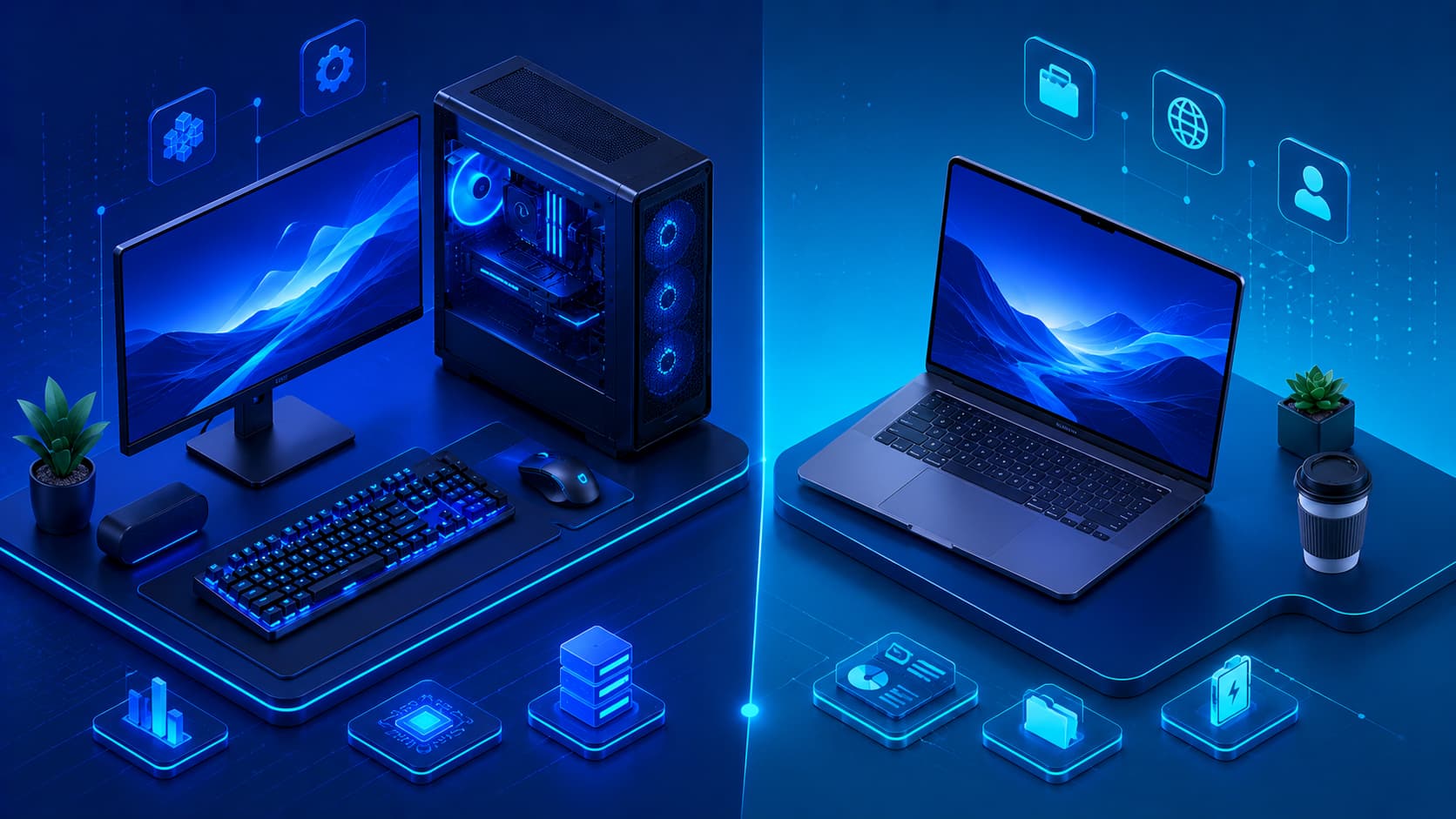
More Expensive Hardware Isn't Always Necessary
The most powerful hardware isn't automatically the best choice.
The right hardware depends on how you use your computer.
For example:
- A student writing documents may not need a high-end workstation.
- A video editor benefits from faster processors and larger memory.
- A software developer may prioritize additional RAM and faster storage.
- A gamer may invest in more powerful graphics hardware.
Choosing hardware based on your actual workload often provides the best balance between performance and cost.
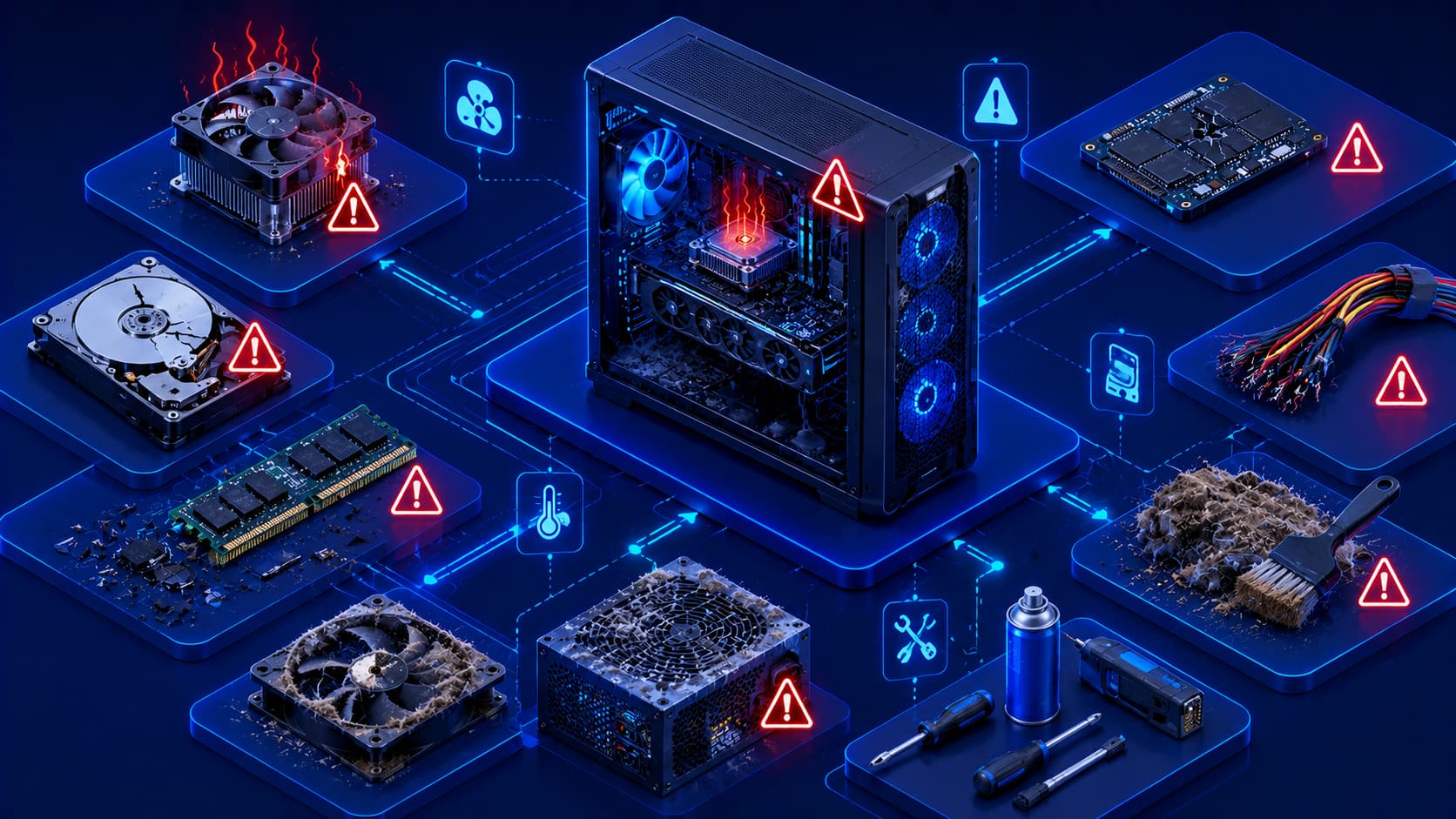
Hardware Doesn't Last Forever
Like any physical equipment, hardware experiences wear over time.
Components may eventually fail because of:
- Age.
- Heat.
- Electrical issues.
- Heavy usage.
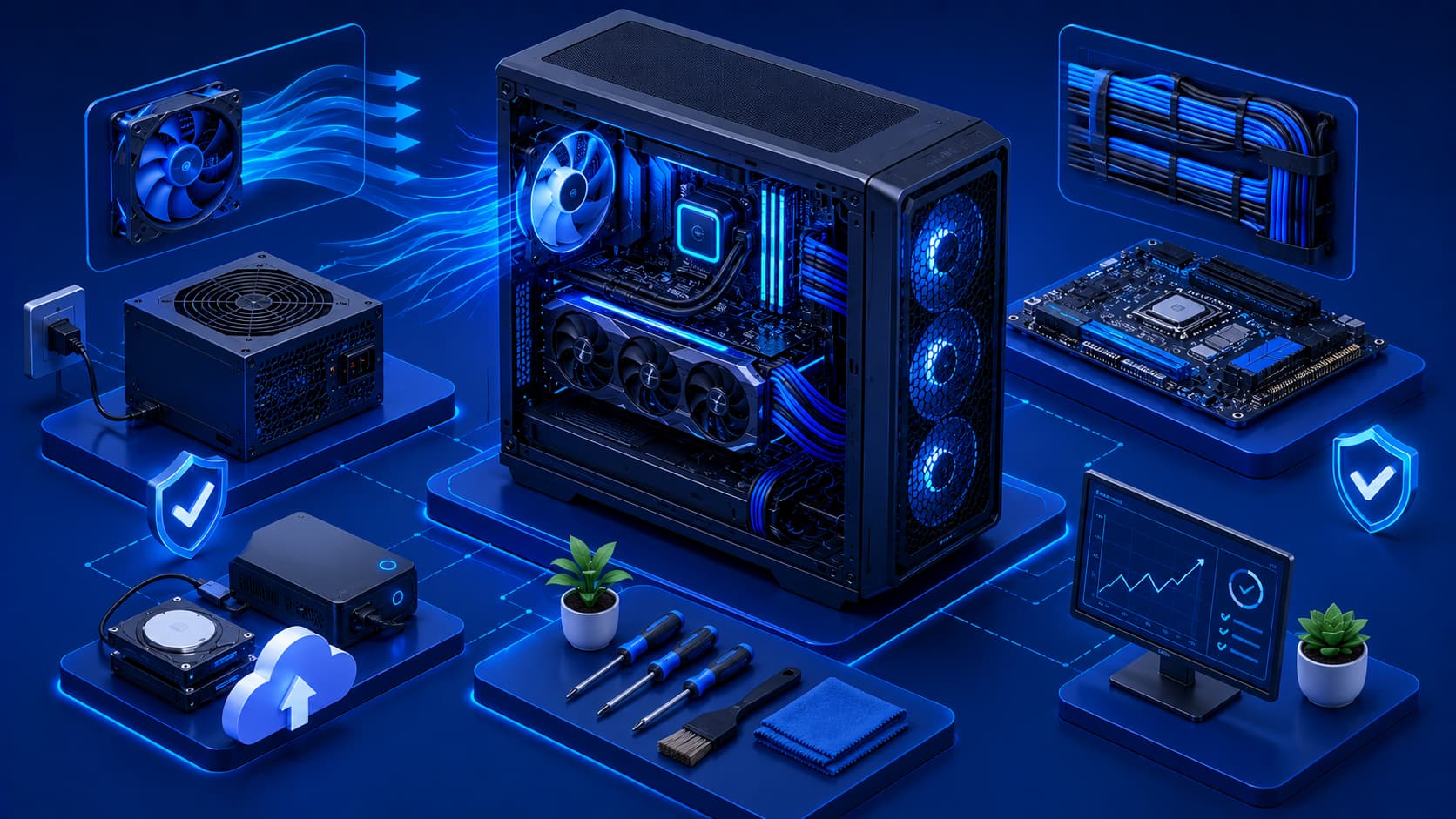
Proper cooling, regular cleaning, and responsible use can help extend the lifespan of your hardware and improve overall system reliability.
Frequently Asked Questions
What Is Computer Hardware in Simple Terms?
Computer hardware refers to the physical parts of a computer or digital device, including components such as the processor, memory, storage, motherboard, and peripherals.
What's the Difference Between Hardware and Software?
Hardware consists of the physical components you can touch, while software provides the digital instructions that tell the hardware how to perform tasks.
Can Hardware Work Without Software?
Not in a meaningful way.
Hardware requires software—including the operating system—to execute instructions and perform useful tasks.
Which Hardware Component Is the Most Important?
Every major hardware component has a specific responsibility.
A computer depends on all of them working together to operate effectively, so no single component can replace the functions of the others.
Why Does Hardware Affect Computer Performance?
Hardware determines how efficiently a computer can process information, run applications, store data, and support multitasking.
Faster or more capable components generally improve the overall computing experience.
Conclusion
Computer hardware forms the physical foundation of every digital device.
From processors and memory to storage devices and input/output peripherals, each component performs a specialized role in helping computers process information, store data, and interact with users.
Understanding the major categories of hardware makes it easier to appreciate how computers function as complete systems rather than isolated components.
Whether you're using a laptop for school, a workstation for professional projects, or a server supporting cloud services, every computing device relies on hardware working together with software to deliver reliable performance.
Final Takeaway
Learning the basics of computer hardware is one of the best ways to build a stronger understanding of technology as a whole. Once you understand how processors, memory, storage, motherboards, and peripheral devices work together, you'll find it much easier to learn operating systems, networking, cybersecurity, cloud computing, and many other technical subjects.
Hardware may be only one part of a computer system, but it provides the physical foundation that makes every digital experience possible.