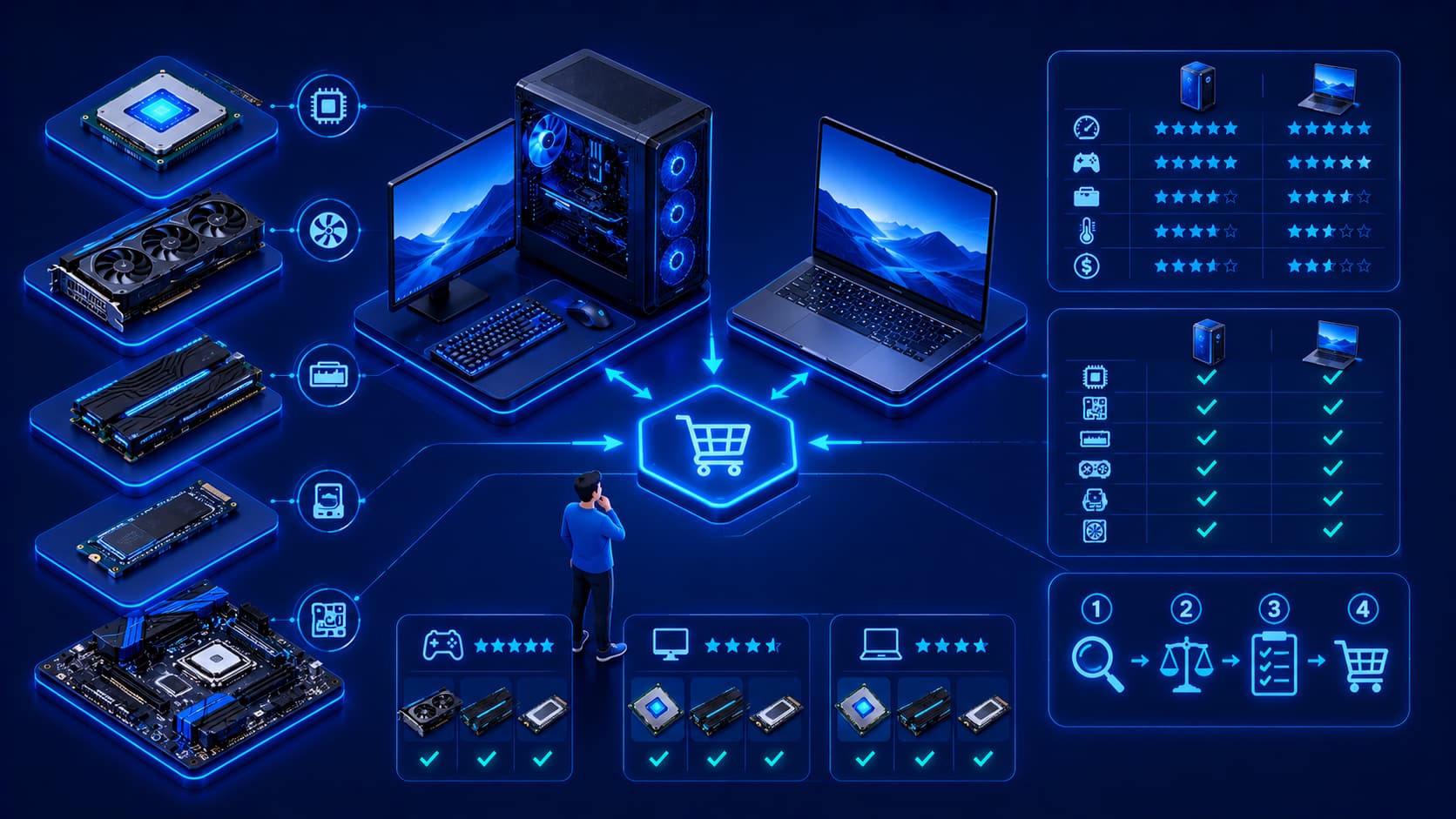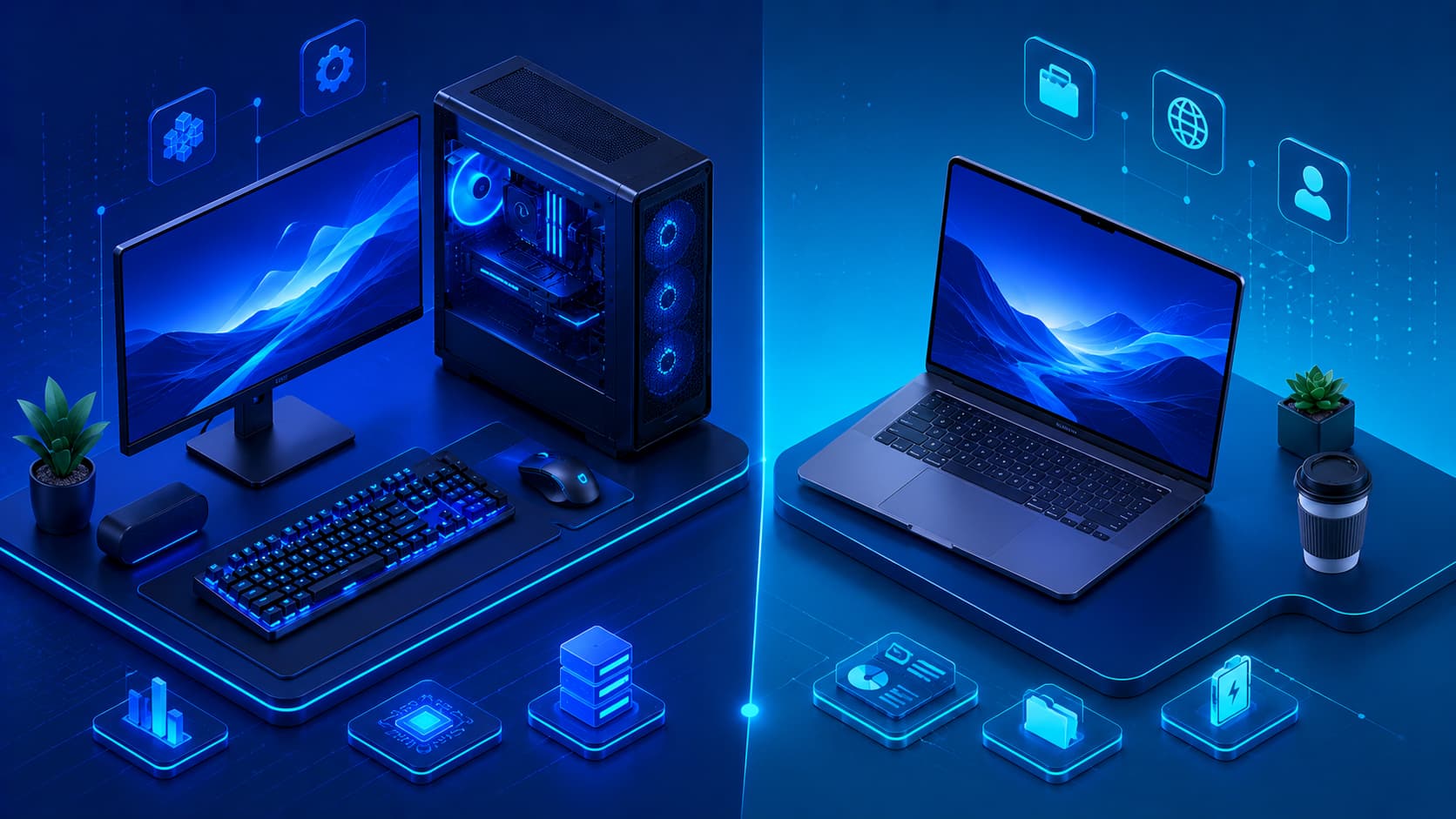
Choosing a computer is no longer as simple as deciding whether you need one. Today, many people must also determine which type of computer best matches their lifestyle, work habits, and performance requirements. For most users, the decision comes down to two primary options: a desktop computer or a laptop.
Both devices are capable of running modern operating systems, productivity software, web browsers, creative applications, and many other types of software. However, they are designed with different priorities.
Desktop computers emphasize performance, expandability, and long-term flexibility, while laptops focus on portability, convenience, and the ability to work from almost anywhere.
Neither option is universally better. The right choice depends on how, where, and why the computer will be used.
What Is a Desktop Computer?
A desktop computer is a personal computer designed to remain in a fixed location, such as a home office, classroom, or workplace.
A typical desktop setup includes several components:
- System unit (computer case).
- Monitor.
- Keyboard.
- Mouse.
- Optional external speakers.
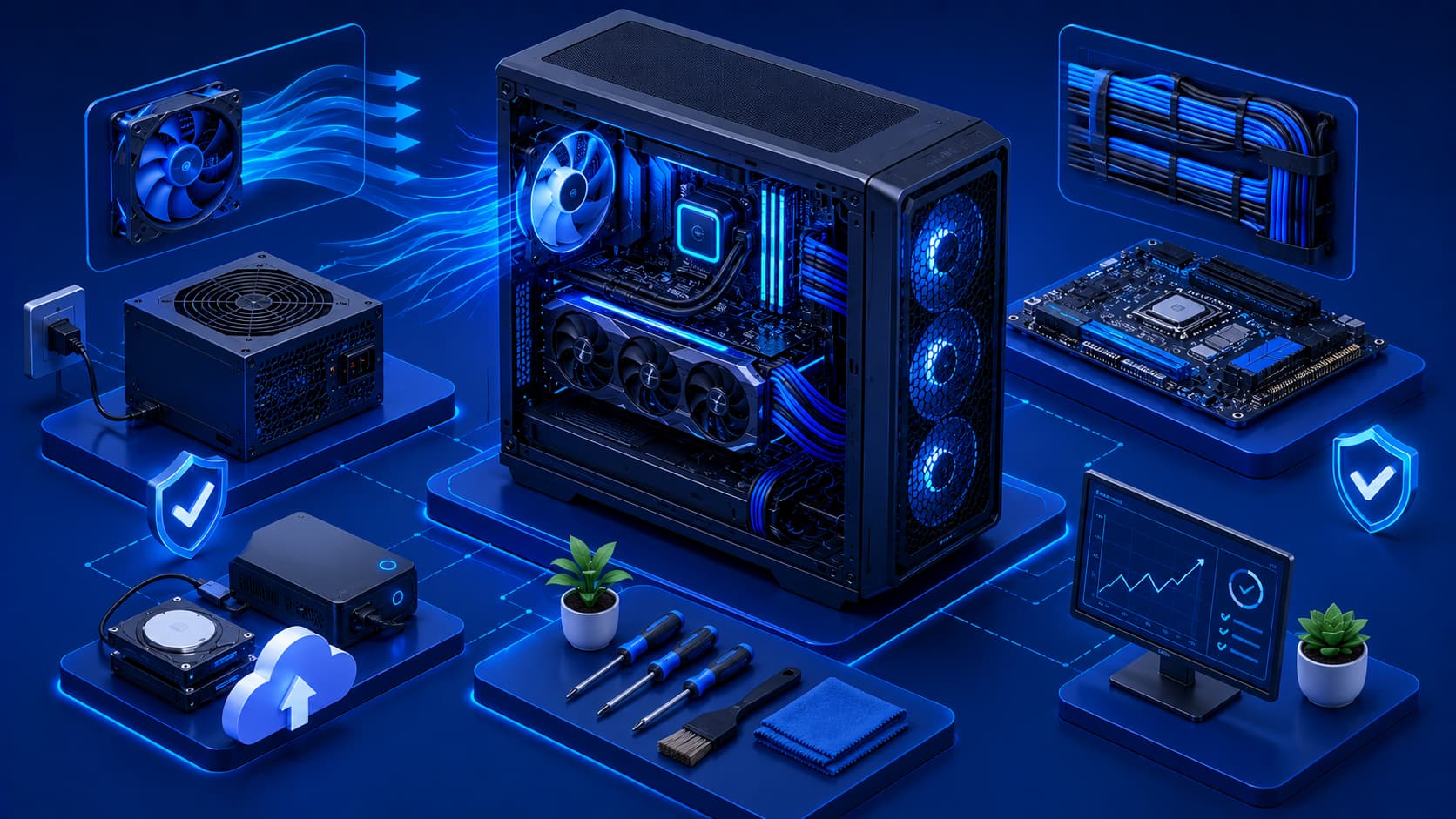
Because desktop computers are not restricted by compact designs or battery limitations, they typically offer greater flexibility for hardware expansion, cooling, and future upgrades.
Many desktop systems allow users to replace or upgrade internal components over time, helping extend the computer's useful lifespan.
Practical Example
A desktop computer is often the preferred choice for:
- Home offices.
- Programming workstations.
- Graphic design studios.
- Video editing setups.
- Gaming environments.
Since the computer usually remains in one location, users can prioritize performance and upgradeability over portability.
What Is a Laptop?
A laptop is a portable personal computer that combines the display, keyboard, pointing device, speakers, battery, and internal hardware into a single compact device.
Unlike desktop computers, laptops are designed to be carried easily between locations.
This portability makes them popular among:
- Students.
- Business professionals.
- Remote workers.
- Travelers.
Modern laptops provide impressive performance while balancing battery life, weight, and energy efficiency, making them suitable for both personal and professional use.
Editorial Insight
Today's laptops are significantly more powerful than they were a decade ago. Many models can comfortably handle software development, photo editing, video conferencing, and even professional creative work, making them a practical option for users who need both performance and mobility.
Performance Differences
Desktop computers often provide greater performance potential because they have more space for cooling systems and larger hardware components. This allows them to sustain demanding workloads for extended periods without being limited by compact designs.
Laptops, meanwhile, continue to improve dramatically in performance while prioritizing portability and energy efficiency.
For many everyday activities—including:
- Web browsing.
- Office work.
- Programming.
- Online learning.
- Media consumption.
Modern laptops provide more than enough computing power for a smooth user experience.
Practical Example
Consider two users:
- A video editor working with large 8K projects for several hours each day.
- A university student attending online classes, writing reports, and browsing the web.
The video editor may benefit more from a high-performance desktop with better cooling and upgrade options, while the student may find a lightweight laptop more practical because it can easily be carried between home, campus, and the library.
Portability
One of the biggest advantages of laptops is portability. A laptop allows users to work almost anywhere without requiring separate peripherals or a permanent workspace.
Desktop computers, by comparison, are designed for stationary use. Although individual components can be moved, desktop systems are not intended for frequent transportation.
For users who regularly travel, work remotely, or frequently change locations, portability may be one of the most important considerations when choosing a computer.
Upgradeability
One of the biggest differences between desktop computers and laptops is upgradeability. Desktop computers are generally designed with future hardware upgrades in mind, making it easier to improve performance over time without replacing the entire system.
Depending on the system, desktop users can often upgrade:
- Memory (RAM).
- Storage devices.
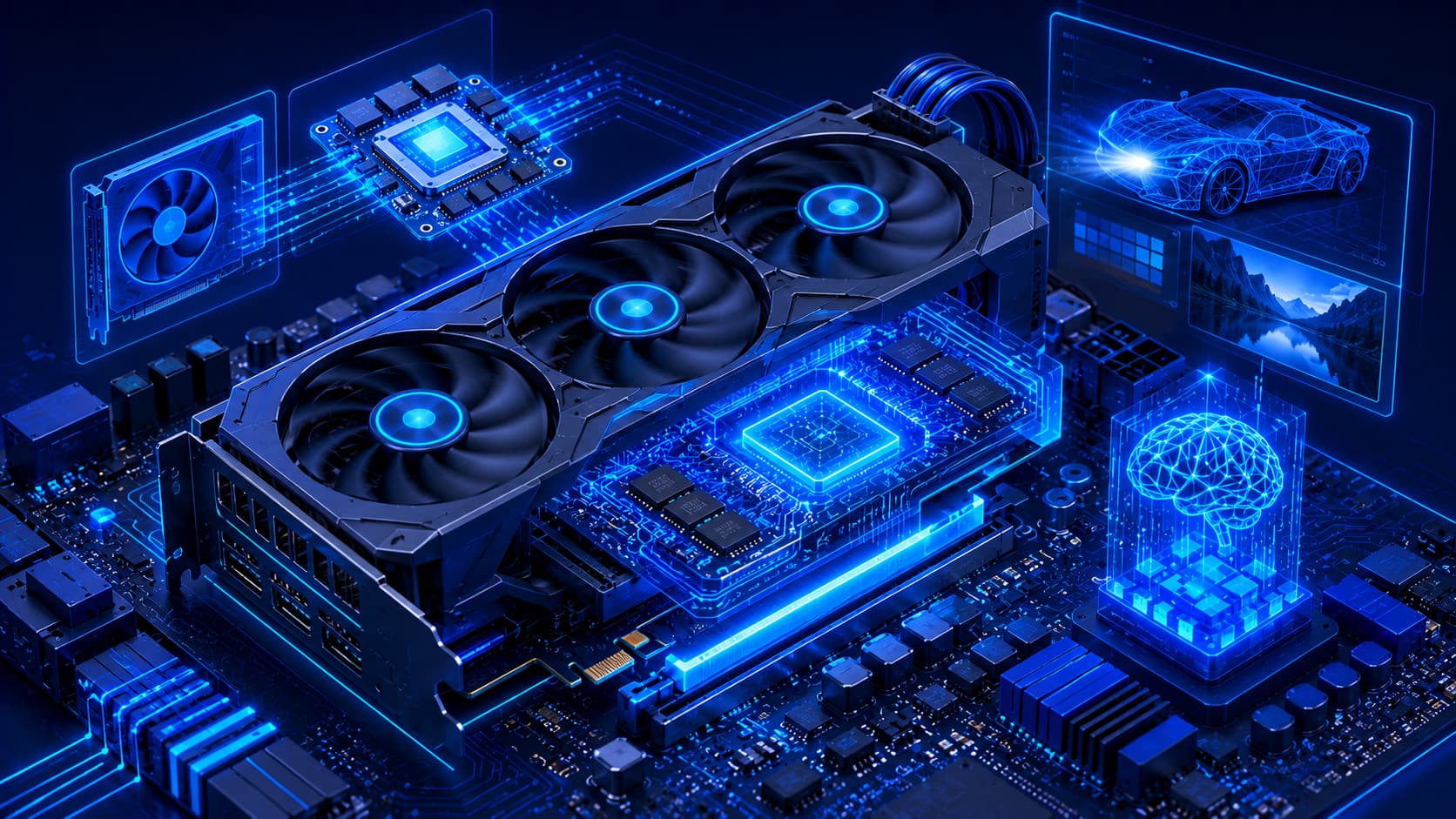
- Graphics cards (GPUs).
- Power supplies.
- Cooling systems.
- Expansion cards.
This flexibility allows desktop computers to adapt to changing performance requirements as software becomes more demanding.
Laptops, by comparison, usually offer fewer upgrade options because of their compact internal design. Some models allow memory or storage upgrades, while others have components permanently integrated into the device. As a result, upgrade possibilities vary depending on the specific hardware design.
Practical Example
Suppose a software developer needs more performance after two years of use.
With a desktop computer, they may simply:
- Install additional RAM.
- Upgrade to a larger SSD.
- Replace the graphics card.
- Improve the cooling system.
With many laptops, however, these upgrades may be limited or unavailable, meaning purchasing a new device could become the only practical option.
Workspace Requirements
Desktop computers require a dedicated workspace because they consist of multiple components, including a monitor, keyboard, mouse, and system unit. Users typically need a desk large enough to accommodate this equipment comfortably.
Laptops occupy much less space.
When not in use, they can easily be stored in a backpack, cabinet, or drawer, making them especially useful for:
- Small apartments.
- Dorm rooms.
- Shared workspaces.
- Flexible home offices.
- Users who frequently move between locations.
Editorial Insight
Workspace is often overlooked when purchasing a computer. Even if a desktop offers greater performance, a laptop may provide a better overall experience for users who have limited desk space or prefer a clutter-free working environment.
Battery and Power
Desktop computers require a continuous external power source. If electricity becomes unavailable, they generally stop operating unless connected to an uninterruptible power supply (UPS) or other backup power equipment.
Laptops include built-in rechargeable batteries, allowing users to continue working during short power interruptions or while traveling.
Battery life varies depending on:
- The workload.
- Hardware configuration.
- Power settings.
However, portable operation remains one of the defining advantages of laptops.
Practical Example
Imagine you're working during a power outage.
- A desktop computer without backup power will usually shut down immediately.
- A laptop can continue operating on battery power, allowing you to finish your work or save important files before shutting down.
Which One Is Better for Different Users?
The best choice depends entirely on how the computer will be used. There is no single answer that fits everyone.
A desktop computer may be the better option if you:
- Need maximum performance.
- Plan to upgrade hardware over time.
- Work primarily from one location.
- Run demanding applications such as video editing, 3D design, engineering software, or scientific computing.
A laptop may be the better choice if you:
- Travel frequently.
- Work remotely.
- Attend school or university.
- Need a computer in multiple locations.
- Value portability and convenience.
Many professionals successfully use both:
- A powerful desktop at the office or home workstation.
- A lightweight laptop for productivity while traveling or attending meetings.
Best Practice
Before buying a computer, ask yourself a few practical questions:
- Where will I use it most often?
- Do I need to carry it regularly?
- Will I upgrade it in the future?
- What applications will I run every day?
Answering these questions will often make the right choice much clearer than comparing specifications alone.
Common Misconceptions
Understanding the differences between desktop computers and laptops helps avoid several common misconceptions when choosing a new computer.
Desktop Computers Are Not Only for Gamers
Although gaming desktops are well known, desktop computers are also widely used for software development, engineering, education, business operations, content creation, and scientific research. Their flexibility makes them suitable for many professional environments.
Many organizations choose desktop systems because they are easier to maintain, upgrade, and customize for specialized workloads.
Laptops Are Not Always Less Powerful
Many modern laptops provide excellent performance for everyday productivity and even demanding professional workloads. Performance depends on the overall hardware configuration rather than the device category alone.
For example, a high-end laptop equipped with a powerful processor, dedicated graphics, and fast storage can outperform an older desktop computer in many tasks.
Smaller Doesn't Mean Less Capable
Portable computers continue to become more efficient. Many compact laptops successfully handle programming, creative work, office productivity, online collaboration, and multimedia tasks despite their smaller size.
Advances in processor technology, battery efficiency, and cooling systems have enabled laptops to deliver impressive performance while remaining lightweight and portable.
Editorial Insight
Many buyers assume they must sacrifice performance if they choose a laptop. While desktops still offer greater upgradeability and cooling potential, today's premium laptops are capable of handling workloads that once required much larger desktop systems. The best choice depends on your workflow rather than outdated assumptions about computer size.
Frequently Asked Questions
Which Is Better, a Desktop or a Laptop?
Neither is universally better.
The right choice depends on your priorities, including performance, portability, available workspace, and future upgrade needs.
Are Desktop Computers Easier to Upgrade?
In general, yes.
Desktop systems usually provide greater access to replaceable components such as memory, storage, graphics hardware, and expansion cards, making future upgrades much simpler.
Can Laptops Be Upgraded?
Some laptops allow upgrades to memory or storage, while others have components permanently integrated into the device.
Upgrade options vary depending on the specific model and hardware design.
Which Is Better for Students?
Many students prefer laptops because they can be carried easily between home, school, libraries, and classrooms.
However, students who regularly perform demanding workloads—such as 3D rendering, video editing, or engineering simulations—may also benefit from desktop computers.
Which Is Better for Long-Term Use?
Both desktops and laptops can provide many years of reliable service when properly maintained.
Desktop computers may offer greater long-term flexibility because upgrading hardware is often easier than replacing an entire system.
Conclusion
Both desktop computers and laptops play important roles in modern computing. Desktop systems emphasize performance, expandability, and long-term flexibility, while laptops prioritize portability, convenience, and the ability to work from almost anywhere.
Rather than asking which type of computer is objectively better, it's more helpful to consider which one best supports your workflow, environment, and future requirements. Understanding the strengths of each option allows you to make an informed decision that balances performance, mobility, budget, and long-term value.
Final Takeaway
Choosing between a desktop and a laptop isn't about selecting the "best" computer—it's about selecting the right computer for your needs.
If maximum performance, upgradeability, and long-term flexibility are your priorities, a desktop is often the stronger choice. If mobility, convenience, and the ability to work from multiple locations matter most, a laptop is likely the better investment.
By evaluating your daily workflow, available workspace, travel habits, and future upgrade plans, you can choose a computer that continues to meet your needs for years to come.