Modern computers perform far more than simple calculations. They display high-resolution graphics, render realistic 3D environments, edit videos, process artificial intelligence (AI) models, and support complex scientific simulations. While the CPU coordinates many general computing tasks, another processor is specifically designed to handle graphics and highly parallel workloads: the Graphics Processing Unit (GPU).
Originally developed to accelerate graphics rendering, GPUs have evolved into powerful processors capable of handling many different types of computation. Today, they play a vital role not only in gaming but also in video production, machine learning, engineering, scientific research, cryptocurrency technologies, and numerous professional applications.
Understanding how GPUs work provides valuable insight into why they have become one of the most important components in modern computers.
What Is a GPU?
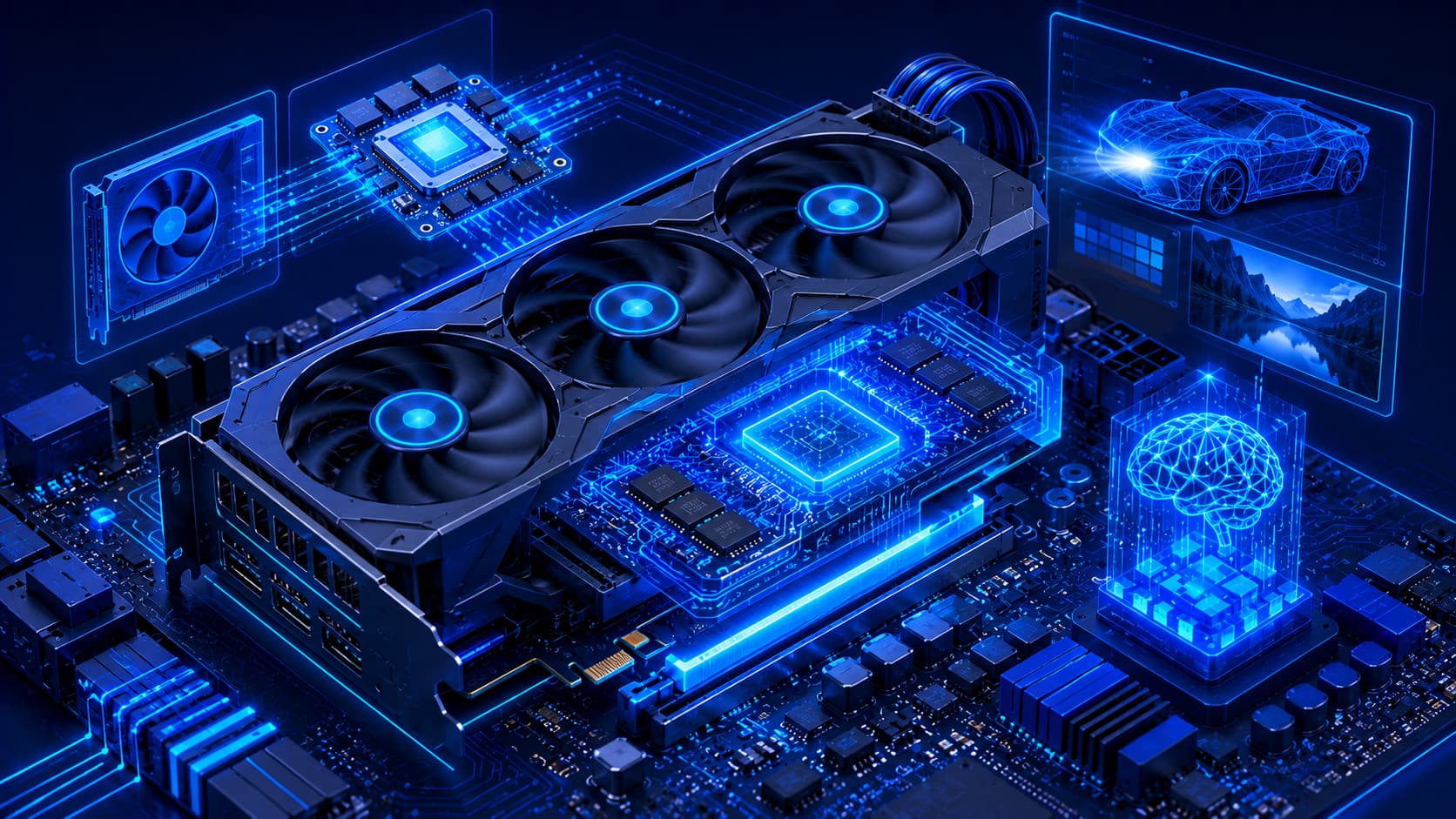
A Graphics Processing Unit (GPU) is a specialized processor designed to perform a large number of calculations simultaneously. Unlike a CPU, which focuses on handling a wide variety of general-purpose computing tasks, a GPU is optimized for workloads that can be divided into many parallel operations.
This architecture makes GPUs exceptionally effective at:
- Rendering images.
- Processing videos.
- Creating visual effects.
- Accelerating workloads that involve massive amounts of data.
Rather than replacing the CPU, modern operating systems and applications rely on both processors working together to deliver smooth and efficient performance.
Practical Example
When you play a modern video game:
- The CPU manages game logic, physics, and user input.
- The GPU renders characters, lighting, textures, and visual effects.
- Together, they create a smooth and immersive gaming experience.
Without a GPU, rendering today's complex graphics would place an enormous burden on the CPU and significantly reduce performance.
Why Is a GPU Important?
The GPU is responsible for generating the images displayed on monitors and other visual output devices. Whenever you watch a video, play a game, edit photos, or use a three-dimensional application, the GPU processes the graphical information required to produce those visuals.
Beyond graphics, GPUs have become increasingly valuable because they can process large amounts of data simultaneously.
This capability has made them essential for:
- Artificial intelligence.
- Data analysis.
- Scientific simulations.
- Engineering applications.
- Other computationally intensive workloads.
Editorial Insight
The role of the GPU has expanded dramatically over the past decade. While it was once viewed primarily as hardware for gamers, today's GPUs are indispensable tools in industries ranging from healthcare and engineering to film production and AI research. Their ability to perform thousands of calculations in parallel has transformed them into one of the most versatile processors available.
How a GPU Works
A GPU processes many small tasks at the same time. Instead of executing instructions sequentially like a CPU, it distributes work across a large number of processing units designed specifically for parallel computation.
For example, when rendering a complex 3D scene, millions of pixels and graphical calculations must be completed almost instantly.
Rather than processing each calculation one after another, the GPU performs many of them simultaneously. This allows images to appear smoothly on the screen, even during visually demanding applications.
The same parallel-processing capability also benefits many non-graphics workloads that require large-scale mathematical computation, such as AI training and scientific simulations.
How Parallel Processing Works
A simplified workflow looks like this:
- An application sends graphical or computational tasks.
- The GPU divides the workload into thousands of smaller operations.
- Many processing units execute those operations simultaneously.
- The completed results are combined and displayed or returned to the application.
This ability to perform many operations in parallel is the primary reason GPUs excel at graphics rendering and modern AI workloads.
GPU and the CPU
Although both the CPU and GPU are processors, they are designed for different responsibilities. The CPU manages the overall operation of the computer by executing operating system instructions, running applications, managing system resources, and coordinating communication between hardware components.
The GPU, on the other hand, specializes in graphics rendering and highly parallel computation. Instead of replacing the CPU, it works alongside it, allowing each processor to focus on the tasks it handles most efficiently.
This partnership enables modern computers to deliver responsive performance across a wide variety of workloads, from everyday office tasks to demanding creative and scientific applications.
Practical Example
When editing a 4K video:
- The CPU manages the editing software, user input, and file operations.
- The GPU renders video previews, processes visual effects, and accelerates encoding.
- Together, they reduce rendering times and provide a smoother editing experience.
Neither processor replaces the other—they complement each other's strengths.
Types of GPUs
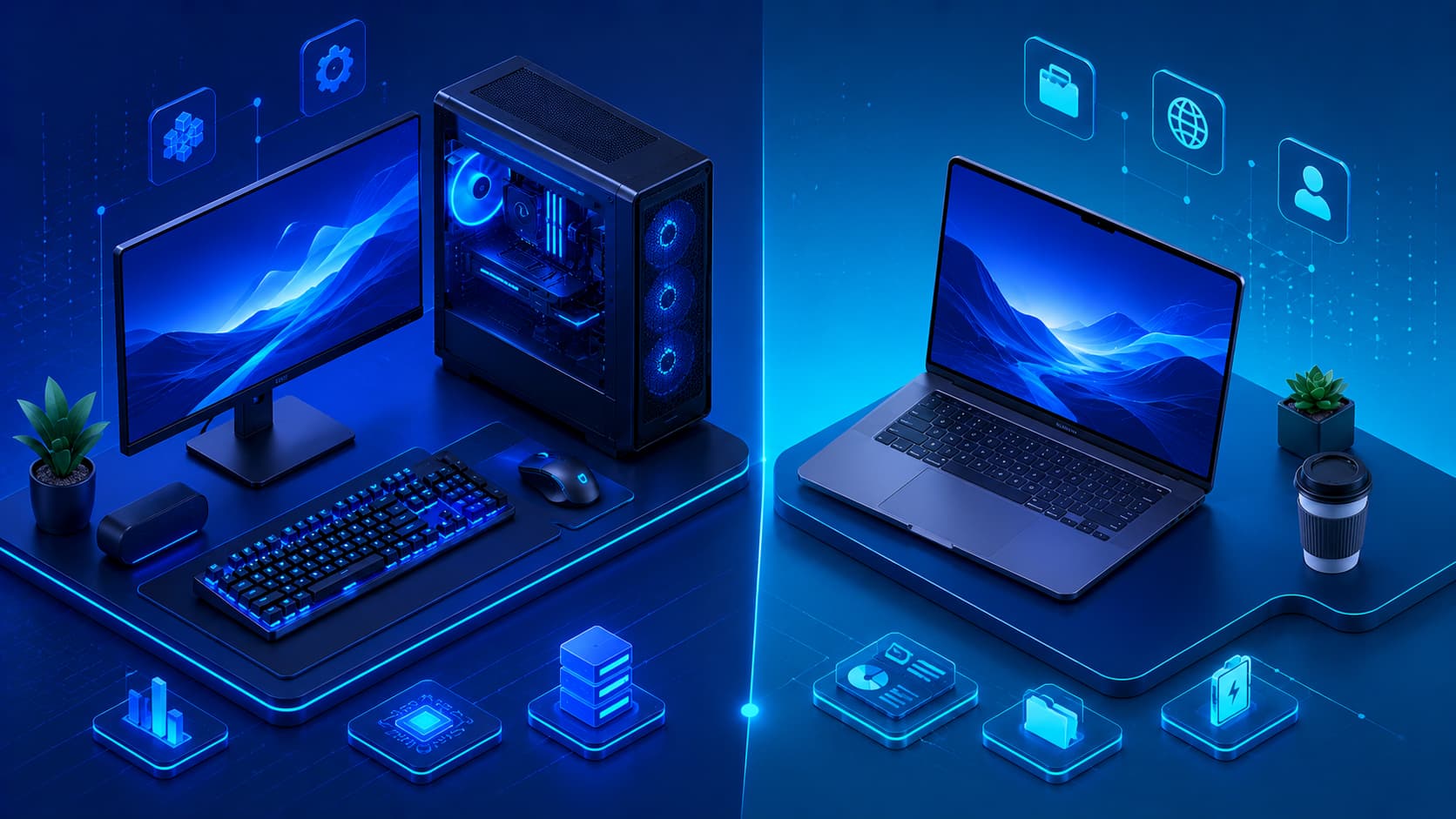
Although all GPUs perform graphics processing, they are available in different forms depending on the type of computer and its intended workload.
Integrated GPUs
An integrated GPU is built directly into the processor or another primary computing component. Instead of using separate dedicated hardware, it shares certain system resources with the rest of the computer.
Integrated GPUs are commonly found in:
- Laptops.
- Compact desktop computers.
- Everyday consumer devices.
They provide sufficient performance for:
- Web browsing.
- Office applications.
- Video streaming.
- Online meetings.
- General computing tasks.
Dedicated GPUs
A dedicated GPU is a separate hardware component built specifically for graphics processing. It includes its own processing resources and dedicated graphics memory, allowing it to handle much more demanding workloads.
Dedicated GPUs are commonly used for:
- Gaming.
- Video editing.
- 3D modeling.
- Computer-Aided Design (CAD).
- Artificial intelligence.
- Scientific computing.
For users who regularly perform graphics-intensive tasks, dedicated GPUs generally provide substantially higher performance than integrated graphics solutions.
Editorial Insight
Integrated graphics have become significantly more capable over the years and are sufficient for many everyday users. However, professionals working with large creative projects, complex simulations, or AI workloads typically benefit from the additional processing power and dedicated memory offered by a discrete GPU.
GPU Memory
Many dedicated GPUs include their own high-speed memory, commonly referred to as Video RAM (VRAM).
VRAM stores:
- Textures.
- Graphical assets.
- Frame buffers.
- Other visual data required during rendering.
Keeping this information close to the GPU improves rendering efficiency and helps reduce delays during demanding graphical workloads.
Like system memory (RAM), VRAM temporarily stores active information and is not intended for long-term storage.
Practical Example
When playing a modern game, textures, lighting information, and graphical effects are loaded into VRAM.
The GPU can then access this data almost instantly while rendering each frame, helping maintain smooth gameplay and reducing visual delays.
GPU Performance
GPU performance depends on many different factors. Looking at a single specification rarely provides an accurate picture of real-world capability.
Overall performance is influenced by:
- Graphics architecture.
- Number of processing units.
- Available graphics memory.
- Memory bandwidth.
- Software optimization.
- Cooling performance.
The best GPU is not necessarily the most powerful or expensive model. Instead, the ideal choice is the one that best matches the intended workload.
For example:
- Everyday office work requires relatively modest graphics performance.
- Professional video production demands substantially greater processing power.
- AI model training often benefits from GPUs with large amounts of VRAM and strong parallel-processing capabilities.
GPUs Beyond Graphics
Although the name suggests a focus on graphics, modern GPUs now accelerate many types of computation beyond visual rendering.
Today, GPUs are widely used for:
- Artificial intelligence and machine learning.
- Scientific simulations.
- Engineering analysis.
- Medical research.
- Financial modeling.
- Video encoding and decoding.
- Image processing.
These workloads benefit from the GPU's ability to perform thousands of parallel operations efficiently. As a result, GPUs have become indispensable across numerous industries, extending far beyond their original role in computer graphics.
Common Misconceptions About GPUs
Understanding what a GPU can—and cannot—do helps avoid several common misconceptions.
A GPU Is Not Only for Gaming
Gaming is one of the most visible uses of GPUs, but modern graphics processors also support professional design, engineering, scientific research, artificial intelligence, and many other computationally intensive fields.
Today, GPUs are widely used in industries such as healthcare, manufacturing, architecture, and finance because they excel at processing large amounts of data simultaneously.
A Powerful GPU Doesn't Improve Every Task
Installing a high-end graphics card does not automatically make every application run faster. Programs that rely primarily on the CPU may see little or no benefit from a more powerful GPU.
Overall computer performance depends on the balance between:
- The processor (CPU).
- System memory (RAM).
- Storage performance.
- Graphics hardware.
- Software optimization.
A well-balanced system generally delivers better real-world performance than upgrading only one component.
Every Computer Has Graphics Processing
Many people assume that only gaming computers include a GPU. In reality, virtually every modern computer has some form of graphics processing. It may be integrated into the processor or provided by a dedicated graphics card.
Even basic laptops and office computers rely on integrated graphics to display the operating system, applications, web pages, and videos.
Best Practice
Choose your GPU based on the work you actually perform.
- Office work and web browsing typically require only integrated graphics.
- Content creators often benefit from a dedicated GPU.
- Gamers usually prioritize graphics performance for smoother gameplay.
- AI developers and researchers frequently require powerful GPUs with substantial VRAM.
Matching the hardware to your workload helps maximize both performance and value.
Frequently Asked Questions
What Is a GPU in Simple Terms?
A GPU is a specialized processor designed to render graphics and perform many calculations simultaneously, making it ideal for visual computing and parallel workloads.
What's the Difference Between a CPU and a GPU?
A CPU handles a wide variety of general-purpose computing tasks, while a GPU specializes in graphics processing and highly parallel computations. Both processors work together to support modern software.
Do I Need a Dedicated GPU?
It depends on your workload.
General tasks such as web browsing, document editing, and video streaming typically perform well with integrated graphics. However, gaming, video editing, 3D design, and AI applications often benefit from a dedicated GPU.
What Is VRAM?
VRAM is specialized memory used by a GPU to store graphics-related data during rendering and other visual processing tasks.
Can a Computer Work Without a GPU?
Modern computers require some form of graphics processing to display information.
Many systems provide this through integrated graphics built into the processor, while others rely on dedicated graphics hardware.
Conclusion
The Graphics Processing Unit (GPU) has evolved far beyond its original role of rendering images. Today, GPUs support everything from everyday computing and multimedia playback to artificial intelligence, scientific research, engineering, and professional content creation.
By working alongside the CPU, memory, and storage, the GPU enables modern computers to process complex visual and computational workloads with remarkable efficiency. Understanding the role of the GPU provides a clearer picture of how these hardware components cooperate to deliver responsive, high-performance computing across a wide variety of applications.
Final Takeaway
GPUs are no longer specialized hardware used only for gaming. They have become essential processors that power modern graphics, accelerate professional creative workflows, enable scientific research, and drive today's rapid advances in artificial intelligence.
Whether you're buying a new computer, building a workstation, or learning how computer hardware works, understanding the GPU—and how it complements the CPU, RAM, and storage—is an important step toward making informed technology decisions.