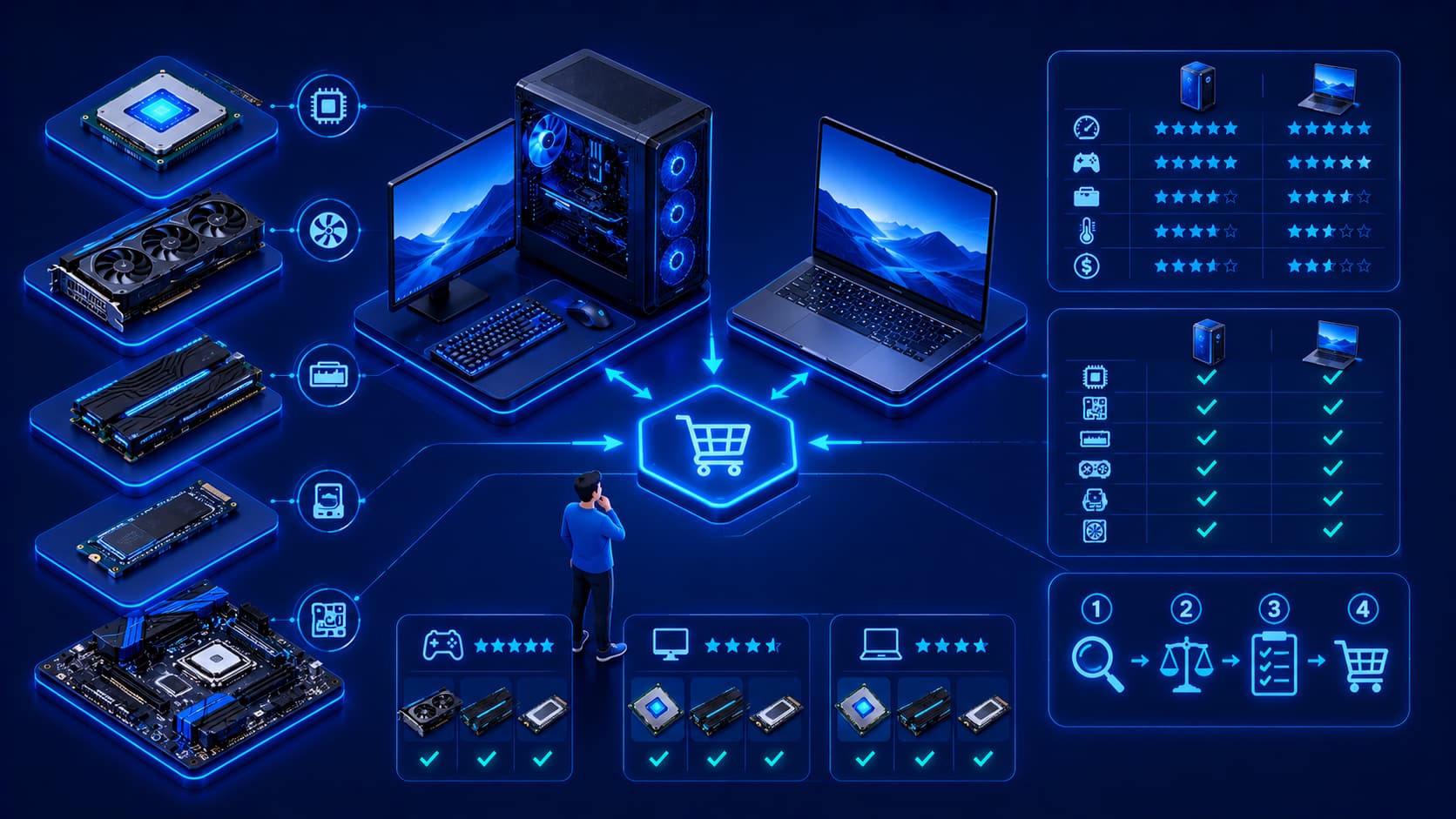
Choosing computer hardware has never been easier—or more confusing. Whether you're buying a new computer, upgrading an existing system, or building a custom PC, you'll encounter countless hardware options with different specifications, features, and price points. Processors offer varying performance levels, memory comes in different capacities, storage devices differ in speed and size, and graphics hardware ranges from basic display solutions to powerful GPUs designed for gaming, professional content creation, and artificial intelligence workloads.
With so many choices available, it's easy to focus only on specifications or marketing claims. However, selecting the right hardware requires a broader perspective. The best computer isn't necessarily the one with the fastest processor or the largest amount of memory—it's the system that best supports your daily tasks while providing reliability, compatibility, and room for future upgrades. Understanding a few fundamental principles makes the decision much easier.
1. Define Your Primary Workload
Before comparing hardware specifications, the first step is identifying how you actually plan to use the computer. Your intended workload should guide every purchasing decision because different tasks place different demands on computer hardware.
Ask yourself questions such as:
- Will the computer be used mainly for office productivity?
- Is it primarily for web browsing and communication?
- Will you use creative software such as photo or video editors?
- Does it need to support software development?
- Will it be used for gaming?
- Is it intended for engineering, AI, or scientific computing?
Buying hardware that greatly exceeds your actual needs often increases costs without delivering meaningful day-to-day benefits.
Practical Example
A user who mainly writes documents, joins video meetings, and browses the web doesn't necessarily benefit from purchasing a workstation-class processor or a high-end graphics card.
On the other hand, someone editing 4K video or training AI models will likely require significantly more processing power, memory, and storage performance.
Choosing hardware based on your actual workload helps maximize value while avoiding unnecessary spending.
2. Think About the Entire System
A computer performs best when all of its components work together as a balanced system. Installing one extremely powerful component does not automatically guarantee excellent overall performance.
For example:
- A fast processor paired with insufficient RAM may struggle with multitasking.
- High-performance graphics hardware cannot fully compensate for slow storage.
- Large amounts of memory cannot overcome an outdated processor in every workload.
Instead of evaluating individual components in isolation, consider how each part contributes to the overall user experience. Balanced hardware configurations often deliver better real-world performance than simply maximizing a single specification.
Editorial Insight
Many first-time buyers compare only CPU models or memory capacity. In reality, everyday performance depends on how well every major component works together. A balanced system usually feels faster and more responsive than one with a single premium component surrounded by weaker hardware.
3. Check Compatibility
Hardware components must be compatible with one another. Whether you're building a new PC or upgrading an existing one, verifying compatibility before purchasing helps prevent installation problems and unnecessary expenses.
Important compatibility checks include:
- Processor and motherboard.
- Memory and motherboard.
- Storage interfaces.
- Expansion hardware.
- Power requirements.
- Operating system support.
Taking a few minutes to verify compatibility can save hours of troubleshooting later and helps ensure that every component functions together reliably.
Best Practice
Before ordering new hardware, review your motherboard specifications and manufacturer documentation. Confirm supported processor generations, memory standards, storage interfaces, and available expansion slots to avoid purchasing incompatible components.
4. Consider Future Upgrades
Your computing needs are likely to change over time. Choosing hardware that allows future upgrades can extend the useful life of your computer and delay the need for a complete replacement.
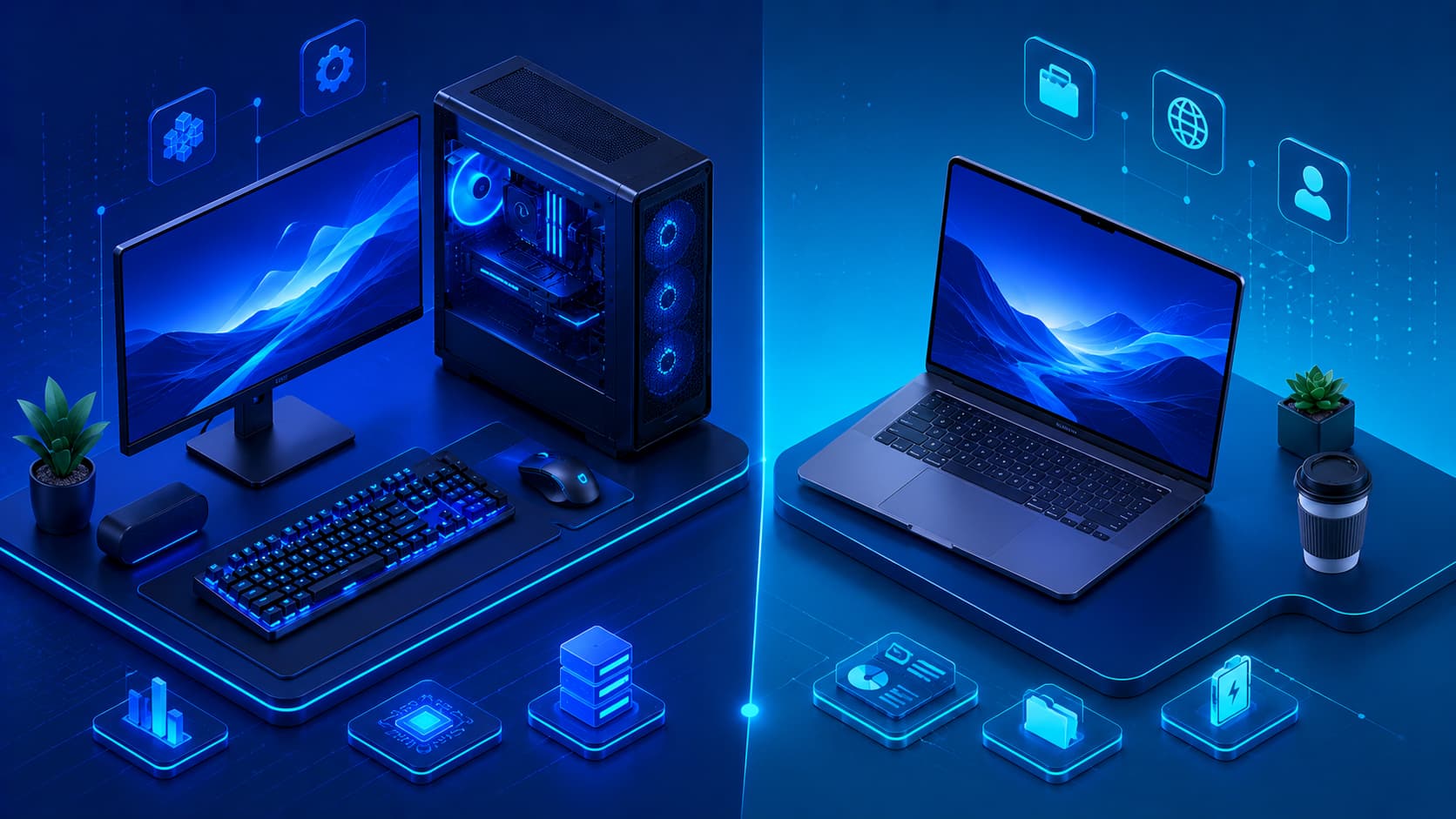
Desktop computers generally provide greater upgrade flexibility than laptops, but both should be evaluated with future requirements in mind whenever possible.
Potential future upgrades may include:
- Adding more memory.
- Expanding storage capacity.
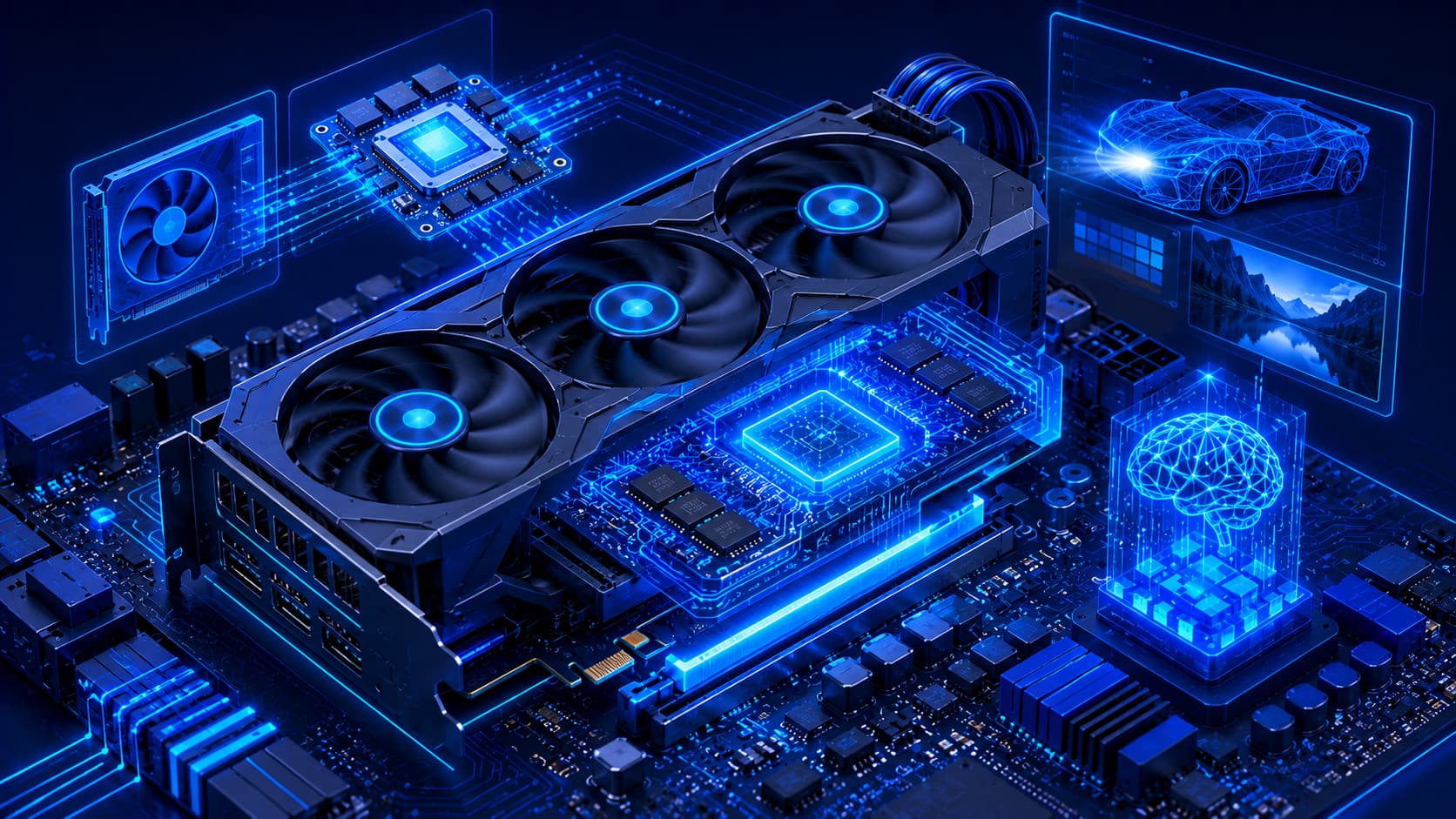
- Installing a more powerful graphics card.
- Replacing the processor (where supported).
Planning ahead can reduce future upgrade costs while allowing your computer to adapt as your workload grows.
5. Balance Performance and Budget
Higher specifications usually come with higher prices. However, the most expensive hardware is not automatically the best investment. Instead, aim to find the right balance between performance, reliability, and affordability based on your intended workload.
A carefully balanced system often provides better long-term value than purchasing premium components whose capabilities remain largely unused.
Practical Example
Suppose you have a limited budget for a new computer.
Rather than spending most of your budget on the fastest processor available, you might achieve a better overall experience by choosing:
- A mid-range processor.
- Sufficient RAM for multitasking.
- A fast SSD.
- A reliable power supply.
This balanced approach often delivers smoother everyday performance than investing heavily in just one component.
6. Prioritize Reliability
Performance is important, but reliability should never be overlooked. A computer used every day should provide stable operation over long periods rather than simply achieving the highest benchmark scores.
When evaluating hardware, consider factors such as:
- Build quality.
- Manufacturer support.
- Firmware updates.
- Product reliability history.
- Warranty coverage.
Reliable hardware reduces unexpected downtime and contributes to a better long-term ownership experience. Whether you're buying a laptop for school or building a workstation for professional use, dependable hardware often provides greater value than chasing the highest specifications.
Editorial Insight
A component that performs slightly slower but operates consistently for years is often a better investment than one that delivers higher benchmark scores while suffering from poor reliability or limited manufacturer support.
7. Consider Power Efficiency
Modern computer hardware is becoming increasingly energy efficient. Lower power consumption provides several practical advantages that benefit both desktop and laptop users.
Some of the benefits include:
- Reduced electricity usage.
- Lower operating temperatures.
- Quieter cooling systems.
- Improved battery life for laptops.
Power-efficient hardware is especially valuable for portable devices and computers that remain powered on for extended periods, such as home servers or office workstations.
Practical Example
If two processors deliver similar performance for your daily workload, choosing the more power-efficient model may result in:
- Lower electricity costs over time.
- Less heat generation.
- Reduced fan noise.
- Better battery life in portable systems.
Efficiency can be just as important as raw performance, particularly for everyday computing.
8. Don't Ignore Storage
Many buyers focus heavily on processors while overlooking storage. In reality, storage has a major influence on the overall user experience, affecting everything from boot times to application loading and file management.
When evaluating storage, consider:
- Capacity requirements.
- Expected workload.
- Expansion possibilities.
- Long-term storage needs.
- Backup strategy.
Choosing storage that matches your workflow helps maintain responsive performance while ensuring enough space for future growth.
Best Practice
Think beyond today's storage requirements.
If you regularly work with videos, photos, software projects, or virtual machines, selecting hardware with room for future storage expansion can help postpone expensive upgrades later.
9. Think About Long-Term Value
Computer hardware is often used for several years. Rather than focusing only on the initial purchase price, consider the total long-term value of your investment.
Before making a purchase, ask yourself:
- Will this hardware still meet my needs in several years?
- Can it be upgraded?
- Will replacement parts remain available?
- Does it support future software requirements?
Thinking beyond immediate needs often leads to smarter purchasing decisions and better overall value.
Editorial Insight
The lowest-priced option isn't always the least expensive in the long run. Hardware that lasts longer, supports upgrades, and remains compatible with future software often delivers a lower total cost of ownership over its lifetime.
10. Avoid Buying Hardware Based Only on Trends
Technology evolves rapidly, and new hardware is introduced regularly with impressive marketing campaigns and attention-grabbing specifications. However, newer hardware is not automatically the right choice for every user.
Instead of chasing the latest release, focus on whether the hardware genuinely improves your daily workflow.
Ask questions such as:
- Will I actually benefit from these new features?
- Do my current applications require this level of performance?
- Is the price premium justified for my workload?
Practical value should always take priority over specifications that may never be fully utilized.
A Simple Hardware Evaluation Checklist
Before purchasing or upgrading computer hardware, reviewing a simple checklist can help ensure you make a well-informed decision.
Consider the following questions:
- Does this hardware match my primary workload?
- Is it compatible with my existing system?
- Does the overall system remain balanced?
- Can it be upgraded in the future?
- Is it reliable and well supported?
- Does it fit my available budget?
- Does it provide good long-term value?
- Will it remain useful as my needs evolve?
Answering these questions encourages thoughtful purchasing decisions instead of relying solely on technical specifications, advertisements, or current technology trends.
Frequently Asked Questions
What Is the Most Important Factor When Choosing Computer Hardware?
There is no single factor that determines the best hardware choice. The right decision depends on several considerations, including your workload, compatibility requirements, available budget, future upgrade plans, and long-term goals.
Rather than focusing on one specification, evaluate how all of these factors work together to support your everyday computing needs.
Should I Always Buy the Most Powerful Hardware?
Not necessarily.
Hardware should match your actual requirements. Purchasing significantly more performance than you will realistically use often increases costs without noticeably improving your daily experience.
For many users, a balanced mid-range system provides excellent performance while leaving room in the budget for other important components, such as additional storage or more memory.
Why Is Compatibility Important?
Hardware components must work together correctly. Checking compatibility before purchasing helps avoid installation problems, system instability, and unnecessary replacement costs.
Compatibility becomes especially important when upgrading an existing computer, where new components must integrate with older hardware already installed.
Is Upgrading Better Than Buying a New Computer?
It depends on the age of your current system, the available upgrade options, and your future requirements. In many situations, selective upgrades can significantly extend the useful life of existing hardware.
However, if multiple core components have become outdated, purchasing a new computer may provide better long-term value.
How Long Should Computer Hardware Last?
With responsible use and proper maintenance, many computer systems remain reliable for several years. Actual lifespan depends on factors such as workload, operating environment, maintenance habits, and the specific hardware components involved.
Conclusion
Choosing the right computer hardware involves much more than comparing technical specifications. The best purchasing decisions come from understanding your workload, evaluating component compatibility, balancing performance with budget, considering future upgrades, and prioritizing long-term reliability.
Whether you're purchasing your first computer, upgrading an existing system, or planning a custom PC build, taking time to evaluate your needs carefully helps ensure your investment continues to deliver value for years to come. Technology will continue to evolve, but the principles of selecting balanced, reliable, and appropriate hardware remain timeless.
Final Takeaway
The best computer isn't always the newest or the most expensive—it's the one that fits your specific needs. By identifying your primary workload, choosing compatible components, planning for future upgrades, and balancing performance with reliability and budget, you can build or purchase a system that remains useful long after the latest technology trends have changed.
Taking a thoughtful, long-term approach to hardware selection not only helps you avoid unnecessary expenses but also ensures a smoother, more reliable computing experience throughout the life of your computer.