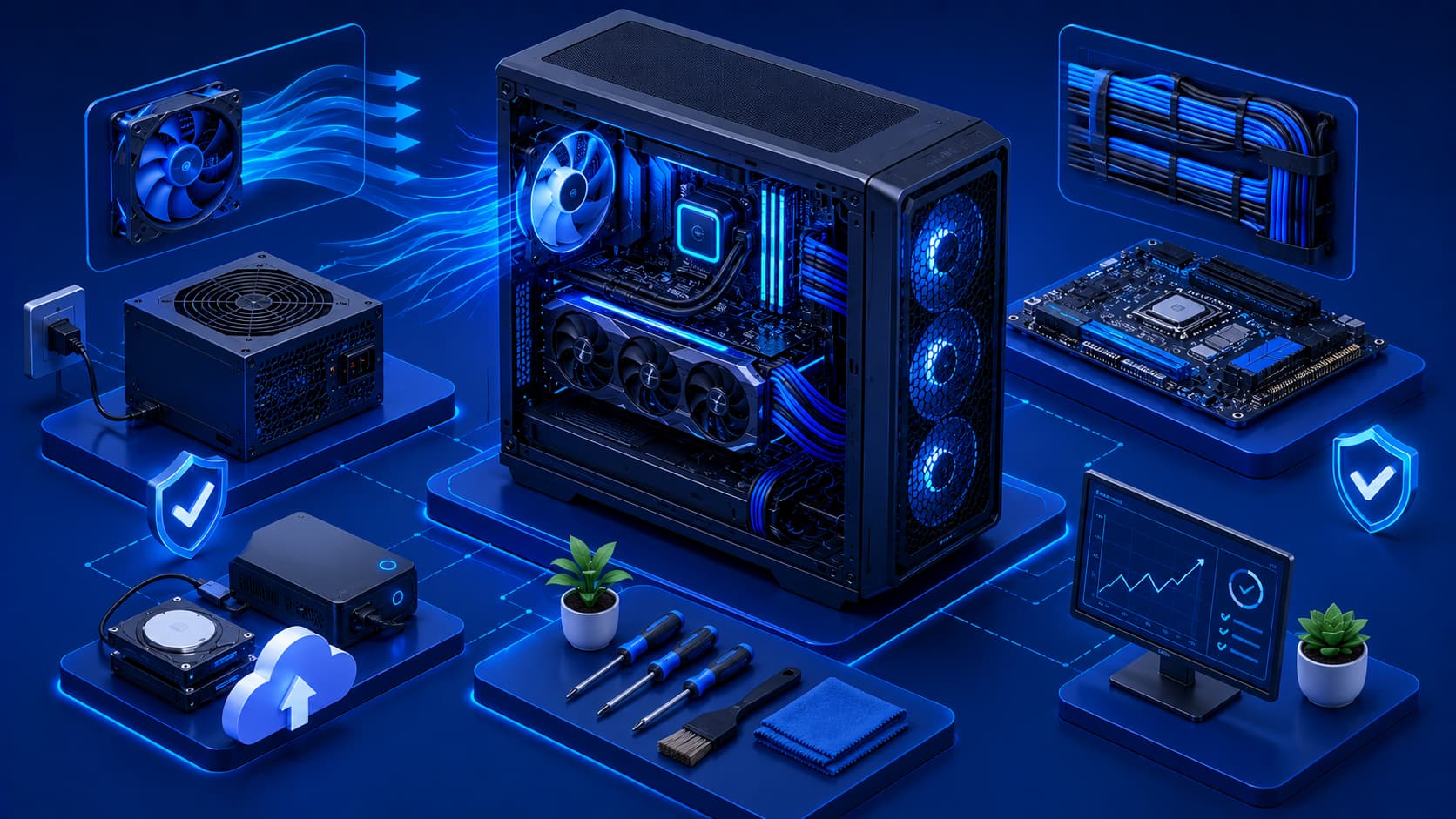
Modern computers are built to operate reliably for many years. However, long-term performance depends not only on the quality of the hardware but also on how the equipment is used and maintained. Simple maintenance habits can reduce wear, improve cooling, and help prevent many common hardware problems before they occur.
Whether you use a desktop computer, laptop, workstation, or home office system, following good hardware practices helps maximize reliability while protecting your investment.
Preventive maintenance is often far easier—and far less expensive—than repairing damaged hardware after a failure occurs. Fortunately, most of the habits that contribute to healthy hardware require little technical knowledge, making them easy for almost anyone to adopt.
1. Keep Your Computer Clean
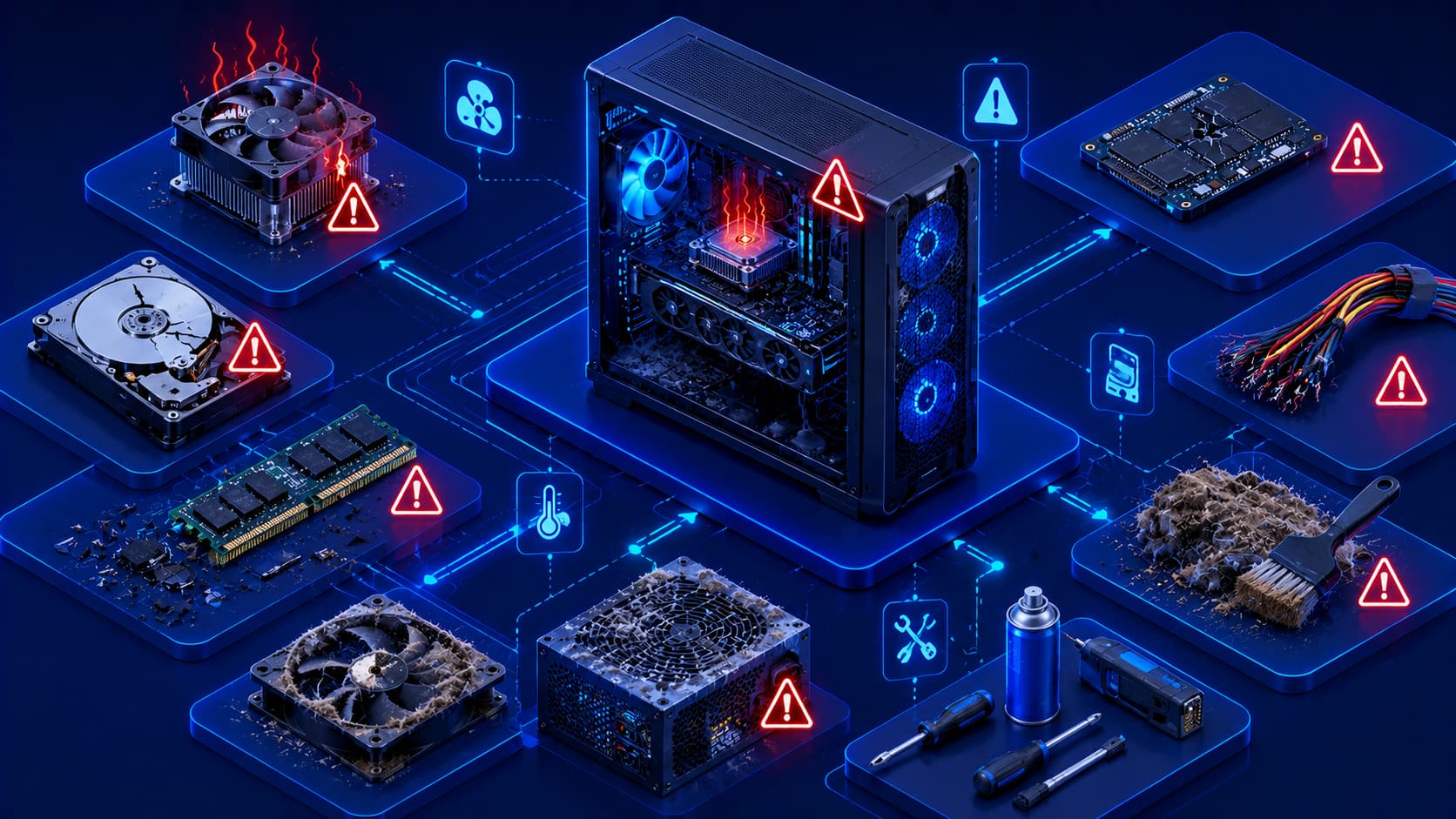
Dust is one of the most common causes of reduced cooling efficiency. Over time, it accumulates on cooling fans, ventilation openings, heatsinks, and other internal components, restricting airflow and increasing operating temperatures.
Regular cleaning helps:
- Maintain proper airflow.
- Improve cooling performance.
- Reduce heat buildup.
- Support long-term hardware reliability.
When cleaning your computer, always use methods designed for electronic equipment and avoid introducing moisture into the system.
Practical Example
If you rarely clean a desktop computer, dust may gradually cover the CPU heatsink and cooling fan.
As airflow decreases:
- Internal temperatures rise.
- Cooling fans work harder.
- Performance may decrease because of thermal throttling.
- Hardware components experience additional stress.
A simple cleaning routine can often restore proper airflow and improve cooling efficiency.
2. Ensure Proper Ventilation
Computers require adequate airflow to remove the heat generated by processors, graphics hardware, storage devices, and power components. Without proper ventilation, internal temperatures can rise quickly during demanding workloads.
To improve ventilation:
- Keep air vents unobstructed.
- Leave sufficient space around desktop computers.
- Avoid placing laptops on soft surfaces that block cooling vents.
- Operate computers in well-ventilated environments.
For laptops, using the device on a hard, flat surface generally provides much better airflow than placing it on a bed, couch, or blanket.
Editorial Insight
Good ventilation costs nothing but can significantly improve long-term hardware reliability. Even powerful cooling systems become less effective if airflow is blocked, making proper computer placement an important part of everyday maintenance.
3. Shut Down and Restart Responsibly
Although modern operating systems manage hardware efficiently, occasional restarts help complete software updates and refresh system resources. Proper shutdown procedures also reduce the risk of file corruption compared with forcing the computer to power off unexpectedly.
Whenever possible:
- Use the operating system's normal shutdown process.
- Restart after major software or system updates.
- Avoid repeatedly forcing the computer to turn off.
Following these simple practices helps protect both hardware and software while maintaining stable system operation.
4. Handle Hardware Carefully
Physical damage remains one of the most common causes of hardware failure. Accidentally dropping devices, placing excessive pressure on displays, or pulling cables forcefully can damage sensitive components.
Good handling practices include:
- Carry laptops in protective cases.
- Avoid placing heavy objects on computers.
- Disconnect cables carefully.
- Transport external storage devices safely.
These habits are especially important for laptops and portable storage devices that are frequently moved between locations.
Best Practice
Before moving a laptop or external drive, make sure it is safely packed and protected from impacts. Taking a few extra seconds to transport equipment carefully can prevent expensive repairs and unexpected data loss.
5. Protect Against Power Problems
Electrical instability can affect sensitive computer hardware. Whenever practical, use reliable power sources and avoid disconnecting power unexpectedly while the computer is operating.
Stable electrical conditions help:
- Reduce unnecessary stress on hardware.
- Minimize the risk of unexpected shutdowns.
- Protect active work from sudden interruptions.
Proper shutdown procedures combined with reliable power sources contribute to healthier, longer-lasting computer hardware.
Practical Example
If you use a desktop computer in an area where power outages occur frequently, connecting it to a UPS (Uninterruptible Power Supply) can provide enough backup power to save your work and shut down the system safely instead of losing data during an unexpected outage.
6. Keep Software and Firmware Updated
Although hardware is physical, it often depends on software and firmware to operate correctly. Manufacturers periodically release updates that improve compatibility, stability, security, and overall reliability.
Installing updates from trusted sources helps ensure that hardware continues functioning as intended while reducing potential compatibility issues.
These updates may include improvements for:
- Device stability.
- Hardware compatibility.
- Security protections.
- Performance optimizations.
- Bug fixes.
Keeping both your operating system and hardware firmware up to date helps your computer remain reliable throughout its lifespan.
Editorial Insight
Many users focus only on updating applications while overlooking firmware and device drivers. Although these updates are less visible, they often contain important improvements that enhance hardware stability, compatibility, and security.
7. Organize Cables and Accessories
Well-organized cables improve much more than the appearance of a workspace. Proper cable management contributes to better airflow and makes computer maintenance significantly easier.
Good cable management can:
- Improve airflow around desktop systems.
- Reduce accidental cable damage.
- Make troubleshooting easier.
- Simplify future hardware upgrades.
- Reduce the risk of unplugging the wrong device.
Keeping accessories organized also creates a cleaner, safer, and more efficient workspace.
Practical Example
Instead of allowing cables to become tangled beneath your desk:
- Group similar cables together.
- Label important connections if necessary.
- Keep power cables separate from data cables when practical.
A well-organized workspace makes future maintenance and troubleshooting much quicker.
8. Back Up Important Data Regularly
Even well-maintained hardware can fail unexpectedly. Regular backups protect important documents, photos, projects, and other valuable information from hardware failures, accidental damage, or theft.
A good backup strategy ensures that hardware problems do not automatically become data-loss incidents.
Consider backing up:
- Personal documents.
- Family photos.
- Work projects.
- Financial records.
- Important application data.
Best Practice
Don't rely on a single copy of important files.
Maintaining multiple backups—such as one local copy and one cloud backup—provides better protection if hardware fails or files are accidentally deleted.
9. Monitor Unusual Changes
Computers often provide warning signs before hardware problems become serious. Paying attention to these early symptoms allows you to investigate issues before they develop into major failures.
Watch for signs such as:
- Unusual fan noise.
- Frequent overheating.
- Unexpected shutdowns.
- Slow startup times.
- Storage-related errors.
- Display abnormalities.
Recognizing these warning signs early can reduce repair costs and help prevent unexpected downtime.
Practical Example
Suppose your computer suddenly begins taking much longer to start and occasionally displays storage-related error messages.
Rather than ignoring these symptoms, you should:
- Back up important files immediately.
- Check the health of the storage device.
- Monitor whether the problem becomes more frequent.
Taking action early often prevents minor issues from becoming complete hardware failures.
10. Use Hardware Within Its Intended Purpose
Every computer is designed with specific workloads in mind. Using hardware appropriately helps maintain both reliability and long-term performance.
For example:
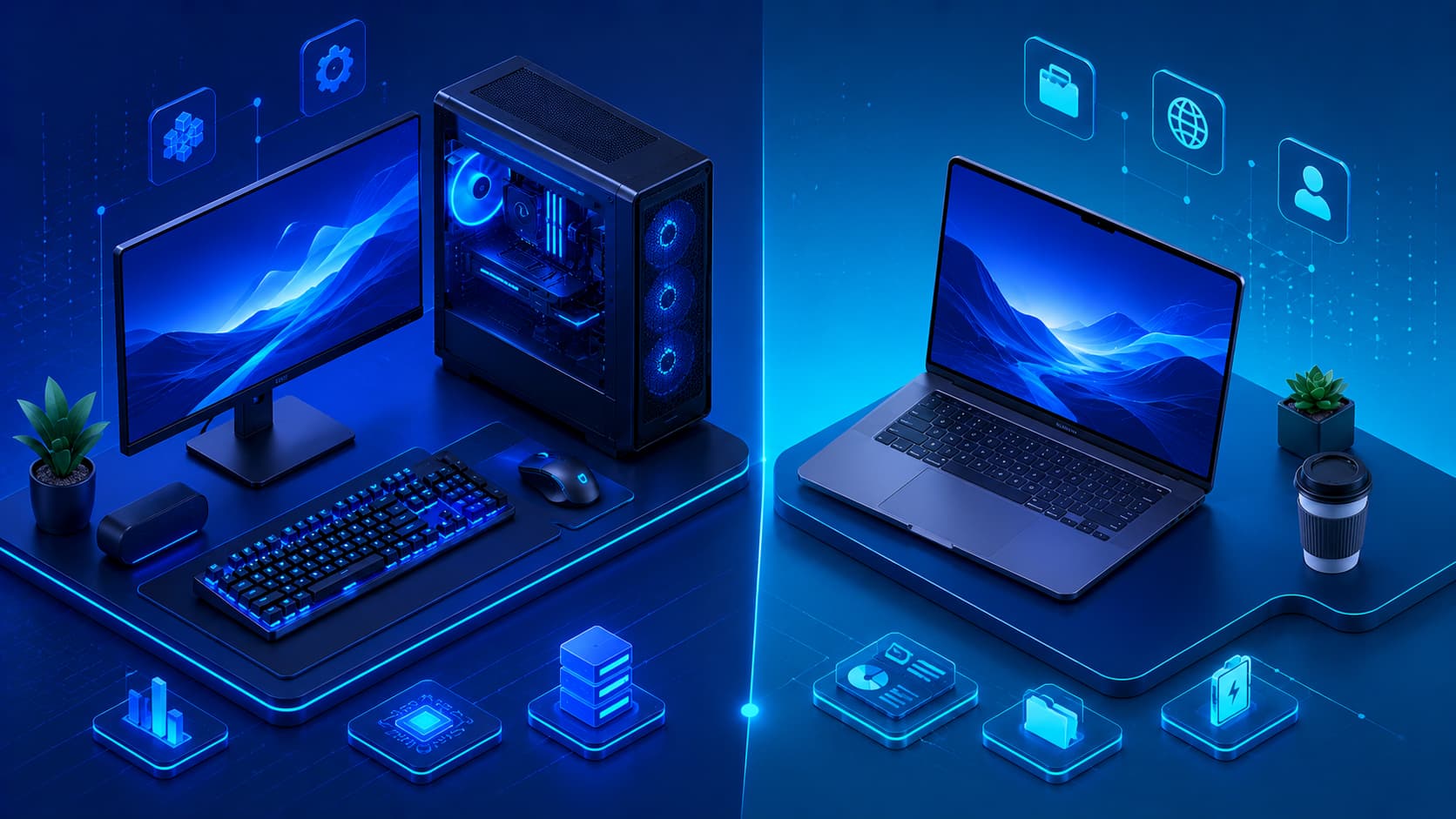
- Office computers are best suited for productivity tasks.
- Mobile laptops are designed for portability.
- Workstations support demanding professional applications.
- Gaming systems are optimized for graphics-intensive workloads.
Matching your hardware to its intended purpose reduces unnecessary stress on components and helps improve overall longevity.
Editorial Insight
Buying the most expensive hardware isn't always the best decision. A computer that matches your daily workload often provides a better balance of performance, reliability, energy efficiency, and long-term value than one with specifications you rarely use.
Build Long-Term Hardware Habits
Maintaining healthy hardware doesn't require advanced technical skills. Instead, consistent daily habits make the greatest difference over the lifetime of a computer.
Examples of good long-term habits include:
- Keeping hardware clean.
- Maintaining proper airflow.
- Handling equipment carefully.
- Using stable power sources.
- Monitoring system health.
- Installing trusted updates.
- Performing regular backups.
- Keeping your workspace organized.
These simple practices contribute to better reliability, improved performance, and a longer hardware lifespan.
Common Misconceptions About Hardware Maintenance
Proper hardware care doesn't have to be complicated. Understanding a few common misconceptions can help you maintain your computer more effectively.
Cleaning Too Frequently Isn't Always Better
Keeping hardware clean is important, but unnecessary disassembly or overly aggressive cleaning may increase the risk of accidental damage. Routine, careful maintenance is generally more effective than excessive cleaning.
For example, repeatedly opening a computer without a clear reason may expose internal components to unnecessary handling, increasing the chance of damaging connectors or cables.
Hardware Maintenance Doesn't Require Expensive Tools
Most preventive maintenance involves simple habits rather than specialized equipment. Keeping vents unobstructed, organizing cables, cleaning dust safely, and handling equipment responsibly are often enough to maintain healthy hardware.
While professional tools can be helpful for advanced repairs, they are generally unnecessary for routine computer care.
Good Hardware Still Needs Maintenance
High-quality components are designed for long-term reliability, but they are not maintenance-free. Even premium hardware benefits from proper ventilation, careful handling, routine cleaning, and responsible everyday use.
Regular maintenance helps preserve both performance and reliability regardless of how expensive or powerful a computer may be.
Editorial Insight
Many users assume that purchasing premium hardware means they no longer need to think about maintenance. In reality, every computer accumulates dust, generates heat, and experiences normal wear over time. Consistent preventive care remains one of the simplest and most effective ways to maximize the lifespan of any system.
Frequently Asked Questions
Why Is Hardware Maintenance Important?
Regular maintenance improves reliability, reduces overheating, extends component lifespan, and lowers the risk of unexpected hardware failures.
How Often Should I Clean My Computer?
The ideal cleaning schedule depends on the environment.
Computers used in dusty locations generally require more frequent cleaning than systems operating in clean, climate-controlled spaces.
Does Good Airflow Really Matter?
Yes.
Proper airflow helps remove heat generated by hardware components, improving system stability and reducing thermal stress.
Should I Leave My Computer Running All the Time?
The best approach depends on your workflow.
Regardless of how often you use your computer, restarting periodically and shutting it down properly when appropriate helps complete updates and maintain stable operation.
Can Hardware Last for Many Years?
Yes.
With responsible use, routine maintenance, proper cooling, and careful handling, many computers continue operating reliably for years.
Conclusion
Computer hardware is a long-term investment, and proper care helps maximize both its performance and lifespan. Simple practices such as keeping systems clean, ensuring good airflow, protecting against power problems, handling devices carefully, monitoring system health, and maintaining regular backups can significantly reduce the likelihood of hardware failures.
Rather than waiting for problems to appear, preventive maintenance encourages users to develop habits that keep computers reliable, efficient, and ready for everyday work. These habits benefit everyone—from casual home users to professionals who depend on their systems every day.
Final Takeaway
Maintaining computer hardware doesn't require advanced technical expertise. Instead, it depends on consistent habits practiced over time. Cleaning your computer regularly, ensuring proper ventilation, using reliable power, performing routine backups, and responding to early warning signs can dramatically reduce the risk of unexpected failures.
By treating preventive maintenance as part of your normal computing routine, you can improve system reliability, extend the lifespan of valuable hardware, and avoid many common problems before they become costly repairs.