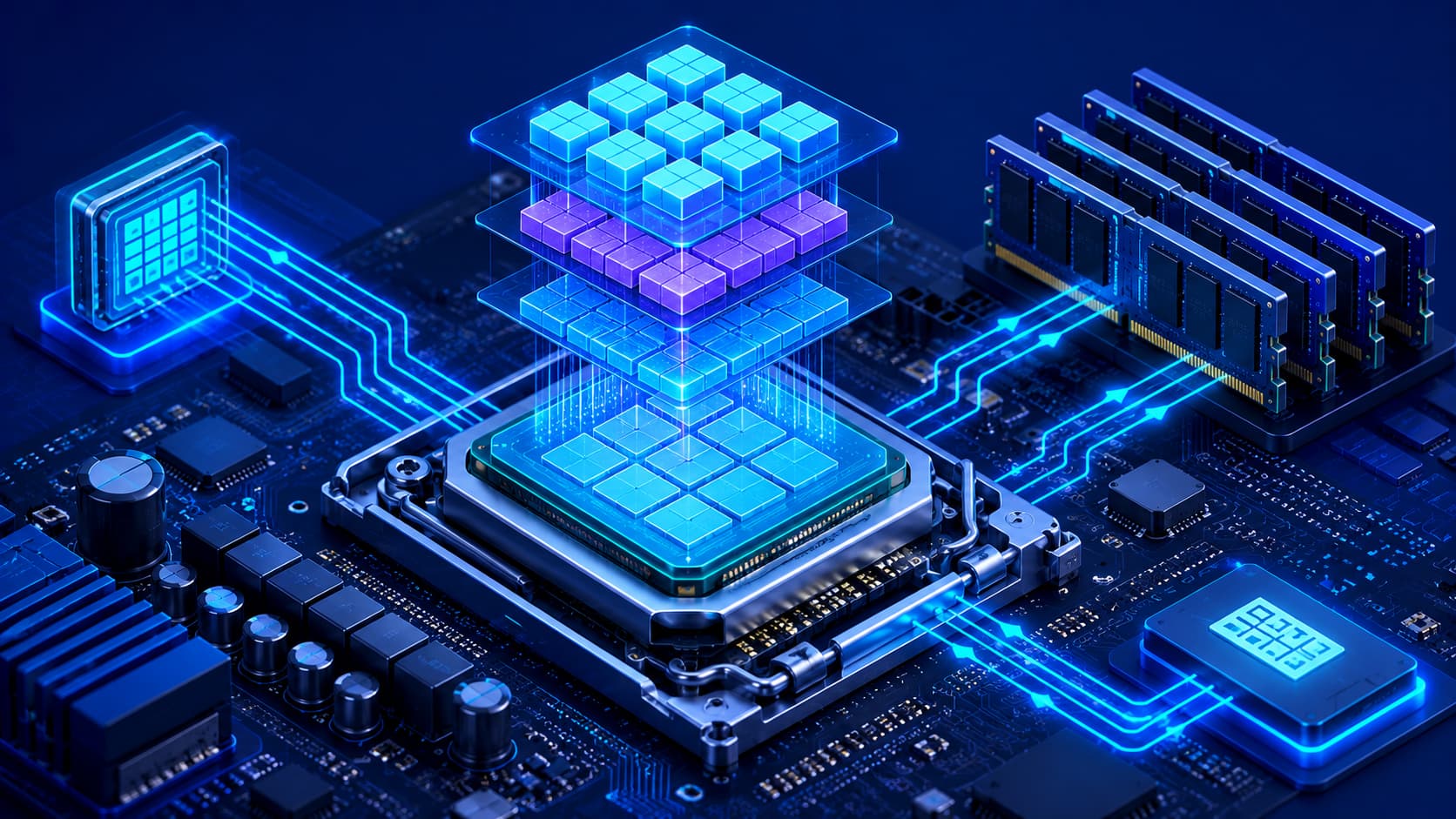
Every time you open an application, browse a website, edit a document, or play a video, millions—or even billions—of calculations take place inside your computer.
Although many hardware components contribute to these tasks, one component plays the central role in executing instructions and coordinating system activity: the Central Processing Unit (CPU).
Often described as the "brain" of the computer, the CPU processes instructions from software and directs many of the system's operations. From launching applications to performing complex calculations, nearly every computing task depends on the CPU working together with memory, storage, and other hardware components.
Understanding how the CPU works is one of the most important steps toward learning computer hardware. It also provides a solid foundation for understanding operating systems, software performance, and overall system architecture.
What Is a CPU?
A Central Processing Unit (CPU) is the primary processing component inside a computer. Its main responsibility is to interpret and execute instructions provided by software.
Whenever you open a program, calculate numbers in a spreadsheet, browse the internet, or interact with an application, the CPU performs the operations required to make those actions happen.
Although modern computers also include specialized processors—such as graphics processors (GPUs)—the CPU remains responsible for coordinating general-purpose computing tasks throughout the system.
Without a CPU, software would have no component capable of executing its instructions, making the computer unable to perform meaningful work.
Practical Example
Imagine opening your favorite web browser.
The CPU immediately begins working by:
- Loading the browser application.
- Processing instructions from the operating system.
- Managing communication with memory.
- Coordinating requests to storage.
- Preparing data before the webpage appears on your screen.
Although these operations happen in fractions of a second, the CPU is constantly managing thousands of individual tasks behind the scenes.
Why Is the CPU Important?
The CPU determines how efficiently a computer processes information. It performs calculations, manages program execution, and works closely with memory to retrieve and process data.
A capable processor helps applications:
- Launch more quickly.
- Respond faster to user input.
- Handle multiple programs simultaneously.
- Complete demanding workloads more efficiently.
Tasks such as:
- Software development.
- Video editing.
- Scientific computing.
- Gaming.
- 3D rendering.
all benefit from a powerful and efficient CPU.
However, the CPU does not work alone.
Its overall performance depends on close cooperation with:
- Memory (RAM).
- Storage devices.
- Graphics hardware.
- The operating system.
A balanced computer often delivers better real-world performance than simply installing the fastest available processor.
Editorial Insight
Many people believe buying the newest processor automatically creates the fastest computer. In reality, the CPU is only one part of the equation. Slow storage, limited RAM, or poor cooling can significantly reduce overall system performance, even when using a high-end processor.
How the CPU Works
Although CPUs contain billions of microscopic transistors and extremely complex circuitry, their basic workflow follows a repeating cycle.
The process can be simplified into four main steps:
1. Fetch
The CPU retrieves the next instruction from memory.
2. Decode
It determines what the instruction means and identifies the operation that must be performed.
3. Execute
The processor performs the requested calculation, comparison, or logical operation.
4. Store
If necessary, the CPU writes the result back into memory so it can be used later by software or other hardware components.
This entire sequence repeats continuously—often billions of times every second—allowing computers to execute software quickly and efficiently.
The CPU and Other Hardware
The CPU does not operate in isolation. Instead, it communicates continuously with other hardware components inside the computer to execute software efficiently.
Each component has a specialized role:
- Memory (RAM) supplies the active data and program instructions the CPU needs.
- Storage provides long-term access to the operating system, applications, and files.
- The operating system schedules tasks and allocates processing time.
- Input devices send commands from users.
- Output devices display or present the results of processing.
Rather than working independently, the CPU serves as the central coordinator that allows all of these components to communicate efficiently.
Practical Example
Suppose you click the Save button while editing a document.
Within milliseconds:
- The mouse sends the click to the operating system.
- The CPU processes the request.
- RAM temporarily stores the updated document.
- The storage drive permanently saves the file.
- The monitor displays a confirmation that the document has been saved.
Although this appears instantaneous, multiple hardware components are working together under the CPU's coordination.
CPU Components
Although a CPU appears to be a single chip, it actually contains several specialized internal components that work together to execute instructions efficiently.
Processing Cores
Modern processors often contain multiple processing cores.
Each core can execute instructions independently, allowing the CPU to perform multiple tasks simultaneously. This significantly improves multitasking and enables modern applications to distribute workloads more efficiently across several cores.
However, software must also be designed to take advantage of multiple cores to achieve the best possible performance.
Cache Memory
Cache is a small but extremely fast type of memory located inside—or very close to—the CPU.
It stores frequently used data and instructions so the processor can access them much faster than retrieving the same information from system memory (RAM).
Efficient cache usage reduces delays and helps improve overall system performance.
Control Unit
The Control Unit (CU) directs the flow of instructions throughout the processor.
Its responsibilities include:
- Interpreting program instructions.
- Coordinating CPU operations.
- Managing communication between different hardware components.
Without the Control Unit, the processor would be unable to organize or execute instructions correctly.
Arithmetic Logic Unit (ALU)
The Arithmetic Logic Unit (ALU) performs mathematical calculations and logical comparisons.
Typical operations handled by the ALU include:
- Addition.
- Subtraction.
- Multiplication.
- Division.
- Logical comparisons.
- Decision-making operations.
Together with the Control Unit, the ALU enables the CPU to process billions of instructions every second.
CPU Performance
Many factors influence CPU performance. Looking only at one specification rarely tells the whole story.
Performance is generally affected by:
- Processor architecture.
- Number of CPU cores.
- Clock speed.
- Cache size.
- Instruction efficiency.
- Cooling performance.
It's important to remember that no single specification determines how fast a computer will feel in everyday use.
A balanced system—where the CPU works efficiently alongside sufficient memory, fast storage, and reliable cooling—often delivers better real-world performance than focusing on just one hardware specification.
Editorial Insight
When comparing processors, avoid relying solely on advertised clock speeds. Modern CPU designs differ significantly in architecture, cache efficiency, power management, and instruction execution. As a result, two processors with similar clock speeds can deliver very different levels of real-world performance.
CPU and Multitasking
Modern operating systems regularly run dozens—or even hundreds—of background processes alongside the applications users actively interact with.
The CPU rapidly switches between these tasks, allocating processing time wherever it is needed. This creates the impression that many programs are running simultaneously, even though the processor is continuously scheduling countless operations every second.
Working closely with the operating system, the CPU ensures that applications remain responsive while background services continue to function smoothly.
Practical Example
Imagine you're doing several tasks at once:
- Listening to music.
- Editing a document.
- Browsing multiple websites.
- Receiving chat notifications.
The CPU constantly switches between these workloads in milliseconds, giving each process enough processing time to keep the entire system responsive. This rapid scheduling is what makes multitasking feel smooth to the user.
CPUs Continue to Evolve
Processor technology has advanced dramatically over the years. Modern CPUs deliver significantly higher performance while consuming less power than previous generations.
Today's processors support technologies such as:
- Artificial intelligence acceleration.
- Hardware virtualization.
- Advanced power management.
- Integrated security features.
- High-speed memory interfaces.
As software becomes increasingly demanding, CPU manufacturers continue improving processor performance, energy efficiency, and specialized computing capabilities to support modern workloads.
Editorial Insight
The role of the CPU has expanded far beyond simply running desktop applications. Modern processors are designed to accelerate AI workloads, improve security through hardware-level protections, and optimize power consumption for everything from smartphones to enterprise servers. These innovations allow devices to deliver more performance while maintaining better energy efficiency.
Common Misconceptions About CPUs
Understanding what a CPU can—and cannot—do helps avoid several common misconceptions.
The CPU Is Not the Entire Computer
Many people refer to the entire desktop computer as the "CPU."
Technically, this is incorrect. The CPU is only one hardware component inside the computer. A complete system also includes memory, storage, the motherboard, graphics hardware, the power supply, cooling components, and many other parts.
More Clock Speed Doesn't Always Mean Better Performance
Clock speed is only one factor that affects processor performance.
Modern processor architecture, instruction efficiency, cache design, and the number of processing cores all contribute significantly to overall computing performance.
Comparing processors based only on clock speed can therefore produce misleading conclusions.
A Powerful CPU Cannot Compensate for Every Hardware Limitation
Even the fastest processor depends on the rest of the computer.
Insufficient memory, slow storage, inadequate cooling, or outdated graphics hardware can all reduce overall system performance.
The best computing experience comes from a balanced system where all major components work efficiently together.
Best Practice
When upgrading a computer, evaluate the entire system rather than replacing only the processor. Increasing RAM, upgrading to faster storage, or improving cooling can sometimes produce a more noticeable performance improvement than installing a newer CPU alone.
Frequently Asked Questions
What Is a CPU in Simple Terms?
A CPU is the primary processor inside a computer that executes software instructions, performs calculations, and coordinates many system operations.
Why Is the CPU Called the Brain of the Computer?
Because it processes instructions and coordinates how many hardware components work together, the CPU plays a central role in computer operation.
Does a Faster CPU Always Make a Computer Faster?
Not necessarily.
Overall performance also depends on memory, storage, graphics hardware, software optimization, and overall system configuration.
Can a Computer Work Without a CPU?
No.
Without a CPU—or another processing unit capable of executing instructions—the computer cannot run software or perform meaningful tasks.
Does Every Device Have a CPU?
Yes.
Desktop computers, laptops, smartphones, tablets, gaming consoles, smart TVs, and many embedded systems all include one or more processors that perform computing tasks.
Conclusion
The Central Processing Unit (CPU) is one of the most important components in any computing device. By interpreting instructions, performing calculations, and coordinating communication between hardware and software, it enables computers to execute the countless operations required by modern applications.
Although the CPU is often described as the "brain" of the computer, its effectiveness depends on close cooperation with memory, storage, graphics hardware, and the operating system. Understanding how these components interact provides a stronger foundation for learning computer architecture and improving system performance.
Final Takeaway
The CPU is at the heart of every modern computing device, but it achieves its full potential only when working alongside well-balanced hardware. Understanding how processors execute instructions, communicate with other components, and influence overall system performance gives you a deeper appreciation of how computers function.
Whether you're choosing a new computer, upgrading an existing system, or simply learning more about technology, understanding the CPU is an essential step toward mastering computer hardware.