Every time you browse a website, stream a movie, join an online meeting, or connect your smartphone to Wi-Fi, one device quietly manages much of the communication happening behind the scenes: the router. Although most people recognize the small box with blinking lights sitting near their internet connection, relatively few understand what it actually does. A router is far more than a device that provides Wi-Fi—it is responsible for directing data between different networks and ensuring that information reaches the correct destination.
Without routers, modern networking would be unable to connect homes, businesses, and data centers to the global internet. Understanding how routers work is an essential step toward learning computer networking because routers act as the traffic managers of digital communication.
What Is a Router?
A router is a networking device that connects two or more networks and forwards data between them. Its primary responsibility is determining where incoming and outgoing network traffic should go.
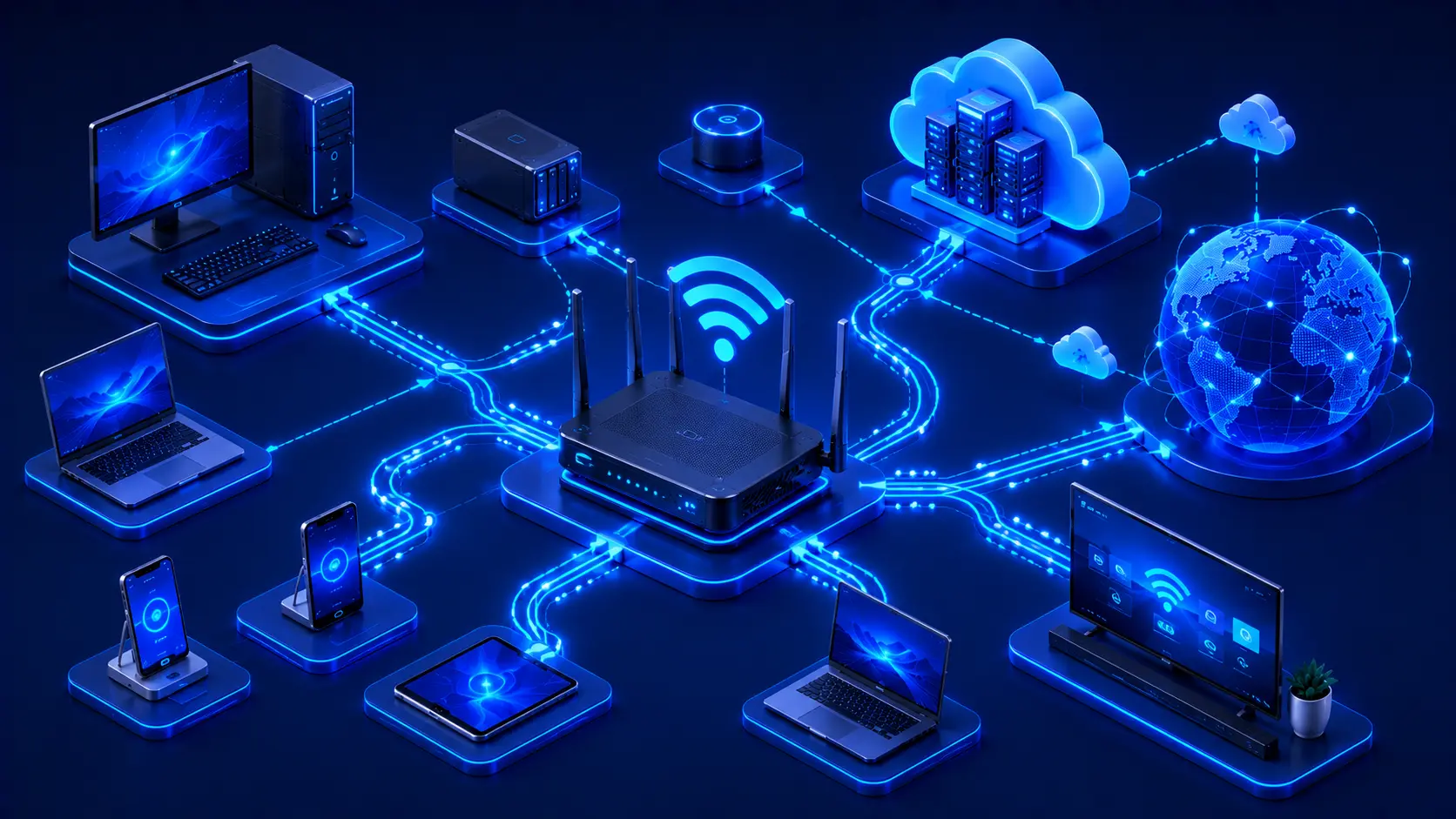
In a typical home network, the router connects your local devices to your internet service provider (ISP), allowing computers, smartphones, smart TVs, gaming consoles, and many other connected devices to access online services. As data flows through the network, the router continuously examines network traffic and chooses the most appropriate path for delivering information.
Practical Example
Imagine your home has:
- Two laptops.
- Three smartphones.
- A smart TV.
- A gaming console.
- A smart speaker.
When any of these devices accesses the internet, the router determines where each request should go and ensures that responses are returned to the correct device. Even if several people are online simultaneously, the router coordinates the communication efficiently.
Editorial Insight
Many people think a router's only purpose is providing Wi-Fi. In reality, Wi-Fi is simply one feature that many home routers include. The router's true role is to connect networks and intelligently direct network traffic.
Why Is a Router Important?
Without a router, devices on one network would have difficulty communicating with devices on another network. Routers make modern internet access practical by managing how information moves between local networks and external networks.
Routers make it possible to:
- Connect local networks to the internet.
- Share one internet connection among multiple devices.
- Direct network traffic efficiently.
- Support communication between different networks.
- Improve overall network organization.
Whether installed in a home, office, school, or enterprise environment, routers are essential components of modern networking infrastructure. Without them, each device would need a direct connection to external networks, making communication significantly more complicated.
Best Practice
When evaluating a router, don't focus solely on Wi-Fi speed. Consider factors such as security features, reliability, hardware performance, firmware updates, and support for the number of devices that will use the network.
How a Router Works
Whenever a device sends data across a network, that information contains a destination IP address. The router examines this destination address and determines the most appropriate path for forwarding the data toward its destination.
For example, when you open a website:
- Your computer sends a request.
- The request reaches your router.
- The router forwards the request toward the internet.
- The website's server processes the request.
- The router delivers the server's response back to your device.
Although this process typically takes only milliseconds, it occurs continuously every time you browse the web, stream videos, play online games, or use cloud-based applications.
Practical Example
Suppose someone in your home starts streaming a movie while another person joins a video conference and a third downloads a large file.
The router handles all of these network requests simultaneously, ensuring that each device receives the correct data without confusing one connection with another.
Router vs. Modem
Routers and modems are often confused because they usually work together, but they perform different functions. A modem connects your home or office to your internet service provider, while a router distributes that internet connection to devices within your local network.
In many modern homes, a single device combines both modem and router functionality, making the distinction less obvious. Even so, the underlying responsibilities remain separate: the modem establishes the internet connection, and the router manages how that connection is shared among your devices.
Common Types of Routers
Routers come in different forms depending on where they are deployed and the networking requirements they are designed to support. While all routers perform the same core function—forwarding data between networks—their features and capabilities vary considerably between home, business, and enterprise environments.
Home Routers
Home routers are the most familiar type of router and are designed for everyday internet use. They provide network connectivity for devices such as:
- Desktop computers.
- Laptops.
- Smartphones.
- Tablets.
- Smart TVs.
- Gaming consoles.
- Smart home devices.
Most home routers also include built-in Wi-Fi, making it easy for wireless devices to connect without requiring additional networking equipment. They are typically designed to balance ease of use, affordability, and reliable performance for households.
Practical Example
A family of four may use a single home router to connect:
- Parents working remotely on laptops.
- Children attending online classes.
- A smart TV streaming movies.
- Smartphones connected to Wi-Fi.
- Smart speakers and security cameras.
Even though all these devices access the internet simultaneously, the router manages the connections efficiently.
Business Routers
Business routers are built to support a larger number of users and devices than typical home routers. In addition to basic routing capabilities, they often provide advanced networking features such as:
- Enhanced security.
- Traffic management.
- Virtual LAN (VLAN) support.
- VPN connectivity.
- Multiple internet connections for redundancy.
These capabilities help businesses maintain reliable connectivity while supporting remote employees, protecting sensitive information, and prioritizing important network traffic.
Enterprise Routers
Enterprise routers are designed for large organizations, internet service providers, and data centers. These routers handle enormous volumes of network traffic while delivering maximum reliability and supporting highly complex network infrastructures.
Enterprise environments often require routers that can operate continuously, support thousands of simultaneous connections, and integrate with sophisticated network management systems.
Editorial Insight
The differences between home, business, and enterprise routers are not simply about speed. As networks grow larger, factors such as reliability, scalability, security, and centralized management become increasingly important.
Wired and Wireless Routers
Modern routers may support wired connections, wireless connections, or a combination of both. Each connection method offers unique advantages depending on the network's requirements.
Wired Connections
Using Ethernet cables provides several important benefits, including:
- Faster speeds.
- Lower latency.
- More stable communication.
- Better performance for gaming and transferring large files.
Because wired connections are less susceptible to wireless interference, they are commonly used for desktop computers, servers, gaming systems, and other devices that require consistent network performance.
Wireless Connections
Wi-Fi enables devices to connect without physical cables, providing:
- Greater mobility.
- Easier installation.
- Flexible device placement.
- Convenient access for mobile devices.
Wireless networking has become the standard for smartphones, tablets, laptops, and many smart home devices because it allows users to move freely while remaining connected.
Best Practice
Many homes and businesses achieve the best balance of performance and convenience by combining both connection types. Devices that benefit from maximum speed and stability—such as desktop PCs or gaming consoles—often use Ethernet, while portable devices connect through Wi-Fi.
What Does a Router Actually Do?
Although many people think of a router simply as a device that provides internet access, it performs several important networking functions behind the scenes. These include:
- Forwarding data between networks.
- Managing local network communication.
- Connecting devices to the internet.
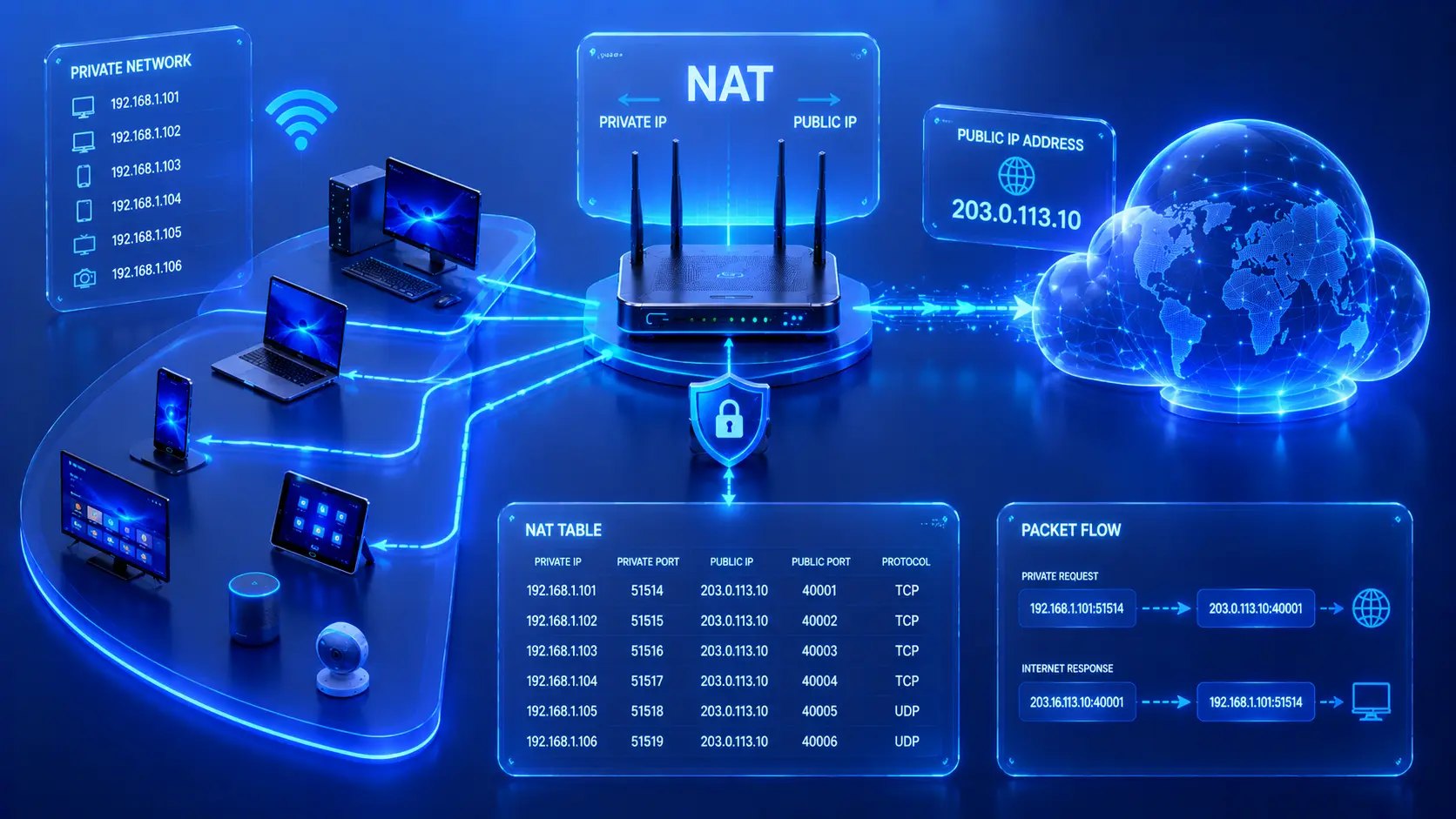
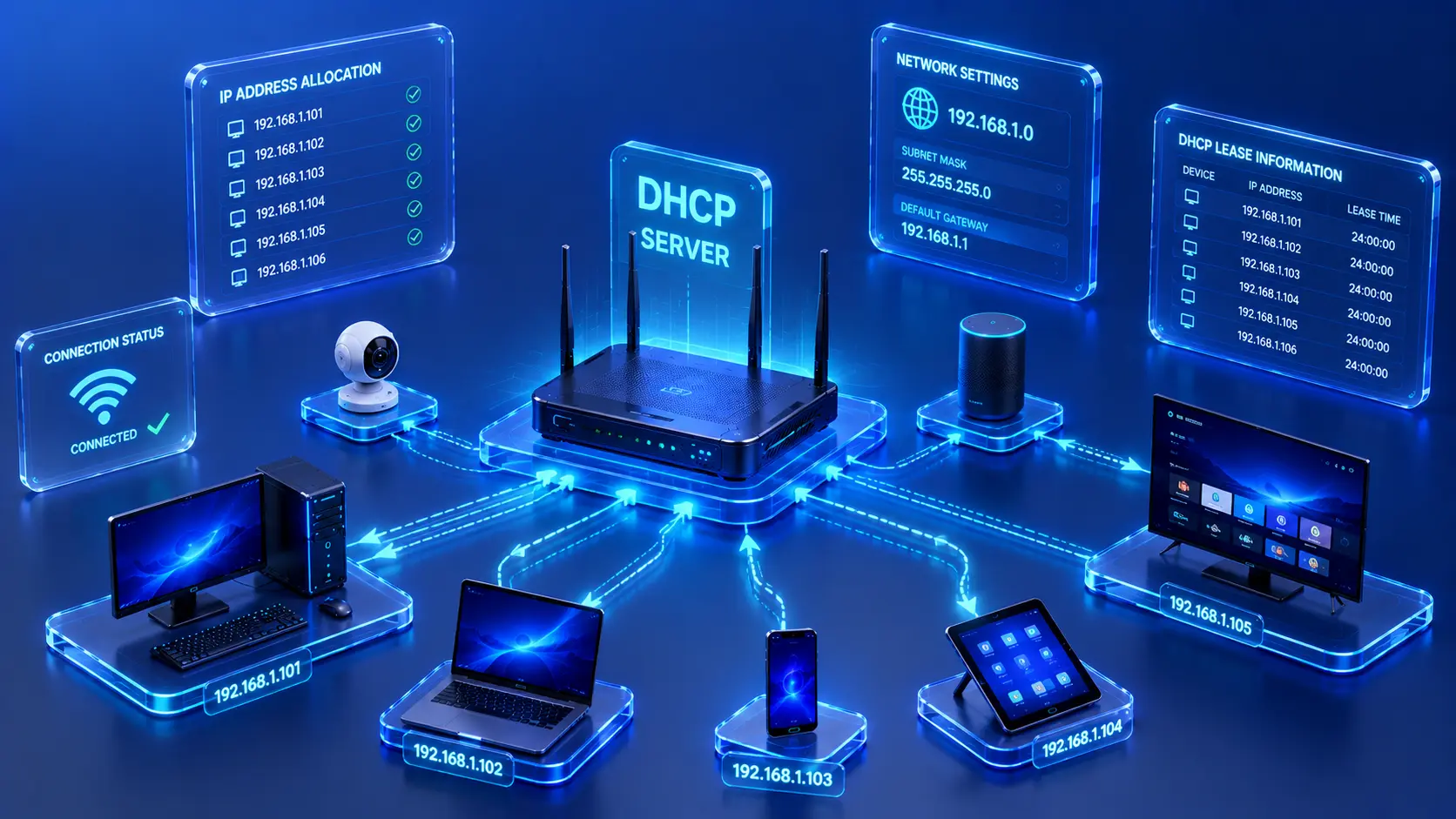
- Assigning network information to connected devices.
- Helping organize network traffic.
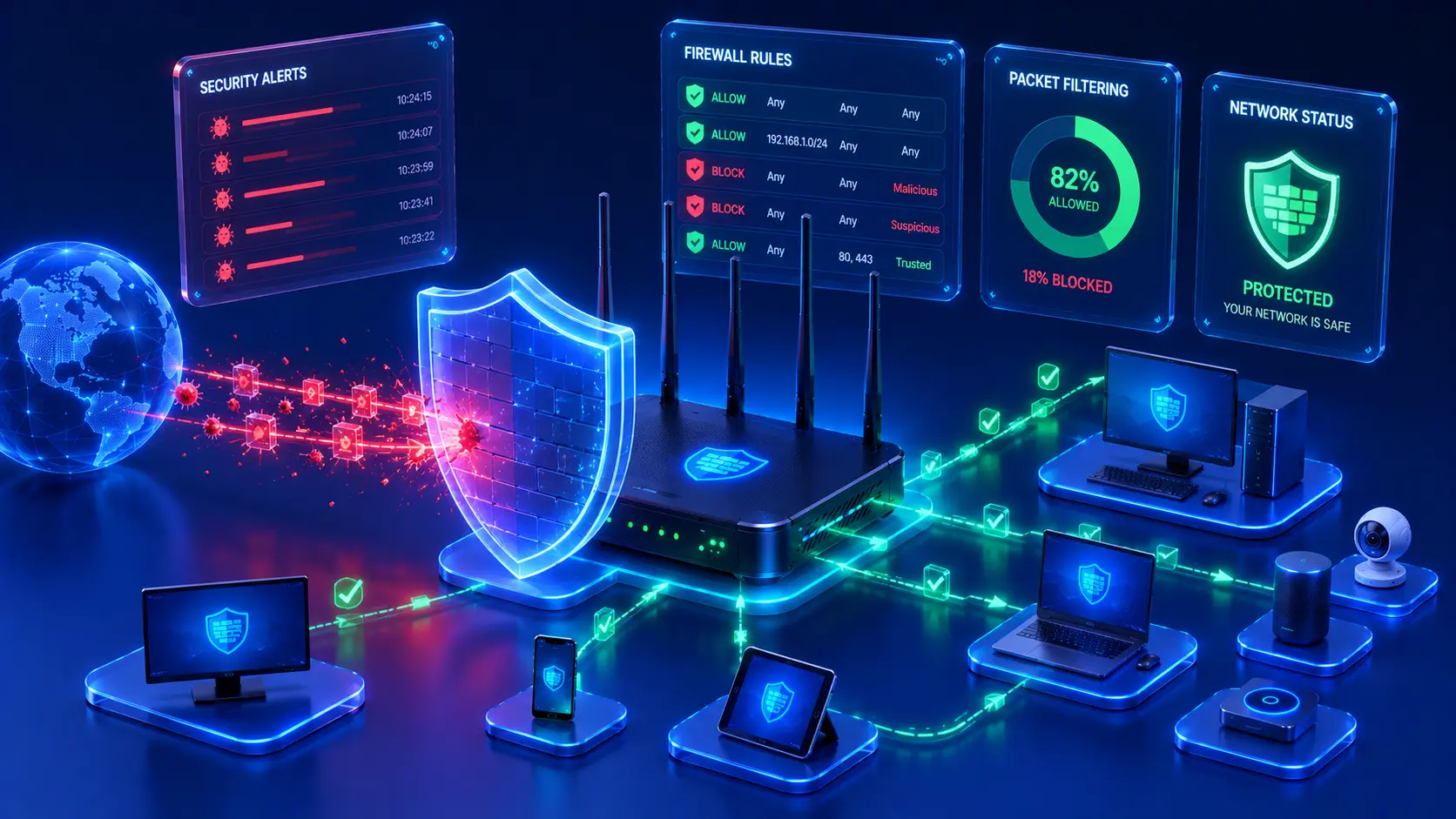
- Supporting secure communication between networks.
Together, these functions allow multiple devices to communicate efficiently without interfering with one another. The router continuously monitors network traffic and ensures that information reaches its intended destination, even when many devices are active at the same time.
Practical Example
Imagine a household where:
- Someone is attending a video meeting.
- Another person is streaming a 4K movie.
- A child is playing an online game.
- A smart security camera is uploading footage to cloud storage.
The router coordinates all of these simultaneous activities, directing network traffic so that each device can communicate effectively without confusing one connection with another.
Router vs. Switch
Routers and switches are both essential networking devices, but they perform different roles within a network. A router connects different networks together—such as your home network and the internet—while a switch connects multiple devices within the same local network.
For example:
- A router connects your home to your internet service provider (ISP).
- A switch connects desktop computers, printers, and servers inside an office network.
Many home users never see a separate switch because most modern routers include several built-in Ethernet switch ports. These built-in ports allow multiple wired devices to communicate with one another while sharing the same internet connection.
Editorial Insight
A simple way to remember the difference is:
- Router = Connects networks.
- Switch = Connects devices within one network.
Although they often work together, each device has a distinct responsibility in keeping a network operating efficiently.
Real-World Examples
Home Wi-Fi Network
In a typical home, the router connects laptops, smartphones, smart TVs, gaming consoles, and other devices to the internet. All of these devices share a single internet connection while also communicating with one another over the local network.
Small Business
A small business router connects employees to cloud applications, email services, and remote offices while managing internet access for dozens of computers and mobile devices. Business routers often provide additional features that improve security, reliability, and traffic management.
Large Enterprise
Large organizations use high-performance enterprise routers to connect offices located in different countries. These routers enable employees to securely access centralized applications and shared data regardless of their physical location.
Practical Example
Consider an international company with offices in New York, London, Singapore, and Tokyo.
Each office has its own local network, but enterprise routers connect those offices through a Wide Area Network (WAN). As a result:
- Employees can access the same business systems.
- Teams can collaborate across different time zones.
- Company data remains centrally available.
- Communication stays secure and reliable.
Common Misconceptions About Routers
A Router Is Not the Internet
Many people mistakenly believe that the router is the internet. In reality, a router simply provides access to the internet by forwarding traffic between your local network and external networks. It serves as the gateway between your devices and the wider internet.
More Antennas Don't Always Mean Better Performance
Visible antennas can improve wireless coverage in certain situations, but they do not automatically guarantee a faster or more reliable network. Overall Wi-Fi performance depends on several factors, including:
- Hardware quality.
- Wi-Fi standards.
- Signal interference.
- Network congestion.
- Router placement.
Routers Need Occasional Updates
Like many networking devices, routers receive firmware updates that improve security, stability, compatibility, and overall performance. Keeping router firmware up to date helps protect the network against known vulnerabilities while ensuring the device continues to operate efficiently.
Best Practice
Place your router in a central, open location whenever possible, and install firmware updates regularly. Good placement and up-to-date software often improve wireless performance more effectively than simply purchasing a newer router.
Frequently Asked Questions
What Is a Router in Simple Terms?
A router is a networking device that connects different networks and directs data to the correct destination.
Do I Need a Router to Use Wi-Fi?
Yes.
Most Wi-Fi networks rely on a router—or a router with built-in wireless capabilities—to connect devices and provide internet access.
What's the Difference Between a Router and a Modem?
A modem connects your network to your internet service provider, while a router distributes that internet connection to devices within your home or office network.
Can One Router Connect Many Devices?
Yes.
Modern routers are designed to support multiple wired and wireless devices simultaneously. The exact number depends on the router's hardware specifications, wireless technology, and overall network usage.
Does Every Home Have a Router?
Most homes with broadband internet use a router, either as a standalone device or combined with a modem in a single unit.
Conclusion
Routers are among the most important devices in modern computer networking. They connect local networks to the internet, direct data to the correct destinations, and allow multiple devices to communicate efficiently across different networks. Whether you're using a home Wi-Fi network, managing a business office, or accessing cloud services around the world, a router works continuously behind the scenes to keep information moving smoothly.
Understanding the role of routers provides a solid foundation for learning more advanced networking concepts. Once you understand how routers forward traffic between networks, it becomes much easier to explore topics such as switching, routing protocols, network security, firewalls, and enterprise networking.
Final Takeaway
Remember these key points about routers:
- A router connects different networks and forwards data between them.
- Home routers connect local devices to the internet through an ISP.
- Routers examine destination IP addresses to determine where data should be sent.
- Home, business, and enterprise routers are designed for different networking requirements.
- Wired connections offer maximum speed and stability, while wireless connections provide flexibility and mobility.
- A router is different from both a modem and a switch, although they often work together.
- Keeping router firmware updated helps improve security, compatibility, and overall performance.
Understanding routers is a major milestone in learning computer networking because they form the bridge between local networks and the broader internet, enabling billions of devices worldwide to communicate efficiently.