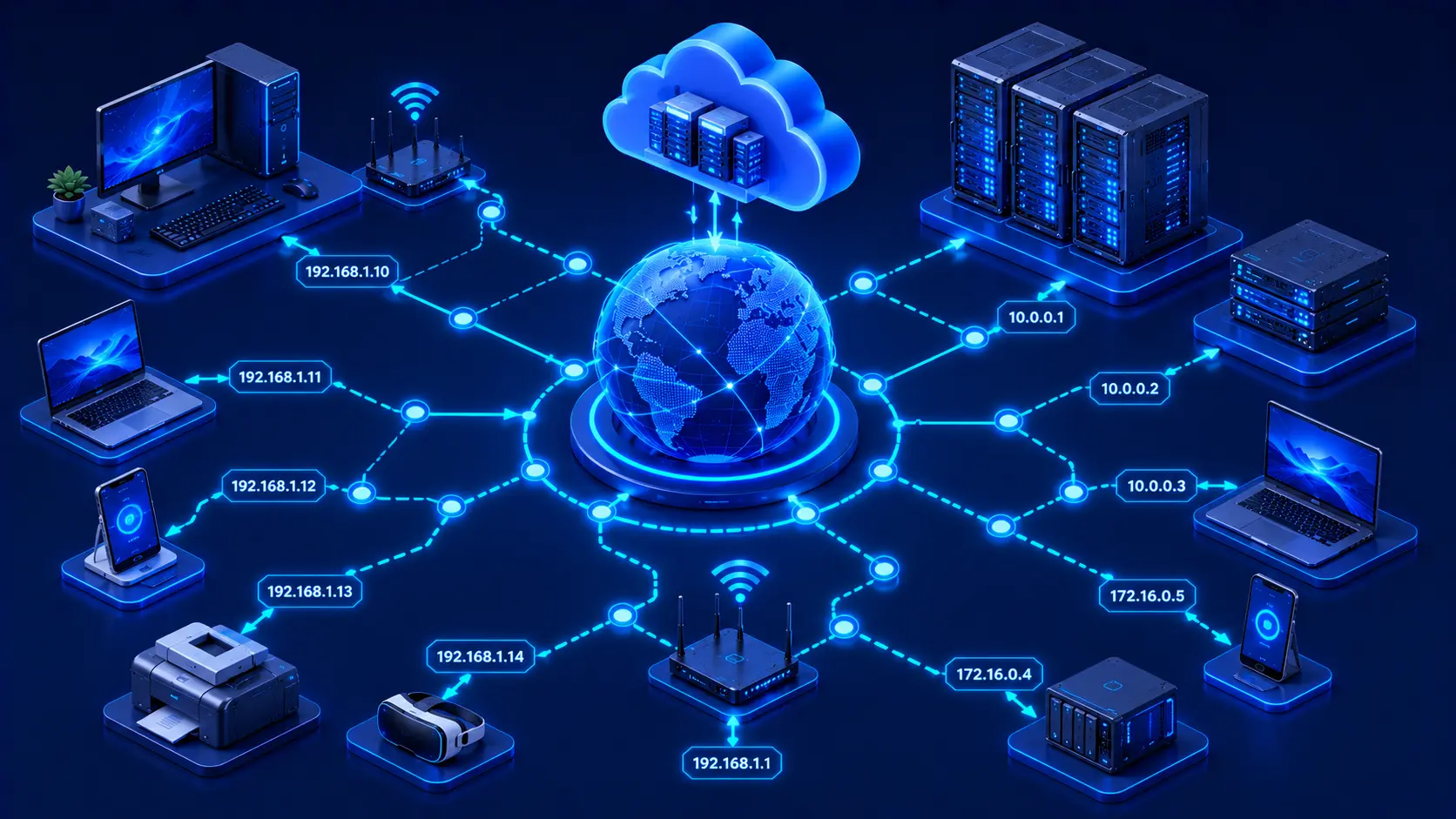
Every device connected to a computer network needs a way to identify itself. Whether you're browsing a website, sending an email, streaming a movie, or joining an online meeting, your device must know where to send information and where to receive responses. This is where IP addresses become essential. An Internet Protocol (IP) address functions like a digital address for a device on a network, ensuring that data reaches the correct destination.
Just as a postal address helps deliver physical mail to the correct house, an IP address helps deliver digital information to the correct device. Without IP addresses, computers would have no reliable way to locate one another or exchange information across networks. Understanding IP addressing is one of the most important steps toward learning how modern computer networks operate.
What Is an IP Address?
An Internet Protocol (IP) address is a unique numerical identifier assigned to a device connected to a network that uses the Internet Protocol. Its primary purpose is to identify devices and enable communication between them.
Nearly every device that communicates over a network is assigned an IP address while it is connected. Examples include:
- Desktop computers.
- Laptops.
- Smartphones.
- Tablets.
- Servers.
- Routers.
- Smart TVs.
- Network printers.
- Internet of Things (IoT) devices.
Whenever one device sends information to another, the IP address tells the network exactly where that information should be delivered. Without this addressing system, reliable communication between devices would not be possible.
Practical Example
Imagine you're opening a website on your laptop.
The process looks something like this:
- Your laptop creates a request.
- The request includes your device's IP address.
- The request travels across the internet.
- The website's server receives it and sends a response back to your IP address.
- Your browser displays the webpage.
This entire process typically takes only milliseconds, even though the data may travel through multiple networks.
Editorial Insight
Think of an IP address as the digital equivalent of a mailing address. Just as a courier needs the correct street address to deliver a package, networking equipment relies on IP addresses to deliver data to the correct device.
Why Are IP Addresses Important?
IP addresses make all network communication possible. Without them, devices would have no standardized method of identifying one another, making reliable communication impossible.
IP addresses allow networks to:
- Deliver data to the correct destination.
- Identify connected devices.
- Support internet communication.
- Enable remote access.
- Connect cloud services.
- Route information efficiently.
Every online activity—from visiting websites and playing online games to backing up files to the cloud or participating in a video conference—depends on IP addressing behind the scenes. Although users rarely see IP addresses directly, they are involved in virtually every network connection.
How IP Addresses Work
Whenever your device sends information across a network, it includes both a source IP address and a destination IP address. Network devices such as routers examine these addresses to determine the best path for delivering the information. Once the destination device receives the data, it can send a response back using the original source IP address.
Although this entire process happens almost instantly, it is occurring continuously whenever you're browsing the internet, streaming videos, checking email, or using cloud applications.
Best Practice
You don't need to memorize IP addresses to understand networking. Focus first on their primary purpose: identifying devices and directing data to the correct destination. Once this concept is clear, more advanced topics such as routing, subnetting, and network security become much easier to understand.
Public and Private IP Addresses
Not all IP addresses serve the same purpose. Broadly speaking, IP addresses are divided into two categories: public IP addresses and private IP addresses. Each plays a different role in network communication.
Public IP Addresses
A public IP address is used to communicate across the internet. Internet service providers (ISPs) typically assign public IP addresses to customer internet connections. These addresses allow devices or entire networks to communicate with systems outside the local network.
Whenever you visit a website, send an email, or access an online service, your internet connection uses a public IP address to communicate with servers located elsewhere on the internet.
Practical Example
Suppose your home Wi-Fi network contains:
- A laptop.
- Two smartphones.
- A smart TV.
- A gaming console.
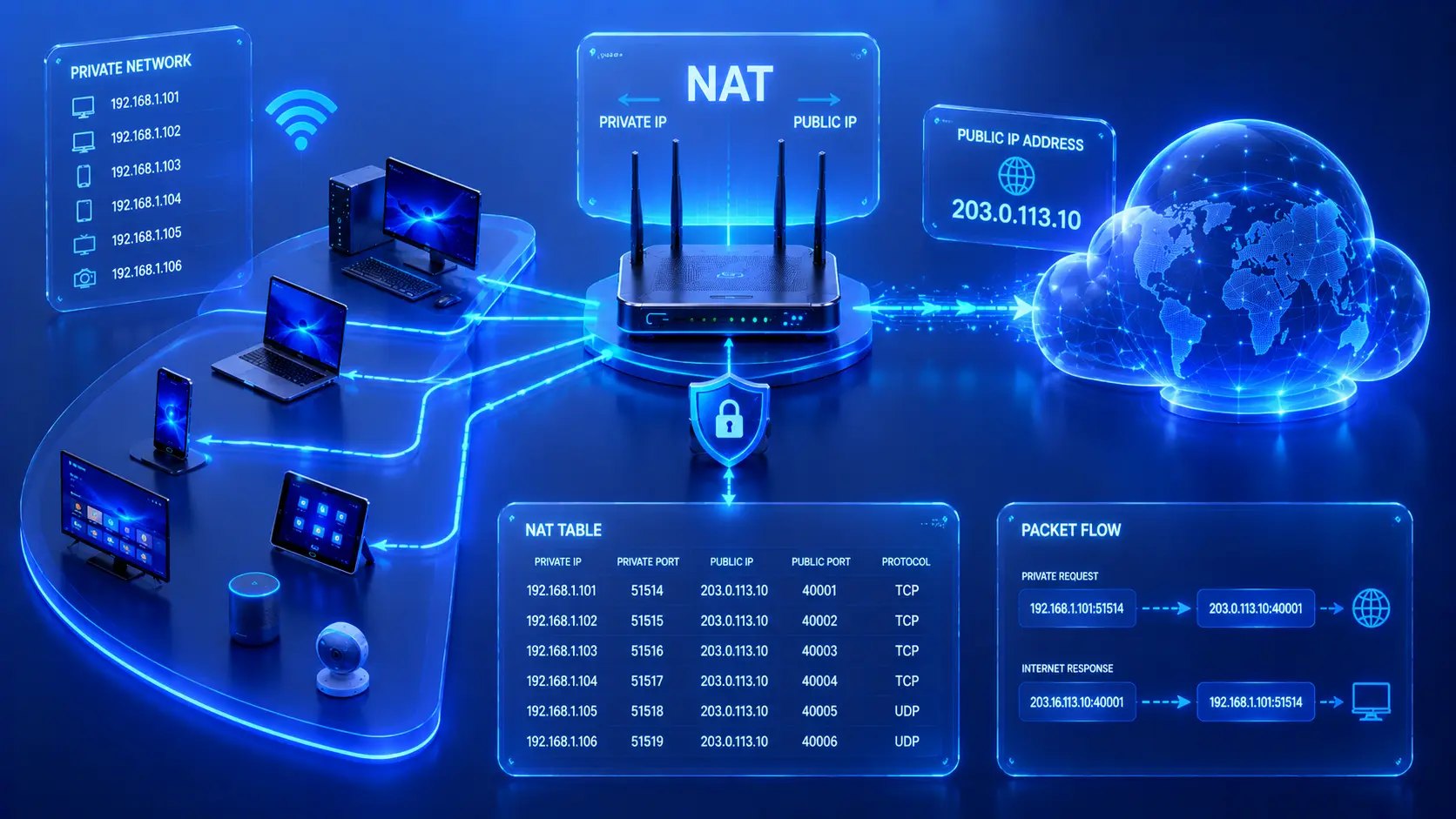
Although each device has its own private address within your home network, your router communicates with the internet using a public IP address assigned by your ISP. To external websites, the communication appears to come from that single public address.
Private IP Addresses
A private IP address is used only within a local network. Homes, offices, and schools commonly assign private IP addresses to connected devices. Unlike public IP addresses, these addresses are not directly accessible from the public internet.
Private addressing makes it possible for many devices to communicate efficiently within the same local network while adding an extra layer of separation from external systems.
Editorial Insight
Most users interact with both public and private IP addresses every day without realizing it. Your devices typically use private addresses to communicate within your home network, while your router uses a public IP address to communicate with the wider internet.
IPv4 and IPv6
As computer networks have expanded, IP addressing has evolved to support the enormous number of connected devices around the world. Today, the two primary versions of the Internet Protocol are IPv4 and IPv6.
IPv4
IPv4 is the most widely recognized version of the Internet Protocol. It uses numerical addresses divided into four groups separated by periods. Common examples include:
- 192.168.1.10
- 10.0.0.25
IPv4 has successfully supported internet communication for decades. However, because the number of available IPv4 addresses is limited, newer technologies have become increasingly important as the number of connected devices continues to grow.
IPv6
IPv6 was developed to provide a much larger address space. Instead of using four decimal groups like IPv4, IPv6 addresses use hexadecimal numbers separated by colons, allowing for vastly more unique device identifiers.
Although IPv6 addresses appear more complex, their purpose remains exactly the same:
- Identify devices.
- Enable communication across networks.
Today, many modern networks support both IPv4 and IPv6 simultaneously, allowing a smooth transition between the two protocols.
Best Practice
When you're first learning networking, don't worry about memorizing IPv6 address formats. Focus on understanding why IPv6 was introduced—to provide a much larger pool of unique IP addresses while maintaining the same fundamental purpose of identifying devices on a network.
Static vs. Dynamic IP Addresses
IP addresses can also be categorized by how they are assigned. Some remain constant, while others may change over time.
Static IP Address
A static IP address remains the same over time. It is commonly used for:
- Servers.
- Network infrastructure.
- Devices that require a consistent address for reliable access.
Because the address does not change, other devices can reliably locate and communicate with these systems whenever needed.
Dynamic IP Address
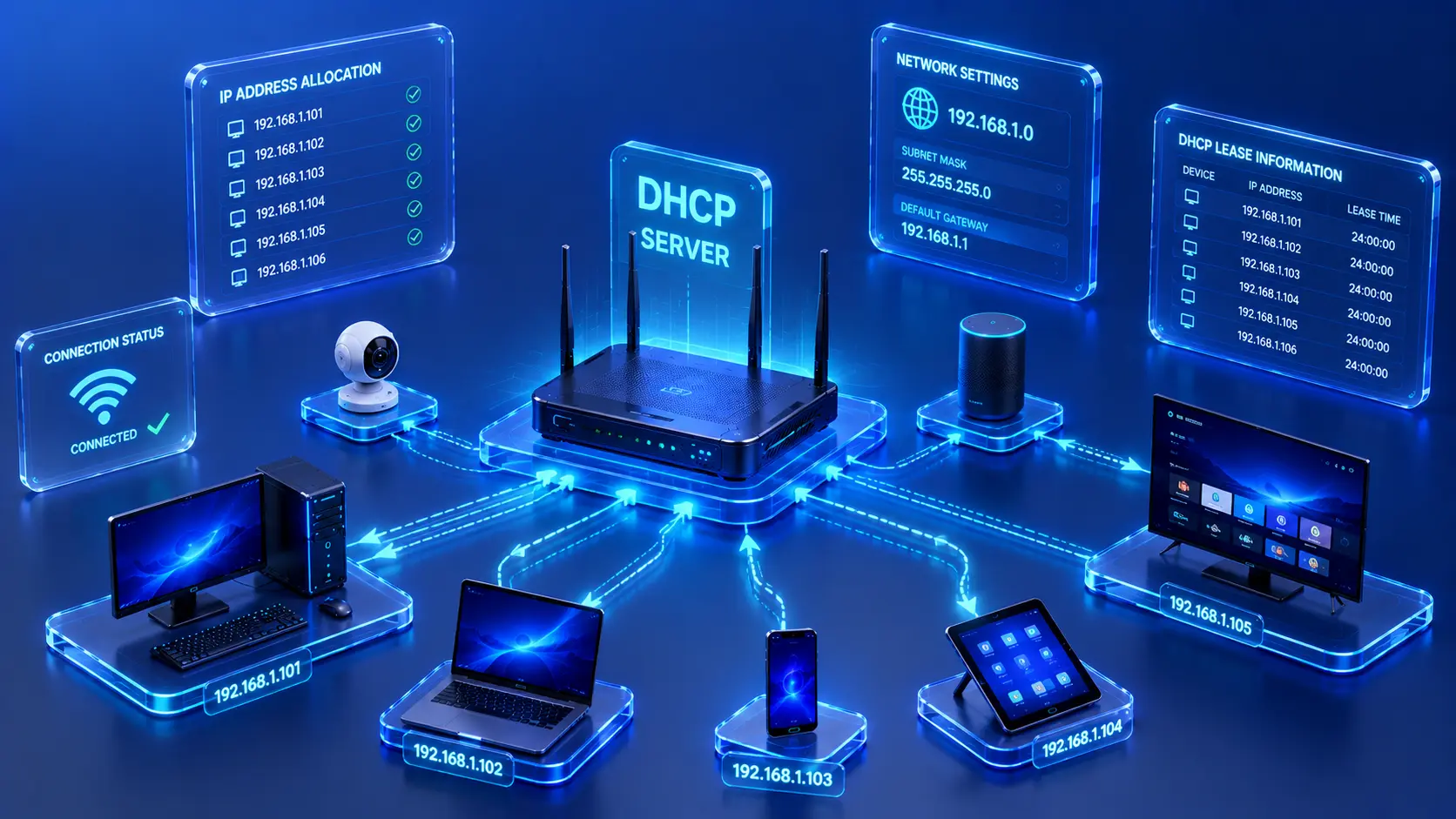
A dynamic IP address is assigned automatically and may change periodically. Most home internet connections and everyday devices use dynamic addressing because it simplifies network management and reduces administrative effort.
Practical Example
When you restart your home router, your internet service provider may assign your connection a different public IP address. This is a common example of dynamic IP addressing and usually happens automatically without requiring any action from the user.
How Routers Use IP Addresses
Routers play a critical role in network communication by using IP addresses to determine where data should be sent. Whenever a device transmits information, the router examines the destination IP address and decides the most appropriate path for forwarding that data. Without IP addresses, routers would have no reliable way to direct network traffic between local networks and the internet.
This routing process happens continuously whenever devices communicate, whether you're accessing a website, downloading a file, or using cloud-based applications. Although users rarely notice it, routers make thousands of forwarding decisions every second to keep network communication running smoothly.
Practical Example
Imagine you're using your laptop to watch a video hosted on a streaming platform.
The process works like this:
- Your laptop sends a request containing its source IP address.
- Your router reads the destination IP address.
- The router forwards the request through the internet.
- The streaming server responds.
- The router delivers the response back to your laptop.
This entire exchange typically happens in just a fraction of a second.
Editorial Insight
Routers don't understand website names such as example.com. Their primary job is to forward data based on IP addresses, ensuring that every packet reaches the correct destination as efficiently as possible.
IP Addresses in Everyday Life
Even users with no technical background rely on IP addressing every day. Nearly every online activity depends on devices being able to identify one another and exchange information across networks.
Common examples include:
- Visiting websites.
- Watching online videos.
- Joining video conferences.
- Sending emails.
- Using cloud storage.
- Playing online games.
- Accessing remote work systems.
- Connecting smart home devices.
Although most people never see IP addresses directly, they operate behind the scenes every time a device communicates over the internet or a local network.
Best Practice
Understanding the role of IP addresses helps you troubleshoot many common networking problems. When a device cannot connect to the internet or communicate with other devices, checking its IP configuration is often one of the first diagnostic steps.
Common Misconceptions About IP Addresses
An IP Address Is Not the Same as a Website
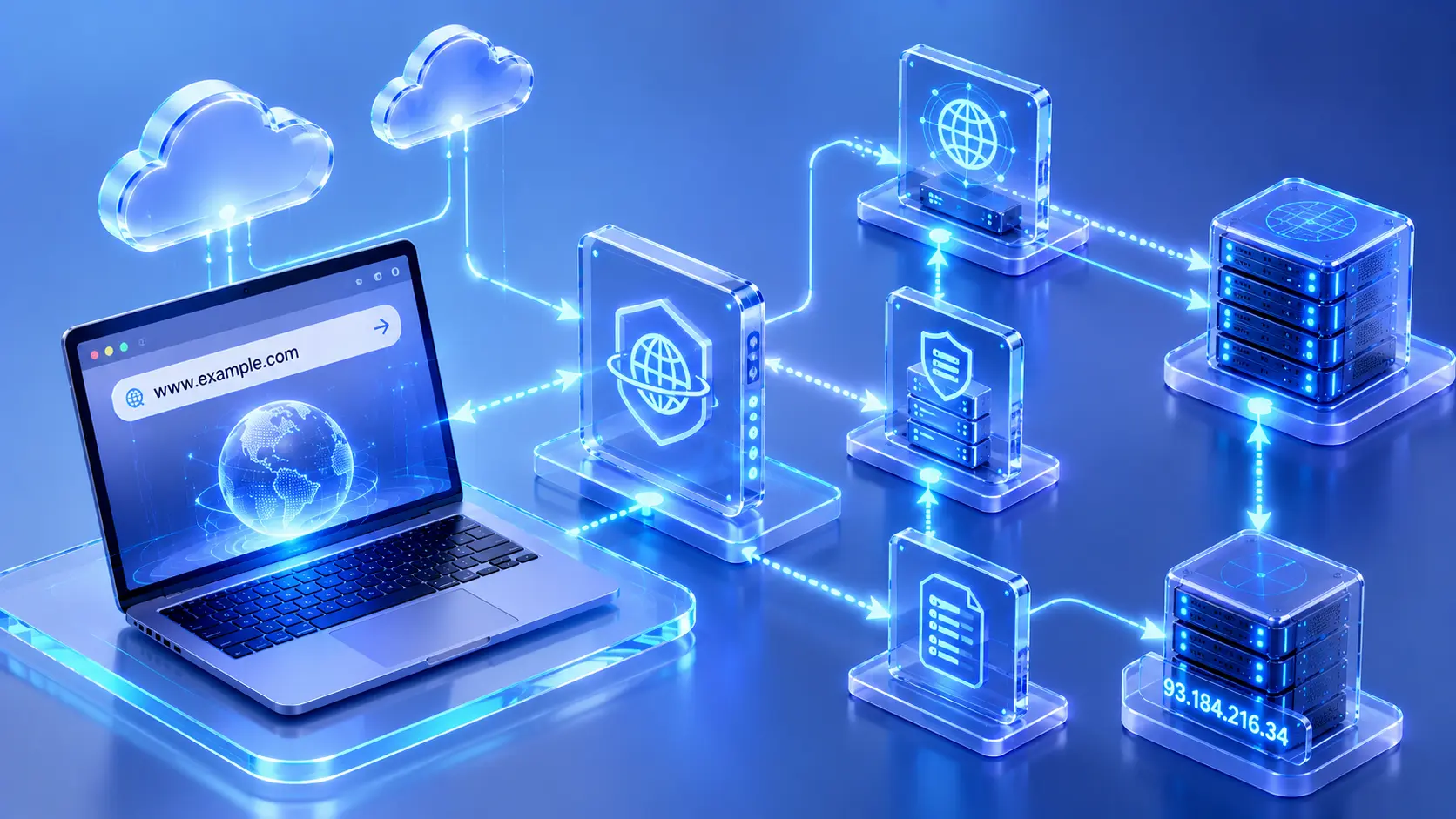
Many people confuse IP addresses with website names. In reality, users typically enter domain names because they are much easier to remember. Behind the scenes, networking systems translate those domain names into IP addresses so devices can locate the correct server.
Every Device Doesn't Always Keep the Same IP Address
Many home devices receive dynamic IP addresses, which may change over time. Only certain systems—such as servers or specialized networking equipment—commonly use permanent static IP addresses because they need a consistent address for reliable communication.
IP Addresses Don't Reveal Everything About a Device
An IP address identifies a device's location on a network for communication purposes. By itself, it does not automatically reveal detailed information about the device, its owner, or the files stored on it.
Editorial Insight
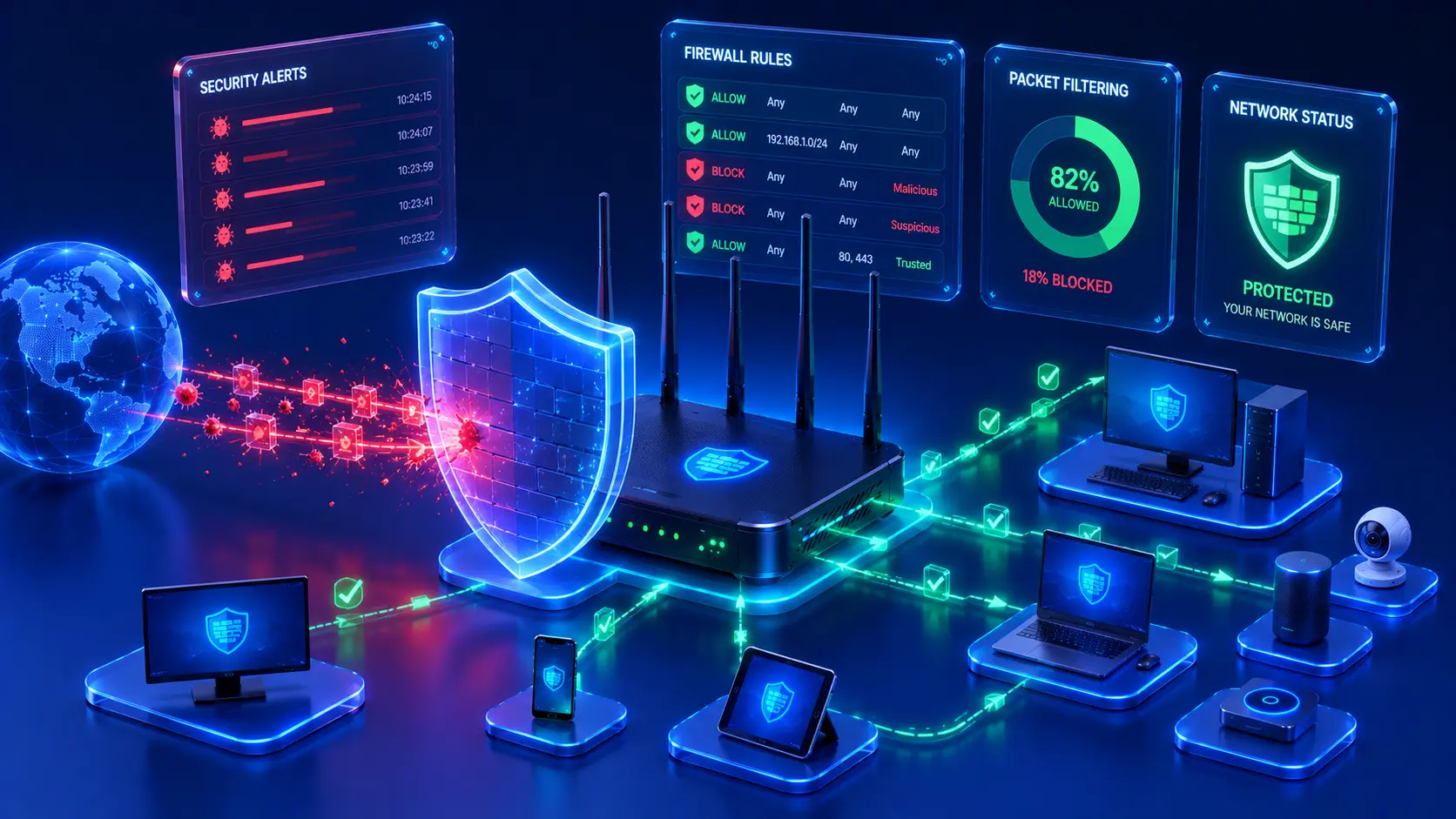
While IP addresses are essential for communication, they are only one part of a much larger networking system. Other technologies—including DNS, routing protocols, firewalls, and network security mechanisms—work alongside IP addressing to enable secure and reliable internet communication.
Frequently Asked Questions
What Is an IP Address in Simple Terms?
An IP address is a unique network identifier that allows devices to send and receive information across local networks and the internet.
Why Does Every Device Need an IP Address?
Without an IP address, a device cannot be uniquely identified on a network, making reliable communication impossible.
What's the Difference Between IPv4 and IPv6?
IPv4 uses a smaller numerical address format, while IPv6 provides a much larger address space using hexadecimal notation to support the continued growth of the internet.
What's the Difference Between a Public and Private IP Address?
A public IP address enables communication over the internet, while a private IP address is used only within a local network such as a home or office.
Does My IP Address Always Stay the Same?
Not necessarily.
Most home internet connections use dynamic IP addresses, which may change periodically. Some servers and business systems, however, use static IP addresses because they require a consistent address for ongoing access.
Conclusion
IP addresses are one of the most fundamental building blocks of computer networking. By uniquely identifying devices and ensuring that data reaches the correct destination, IP addresses make everything from web browsing and cloud computing to video conferencing and online gaming possible.
Although concepts such as IPv4, IPv6, public addresses, private addresses, static addresses, and dynamic addresses may initially seem technical, they all serve the same essential purpose: enabling reliable communication between connected devices. Understanding how IP addressing works provides an excellent foundation for exploring more advanced networking topics and understanding how billions of devices communicate across the modern internet every day.
Final Takeaway
Keep these key concepts in mind when learning about IP addresses:
- Every device on a network requires an IP address to communicate.
- IP addresses uniquely identify devices and ensure data reaches the correct destination.
- Public IP addresses enable internet communication, while private IP addresses are used within local networks.
- IPv4 and IPv6 serve the same purpose, but IPv6 supports a vastly larger number of unique addresses.
- Static IP addresses remain constant, while dynamic IP addresses can change over time.
- Routers rely on IP addresses to forward data efficiently between networks.
A solid understanding of IP addressing is essential for anyone studying networking, cybersecurity, cloud computing, or IT infrastructure, as it forms the foundation for nearly every modern network communication process.