
Home Artificial Intelligence Cloud & DevOps Cybersecurity Hardware Programming Software
About Contact
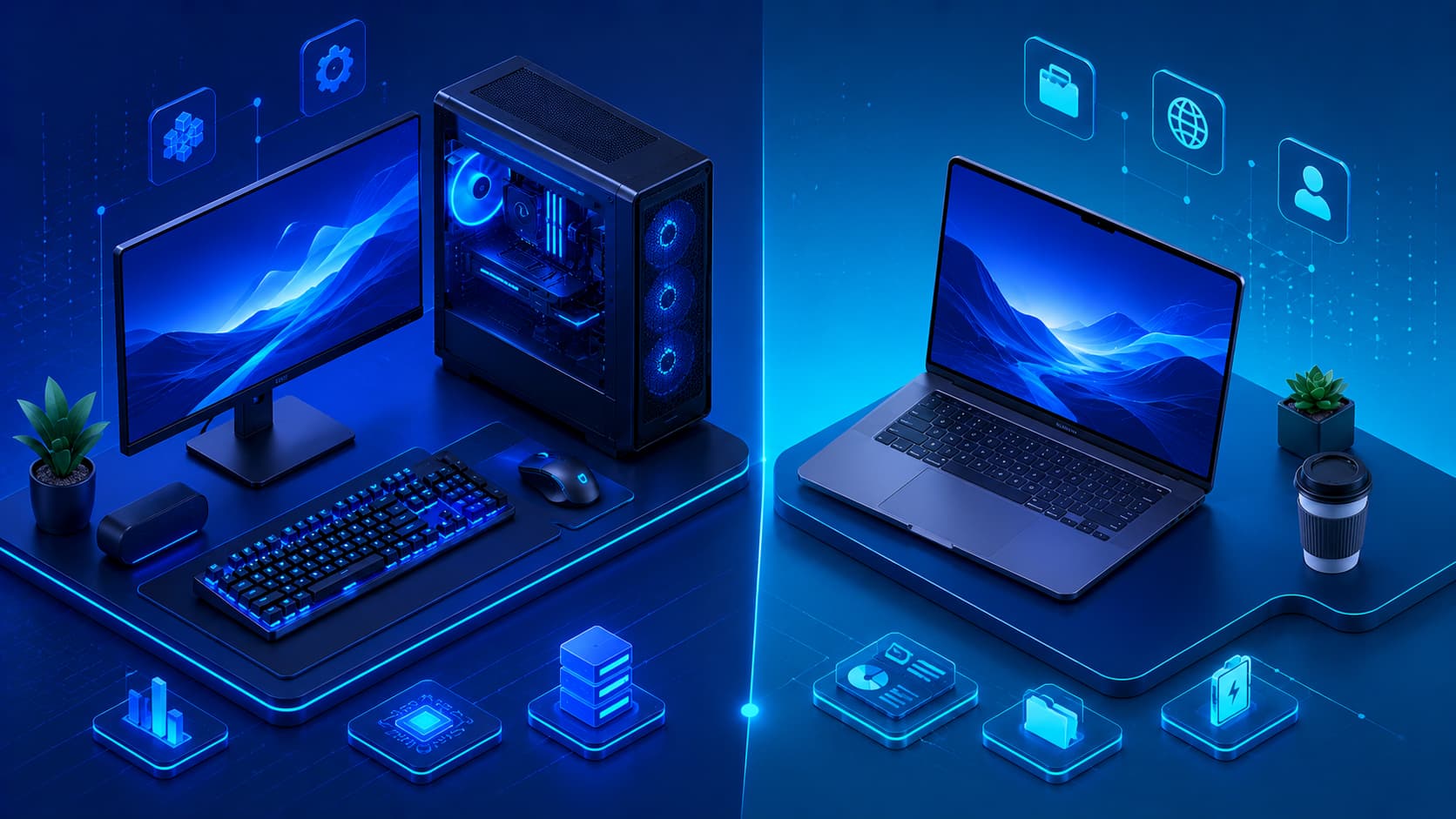
Illustration showing the main hardware components of a modern computer.
Hardware

What Is Computer Hardware? A Beginner's Guide

Computer hardware includes the physical components that make digital devices function. From processors and memory to storage devices and peripherals, hardware provides the foundation that allows software to run and users to interact with technology.

Illustration showing software powering computers, mobile devices, and digital services.
Software

What Is Software? A Beginner's Guide

Illustration showing a programmer writing code to build modern software applications.
Programming

What Is Programming? A Beginner's Guide

Latest Articles

Illustration showing RAM modules installed on a computer motherboard.
Hardware

What Is RAM? A Beginner's Guide

Random Access Memory (RAM) temporarily stores the data and instructions that a computer is actively using. By providing fast access to information, RAM plays a critical role in application performance and multitasking.

Illustration showing a computer CPU installed on a motherboard.
Hardware

What Is a CPU? A Beginner's Guide

The Central Processing Unit (CPU) is often called the brain of the computer because it processes instructions, performs calculations, and coordinates nearly every operation performed by modern hardware and software.

Illustration comparing computer input devices and output devices.
Hardware

Input Devices vs Output Devices: What's the Difference?

Input devices allow users to send information to a computer, while output devices present processed information back to users. Understanding how these devices work together is essential for learning the fundamentals of computer hardware.

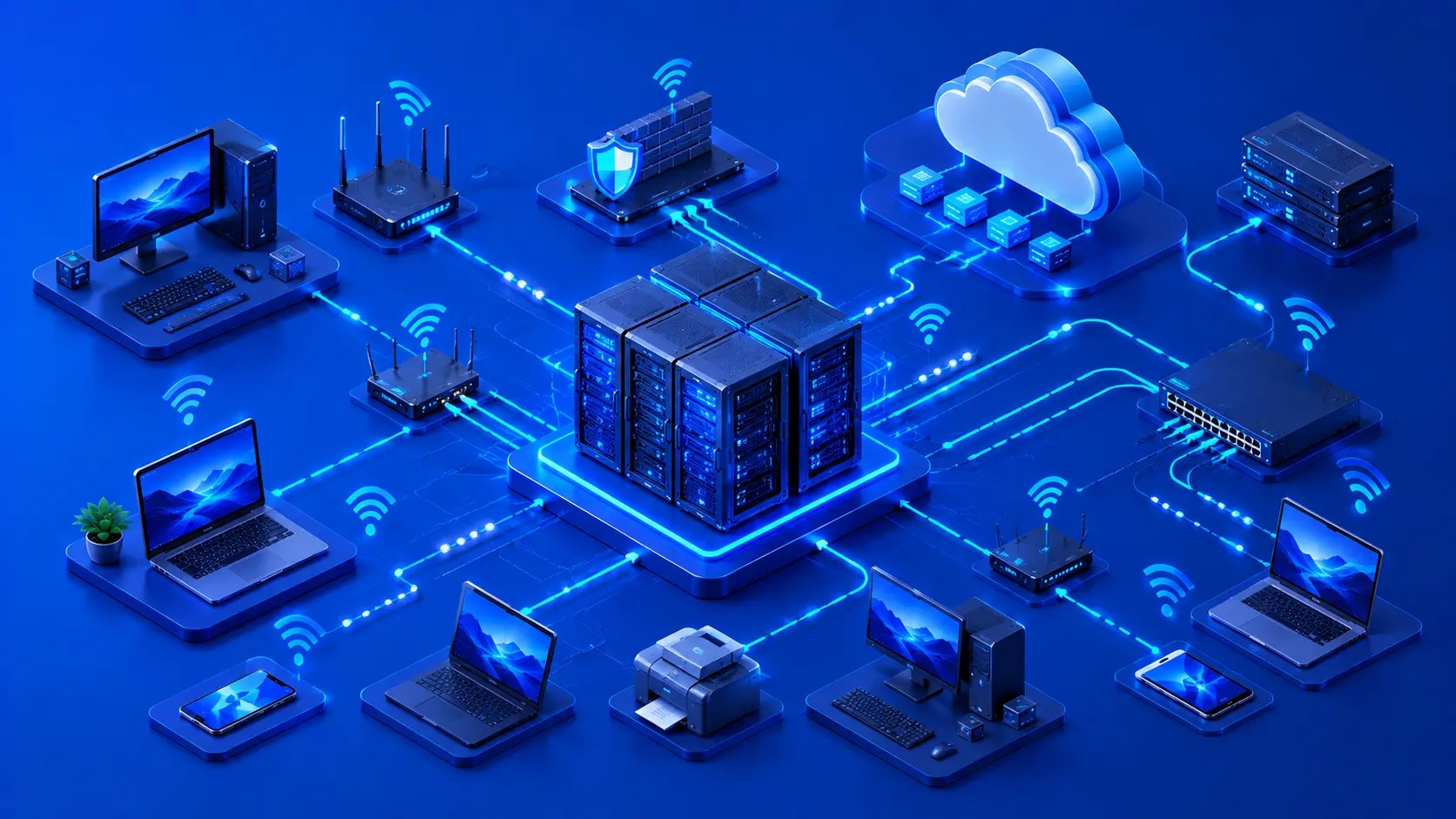
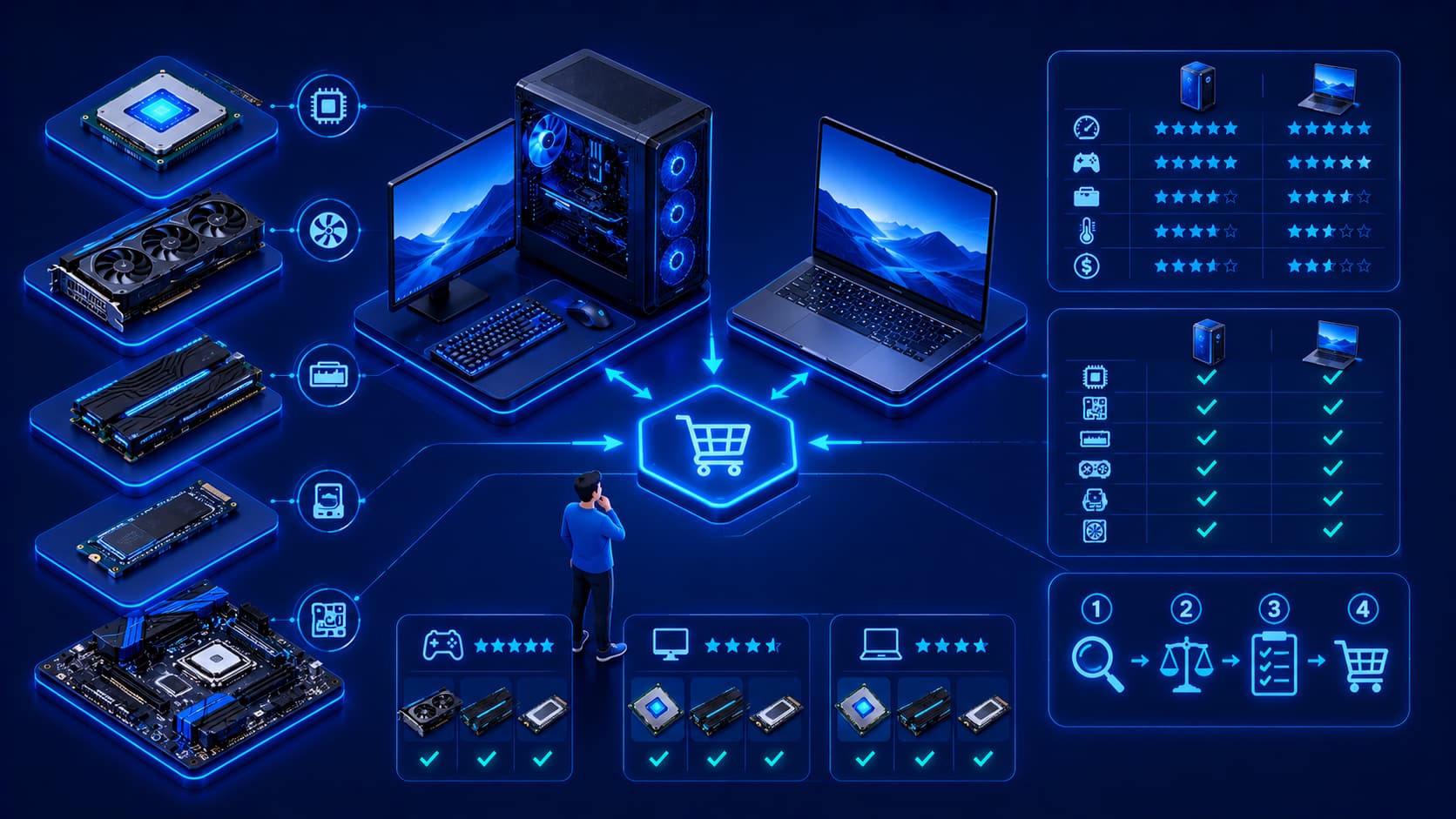
Illustration showing how to evaluate and choose the right software for different needs.
Software

How to Choose the Right Software for Your Needs

Choosing software involves more than comparing features or prices. Understanding compatibility, security, usability, support, and long-term value helps individuals and organizations select software that meets their needs both today and in the future.

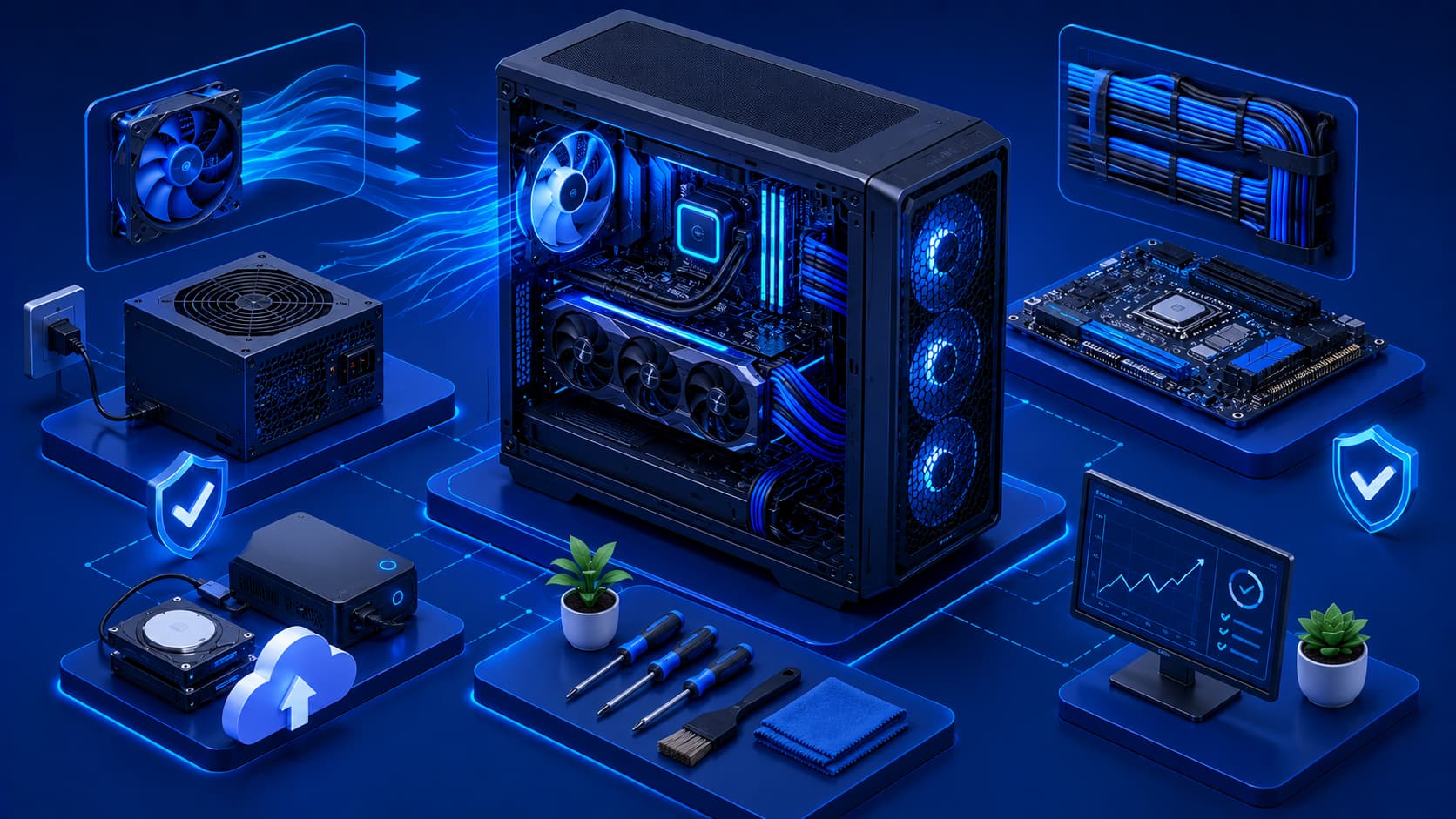
Illustration showing best practices for using software safely and efficiently.
Software

Software Best Practices Every User Should Follow

Using software effectively involves more than installing applications. By following proven best practices for updates, security, backups, organization, and maintenance, users can improve performance, protect their data, and extend the life of their devices.

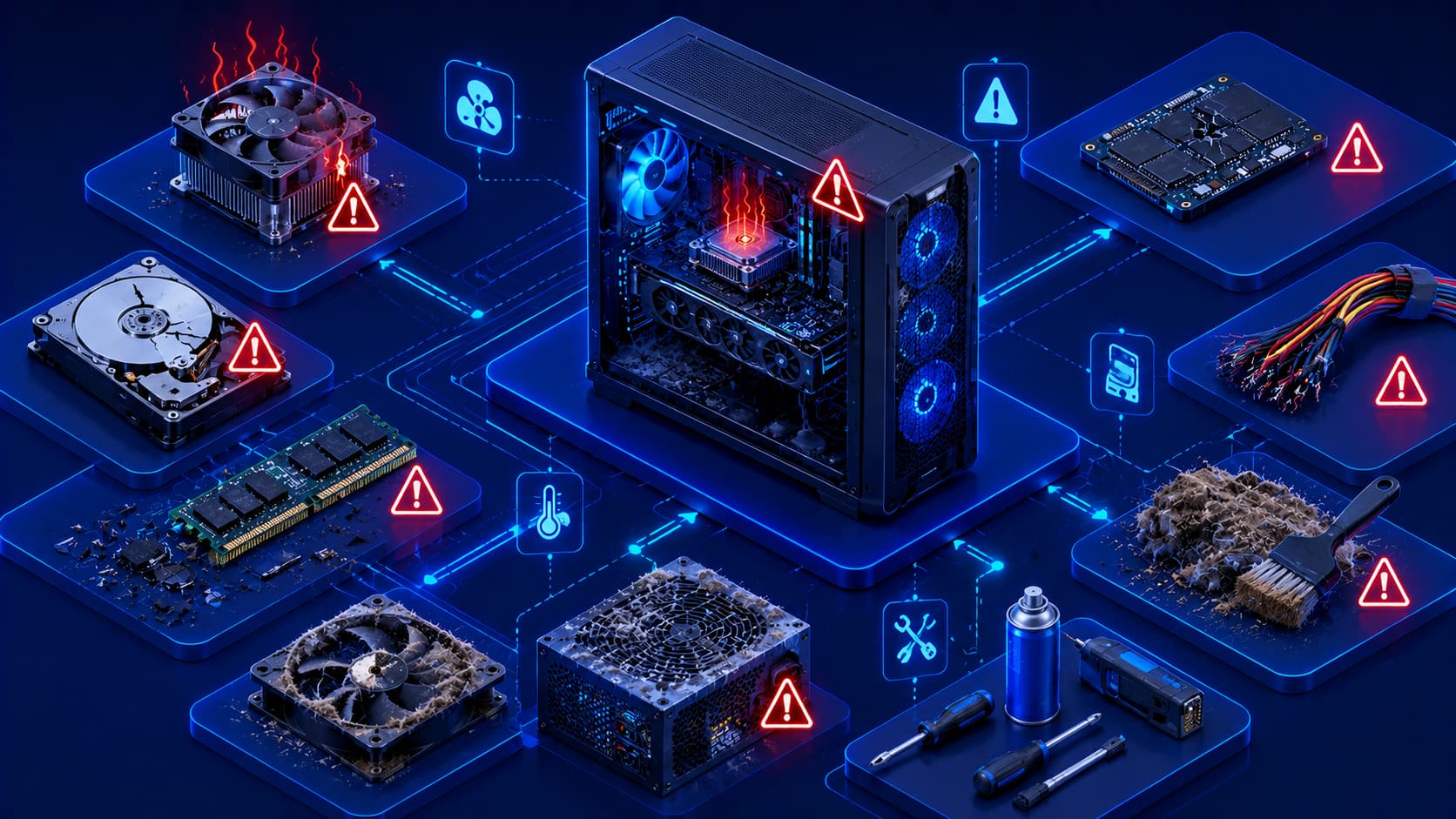
Illustration showing common software mistakes affecting performance and security.
Software

10 Common Software Mistakes Users Make

Many software problems are caused by everyday user habits rather than software defects. Learning to avoid common mistakes can improve performance, enhance security, and help your devices remain reliable over time.

Trending This Week

Stay Updated With AI & Technology

Get the latest articles and industry trends.